Built for beauty and speed.
Cross-platform MIT-licensed Desktop GUI framework for C, C++, Python and Rust, using the Mozilla WebRender rendering engine
v0.2.0
2026-08-20
Hello, World.
Goodbye, JavaScript.
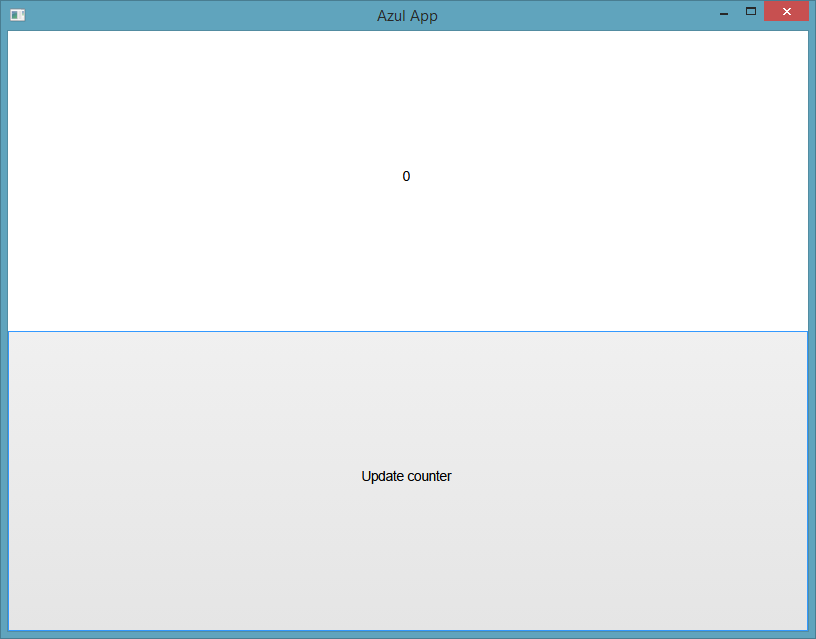
No Chromium. No V8. No 200MB runtime. Just a 15MB DLL and GPU-accelerated rendering via WebRender. Your app state lives in YOUR code - Azul just renders it. Unlike React, you control exactly when the UI refreshes. Write once in Rust, C, C++ or Python. Style with real CSS. Ship a single binary that starts instantly.
from azul import *


class DataModel:
    def __init__(self, counter):
        self.counter = counter


def layout(data, info):
    label = (Dom.create_div()
             .with_child(Dom.create_p_with_text(str(data.counter)))
             .with_css("font-size: 32px;"))

    button = (Button.create("Increase counter")
              .with_on_click(data, on_click)
              .dom()
              .with_css("flex-grow: 1;"))

    return (Dom.create_body()
            .with_child(label)
            .with_child(button))


def on_click(data, info):
    data.counter += 1
    return Update.RefreshDom


if __name__ == "__main__":
    model = DataModel(5)
    window = WindowCreateOptions.create(layout)
    app = App.create(model, AppConfig.create())
    app.run(window)
Massive Widget
library
Buttons, inputs, dropdowns, tabs, color pickers, progress bars - all GPU-rendered and fully styleable via CSS. No DOM/JS bridge overhead. Callbacks are direct function pointers to your native code. Compose widgets freely - no prop drilling, no state lifting. Your architecture, your rules.
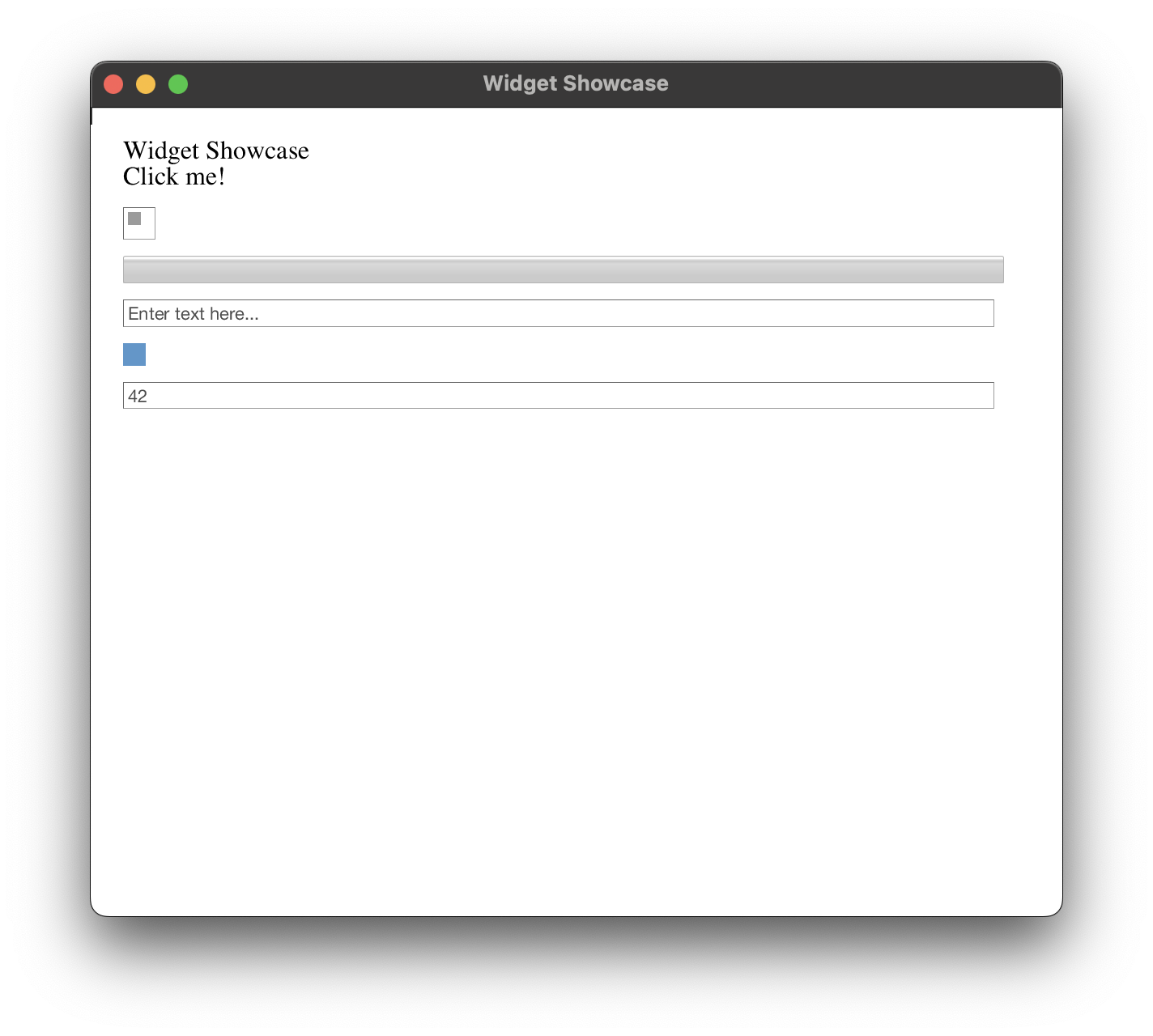
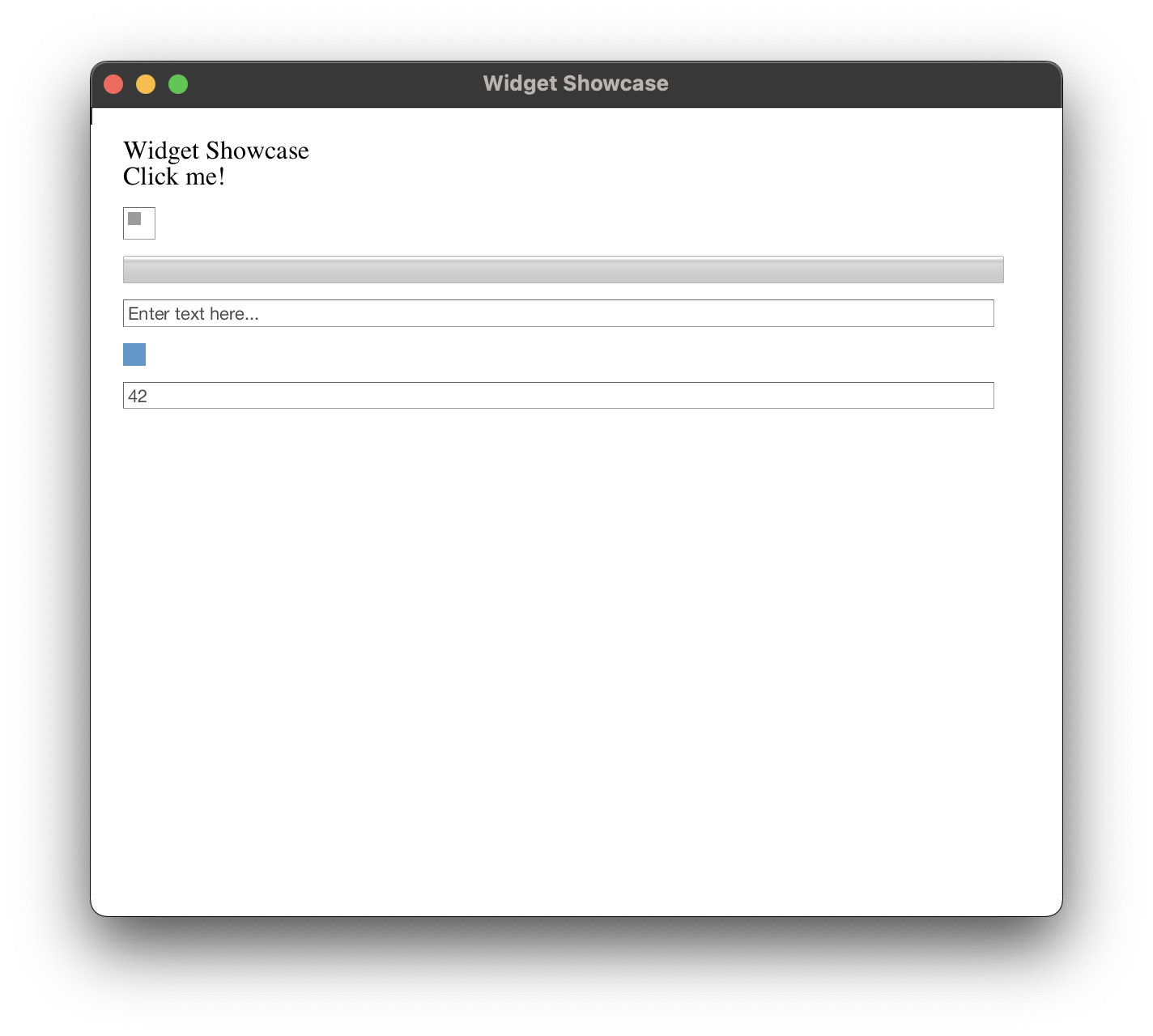
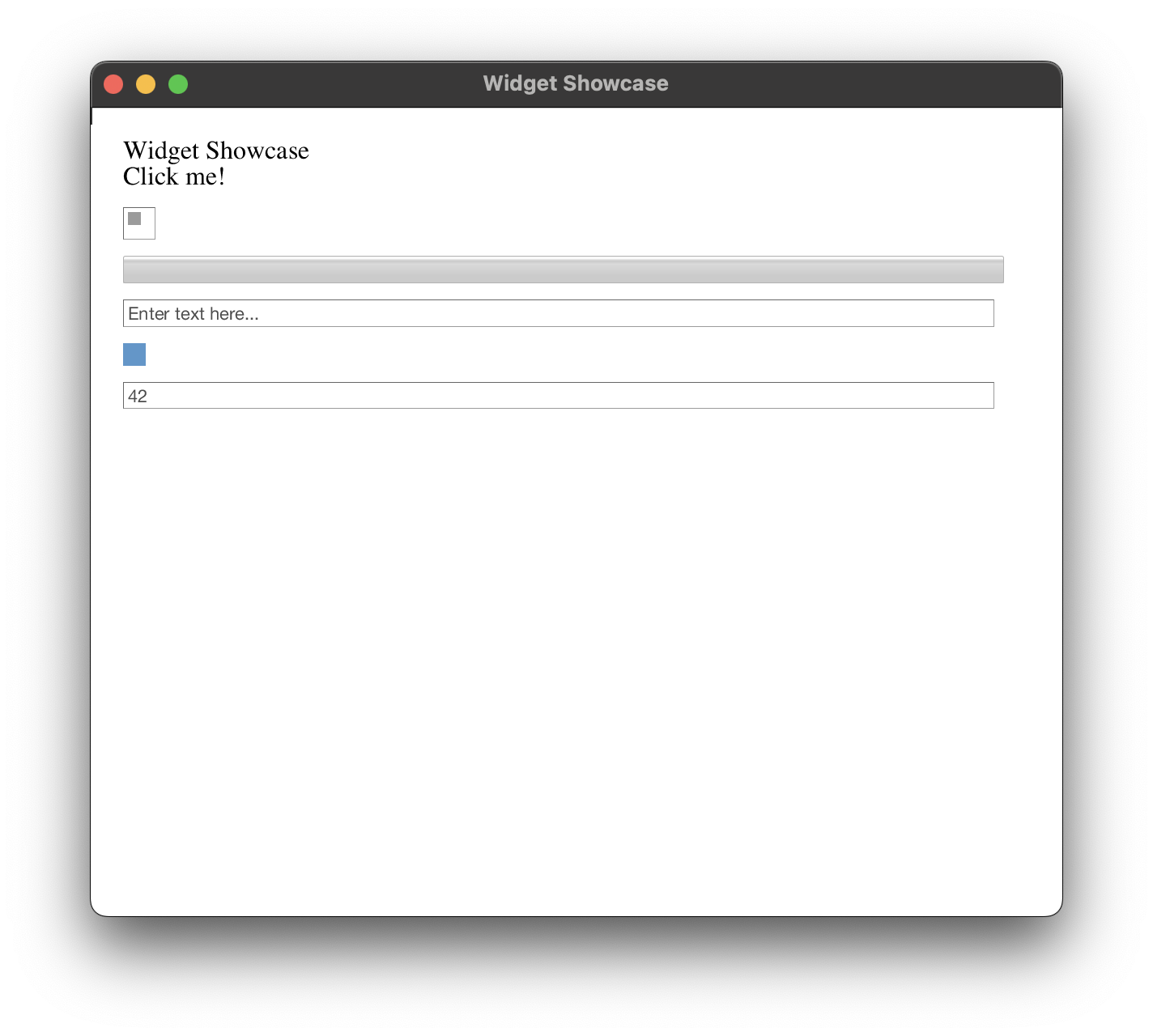
from azul import *


class WidgetShowcase:
    def __init__(self):
        self.enable_padding = True
        self.active_tab = 0
        self.progress_value = 25.0
        self.checkbox_checked = False
        self.text_input = ""


CLICK = EventFilter.Hover(HoverEventFilter.MouseUp)


def small(icon, label):
    return RibbonItem.SmallButton(RibbonButton.new(icon, label))


def menu(icon, label):
    return RibbonItem.SmallButton(RibbonButton.new(icon, label).with_arrow(RibbonArrow.Menu))


def large(icon, label, arrow):
    return RibbonItem.LargeButton(RibbonButton.new(icon, label).with_arrow(arrow))


def stack(items, container):
    for item in items:
        container = container.with_item(item)
    return container


def home_tab():
    clipboard = (RibbonGroup.new("Clipboard")
                 .with_item(large("content_paste", "Paste", RibbonArrow.Split))
                 .with_item(RibbonItem.Column(stack([
                     small("content_cut", "Cut"),
                     small("content_copy", "Copy"),
                     small("format_paint", "Format Painter"),
                 ], RibbonColumn.new()))))

    font_top = RibbonItem.Row(stack([
        small("text_increase", ""),
        small("text_decrease", ""),
        menu("text_fields", ""),
        small("format_clear", ""),
    ], RibbonRow.new()))
    font_bottom = RibbonItem.Row(stack([
        small("format_bold", ""),
        small("format_italic", ""),
        small("format_underlined", ""),
        small("strikethrough_s", ""),
        RibbonItem.Separator(),
        menu("format_color_text", ""),
    ], RibbonRow.new()))
    font = RibbonGroup.new("Font").with_item(
        RibbonItem.Column(stack([font_top, font_bottom], RibbonColumn.new())))

    para_top = RibbonItem.Row(stack([
        menu("format_list_bulleted", ""),
        menu("format_list_numbered", ""),
        RibbonItem.Separator(),
        small("format_indent_decrease", ""),
        small("format_indent_increase", ""),
    ], RibbonRow.new()))
    para_bottom = RibbonItem.Row(stack([
        small("format_align_left", ""),
        small("format_align_center", ""),
        small("format_align_right", ""),
        RibbonItem.Separator(),
        menu("format_line_spacing", ""),
    ], RibbonRow.new()))
    paragraph = RibbonGroup.new("Paragraph").with_item(
        RibbonItem.Column(stack([para_top, para_bottom], RibbonColumn.new())))

    editing = RibbonGroup.new("Editing").with_item(RibbonItem.Column(stack([
        menu("search", "Find"),
        small("find_replace", "Replace"),
        menu("highlight_alt", "Select"),
    ], RibbonColumn.new())))

    return (RibbonTab.new("HOME")
            .with_group(clipboard)
            .with_group(font)
            .with_group(paragraph)
            .with_group(editing))


def ribbon(data):
    return (Ribbon.new(RibbonTabVec.from_item(home_tab()))
            .with_app_button(RibbonAppButton.new("FILE"))
            .with_active_tab(data.active_tab)
            .dom())


def layout(data, info):
    button = (Dom.create_div()
              .with_css("margin-bottom:10px;padding:10px;background:#4CAF50;"
                        "color:white;cursor:pointer;")
              .with_child(Dom.create_p_with_text("Click me!"))
              .with_callback(CLICK, data, on_button_click))

    checkbox = (CheckBox.create(data.checkbox_checked)
                .with_on_toggle(data, on_checkbox_toggle)
                .dom()
                .with_css("margin-bottom:10px;"))

    progress = (ProgressBar.create(data.progress_value)
                .dom()
                .with_css("margin-bottom:10px;"))

    text_input = (TextInput.create()
                  .with_placeholder("Enter text here...")
                  .dom()
                  .with_css("margin-bottom:10px;"))

    color_input = (ColorInput.create(ColorU(100, 150, 200, 255))
                   .dom()
                   .with_css("margin-bottom:10px;"))

    number_input = (NumberInput.create(42.0)
                    .dom()
                    .with_css("margin-bottom:10px;"))

    content = (Dom.create_div()
               .with_css("flex-grow:1;overflow:auto;padding:20px;background:white;")
               .with_child(button)
               .with_child(checkbox)
               .with_child(progress)
               .with_child(text_input)
               .with_child(color_input)
               .with_child(number_input))

    return (Dom.create_body()
            .with_css("display:flex;flex-direction:column;height:100%;margin:0;padding:0;"
                      "font-family:sans-serif;")
            .with_child(ribbon(data))
            .with_child(content))


def on_button_click(data, info):
    data.progress_value += 10.0
    if data.progress_value > 100.0:
        data.progress_value = 0.0
    return Update.RefreshDom


def on_checkbox_toggle(data, info, state):
    data.checkbox_checked = state.checked
    return Update.RefreshDom


model = WidgetShowcase()
window = WindowCreateOptions.create(layout)
app = App.create(model, AppConfig.create())
app.run(window)
OpenGL
Integration
Embed raw OpenGL directly in your UI - no WebGL abstraction, no canvas hacks. Render 3D scenes, CAD models, or data visualizations right next to native widgets. Perfect for scientific apps, GIS or CAD.
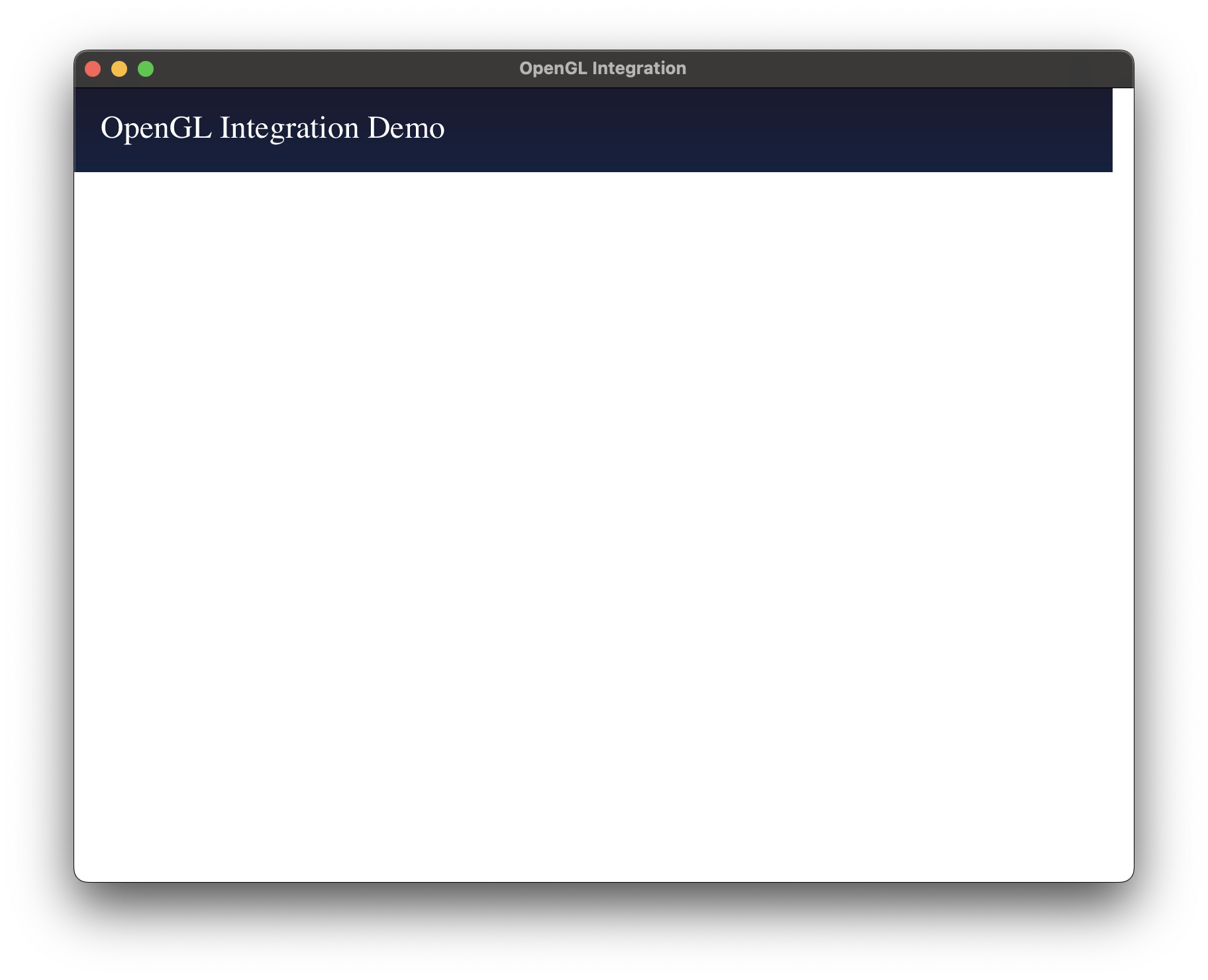

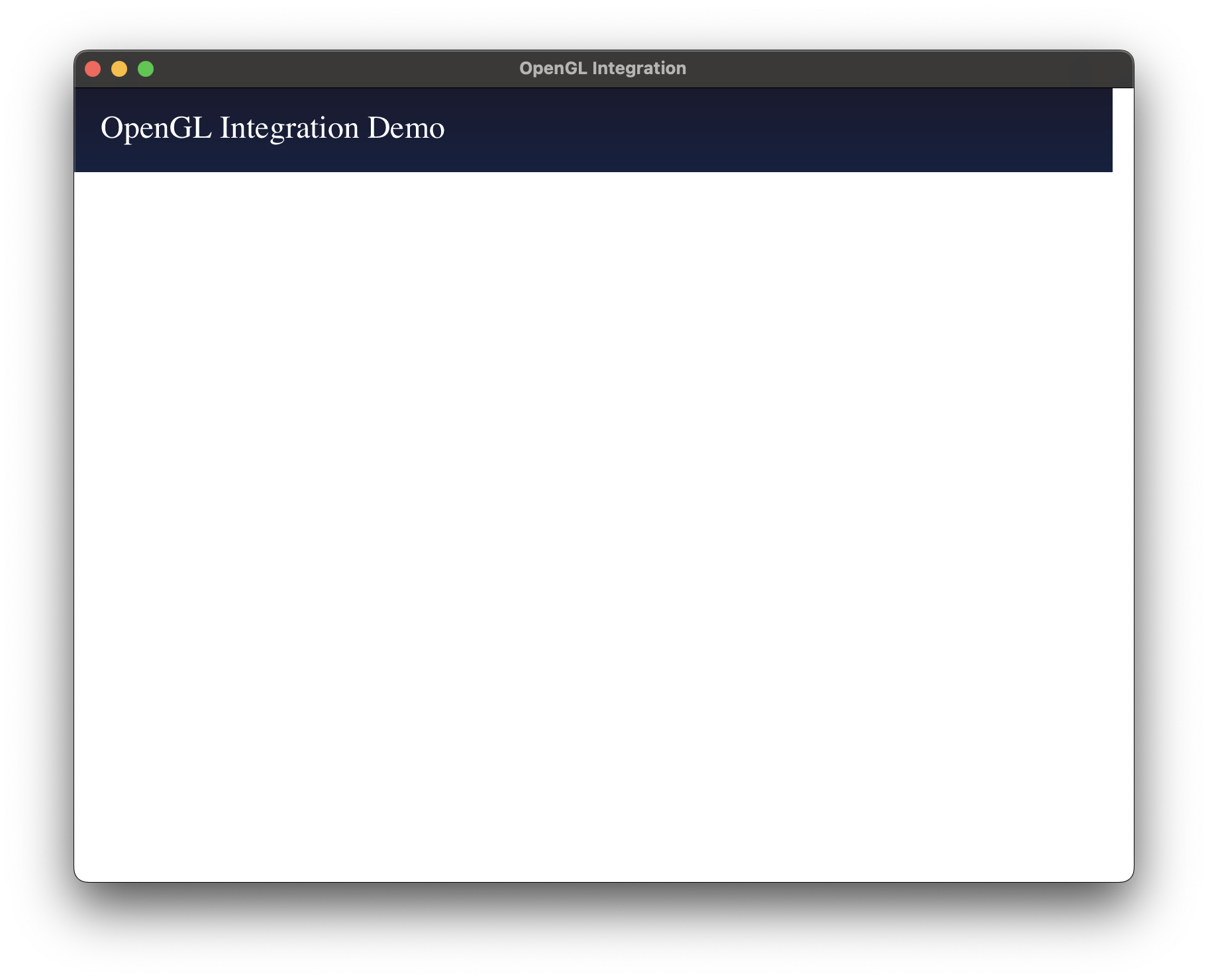
from azul import *

CLICK = EventFilter.Hover(HoverEventFilter.MouseUp)


class OpenGlState:
    def __init__(self):
        self.rotation_deg = 0.0
        self.step_deg = 15.0


def button(text, data, callback):
    return (Dom.create_div()
            .with_css("padding:6px 14px;margin-right:8px;background:#2d3f5e;color:white;"
                      "border:1px solid #4a6a9e;font-size:12px;cursor:pointer;")
            .with_child(Dom.create_p_with_text(text))
            .with_callback(CLICK, data, callback))


def on_rotate(data, info):
    data.rotation_deg = (data.rotation_deg + data.step_deg) % 360.0
    return Update.RefreshDom


def on_faster(data, info):
    data.step_deg = min(90.0, data.step_deg + 5.0)
    return Update.RefreshDom


def on_slower(data, info):
    data.step_deg = max(5.0, data.step_deg - 5.0)
    return Update.RefreshDom


def layout(data, info):
    title = (Dom.create_div()
             .with_css("color:white;font-size:22px;margin-bottom:16px;")
             .with_child(Dom.create_p_with_text(
                 "OpenGL Integration Demo")))

    quad = (Dom.create_div()
            .with_css("width:160px;height:160px;background:#39c0ed;border-radius:12px;"
                      "box-shadow:0px 0px 24px rgba(0,0,0,0.6);"
                      "transform:rotate(%.0fdeg);" % data.rotation_deg))

    stage = (Dom.create_div()
             .with_css("flex-grow:1;min-height:280px;border-radius:10px;background:#222222;"
                       "display:flex;align-items:center;justify-content:center;"
                       "margin-bottom:16px;")
             .with_child(quad))

    controls = (Dom.create_div()
                .with_css("display:flex;flex-direction:row;align-items:center;")
                .with_child(button("Rotate", data, on_rotate))
                .with_child(button("Faster", data, on_faster))
                .with_child(button("Slower", data, on_slower))
                .with_child(Dom.create_div()
                            .with_css("color:#9fb0c4;font-size:12px;")
                            .with_child(Dom.create_p_with_text(
                                "%.0f deg   step %.0f deg" % (data.rotation_deg, data.step_deg)))))

    return (Dom.create_body()
            .with_css("display:flex;flex-direction:column;height:100%;padding:20px;"
                      "background:#16213e;font-family:sans-serif;")
            .with_child(title)
            .with_child(stage)
            .with_child(controls))


state = OpenGlState()
window = WindowCreateOptions.create(layout)
app = App.create(state, AppConfig.create())
app.run(window)
Infinite
Scrolling
Display 10 million rows at 60 FPS. VirtualViewCallbacks render only what's visible on screen. Lazy-load images, SVGs, and complex content as users scroll - zero upfront memory cost. Perfect for IDE file trees, database viewers, and infinite feeds, ...
from azul import *

TOTAL_ROWS = 1000000
ROW_HEIGHT = 22.0
VISIBLE_ROWS = 60

COL_LABELS = ["A", "B", "C", "D", "E", "F", "G", "H", "I", "J", "K", "L"]
COL_TITLES = ["Order", "Product", "Region", "Qty", "Unit", "Net",
              "Tax", "Total", "Q1", "Q2", "Q3", "Q4"]
PRODUCTS = ["Widget", "Gasket", "Flange", "Bearing",
            "Bracket", "Spindle", "Coupler", "Sleeve"]
REGIONS = ["North", "South", "East", "West", "Central"]

COL_WIDTH = 92
ROW_HEAD_WIDTH = 52

SCROLL = EventFilter.Hover(HoverEventFilter.Scroll)
CLICK = EventFilter.Hover(HoverEventFilter.MouseUp)
PAGE = 25


class SheetState:
    def __init__(self):
        self.total_rows = TOTAL_ROWS
        self.first_row = 0


def hash2(row, col):
    h = (row * 2654435761 ^ col * 40503) & 0xFFFFFFFF
    h ^= h >> 13
    h = (h * 1274126177) & 0xFFFFFFFF
    return h ^ (h >> 16)


def cell_text(row, col):
    h = hash2(row, col)
    if col == 0:
        return "SO-%06d" % (100000 + row)
    if col == 1:
        return PRODUCTS[h % len(PRODUCTS)]
    if col == 2:
        return REGIONS[h % len(REGIONS)]
    if col == 3:
        return str(h % 90 + 10)
    return "%d.%02d" % (h % 900 + 10, h % 100)


def cell(text, css):
    return (Dom.create_div()
            .with_css(css)
            .with_child(Dom.create_p_with_text(text)))


def column_header():
    header = (Dom.create_div()
              .with_css("display:flex;flex-direction:row;background:#dfe3ea;"
                        "border-bottom:1px solid #9aa2ae;"))
    header = header.with_child(cell("", (
        "width:%dpx;min-width:%dpx;height:24px;line-height:24px;"
        "border-right:1px solid #9aa2ae;background:#d3d8e0;" % (ROW_HEAD_WIDTH, ROW_HEAD_WIDTH))))
    for label, title in zip(COL_LABELS, COL_TITLES):
        header = header.with_child(cell("%s   %s" % (label, title), (
            "width:%dpx;min-width:%dpx;height:24px;line-height:24px;padding-left:6px;"
            "font-size:11px;font-weight:bold;color:#33404f;overflow:hidden;"
            "border-right:1px solid #9aa2ae;" % (COL_WIDTH, COL_WIDTH))))
    return header


def sheet_rows(data):
    grid = Dom.create_div()
    end = min(data.first_row + VISIBLE_ROWS, data.total_rows)
    for row_idx in range(data.first_row, end):
        band = "#ffffff" if row_idx % 2 == 0 else "#f6f8fb"
        row = Dom.create_div().with_css(
            "display:flex;flex-direction:row;height:%dpx;background:%s;" % (ROW_HEIGHT, band))
        row = row.with_child(cell(str(row_idx + 1), (
            "width:%dpx;min-width:%dpx;height:%dpx;line-height:%dpx;text-align:center;"
            "font-size:11px;color:#444444;background:#eceff4;"
            "border-right:1px solid #b6bcc6;border-bottom:1px solid #d7dbe2;"
            % (ROW_HEAD_WIDTH, ROW_HEAD_WIDTH, ROW_HEIGHT, ROW_HEIGHT))))
        for col in range(len(COL_LABELS)):
            align = "right" if col >= 3 else "left"
            row = row.with_child(cell(cell_text(row_idx, col), (
                "width:%dpx;min-width:%dpx;height:%dpx;line-height:%dpx;padding-left:6px;"
                "padding-right:6px;font-size:12px;color:#1f2933;text-align:%s;overflow:hidden;"
                "border-right:1px solid #d7dbe2;border-bottom:1px solid #d7dbe2;"
                % (COL_WIDTH, COL_WIDTH, ROW_HEIGHT, ROW_HEIGHT, align))))
        grid = grid.with_child(row)
    return grid


def scroll_by(data, rows):
    new_first = max(0, min(data.total_rows - VISIBLE_ROWS, data.first_row + rows))
    if new_first == data.first_row:
        return Update.DoNothing
    data.first_row = new_first
    return Update.RefreshDom


def on_scroll(data, info):
    return scroll_by(data, PAGE)


def on_page_down(data, info):
    return scroll_by(data, PAGE)


def on_page_up(data, info):
    return scroll_by(data, -PAGE)


def pager_button(text, data, callback):
    return (Dom.create_div()
            .with_css("padding:2px 10px;margin-right:6px;background:#ffffff;color:#33404f;"
                      "border:1px solid #b6bcc6;font-size:11px;cursor:pointer;")
            .with_child(Dom.create_p_with_text(text))
            .with_callback(CLICK, data, callback))


def layout(data, info):
    title = (Dom.create_div()
             .with_css("padding:8px 12px;background:#217346;color:white;"
                       "font-size:13px;font-weight:bold;")
             .with_child(Dom.create_p_with_text(
                 "Sheet1  -  %d rows x %d columns" % (data.total_rows, len(COL_LABELS)))))

    viewport = (Dom.create_div()
                .with_css("flex-grow:1;overflow-y:auto;overflow-x:hidden;background:#ffffff;")
                .with_callback(SCROLL, data, on_scroll)
                .with_child(sheet_rows(data)))

    status = (Dom.create_div()
              .with_css("display:flex;flex-direction:row;align-items:center;padding:4px 12px;"
                        "background:#f1f3f6;border-top:1px solid #c9ced6;color:#55606e;"
                        "font-size:11px;")
              .with_child(pager_button("Prev", data, on_page_up))
              .with_child(pager_button("Next", data, on_page_down))
              .with_child(Dom.create_p_with_text(
                  "rows %d - %d of %d" % (data.first_row + 1,
                                          data.first_row + VISIBLE_ROWS,
                                          data.total_rows))))

    return (Dom.create_body()
            .with_css("display:flex;flex-direction:column;height:100%;margin:0;padding:0;"
                      "font-family:sans-serif;background:#ffffff;")
            .with_child(title)
            .with_child(column_header())
            .with_child(viewport)
            .with_child(status))


state = SheetState()
window = WindowCreateOptions.create(layout)
app = App.create(state, AppConfig.create())
app.run(window)
True Native
Multithreading
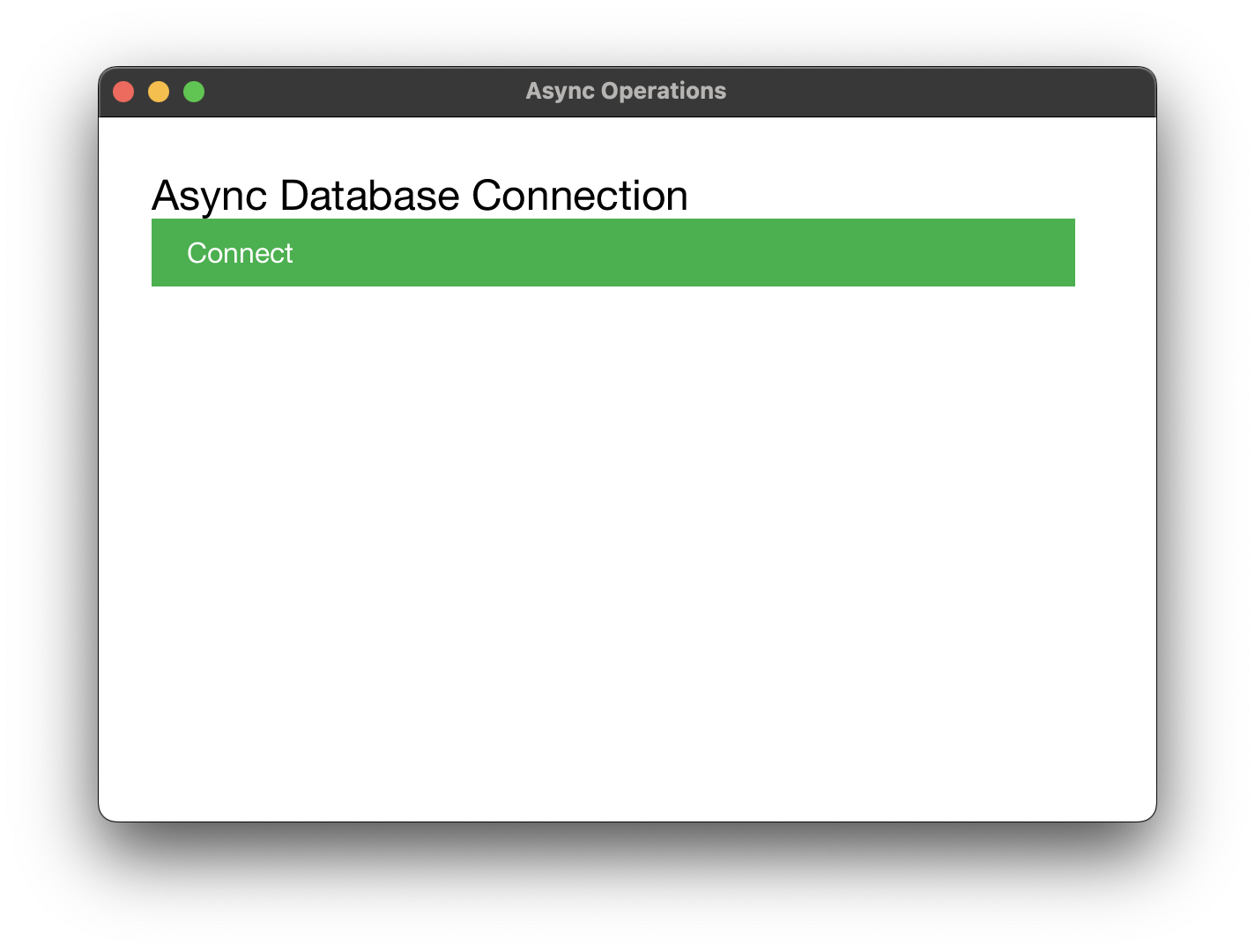
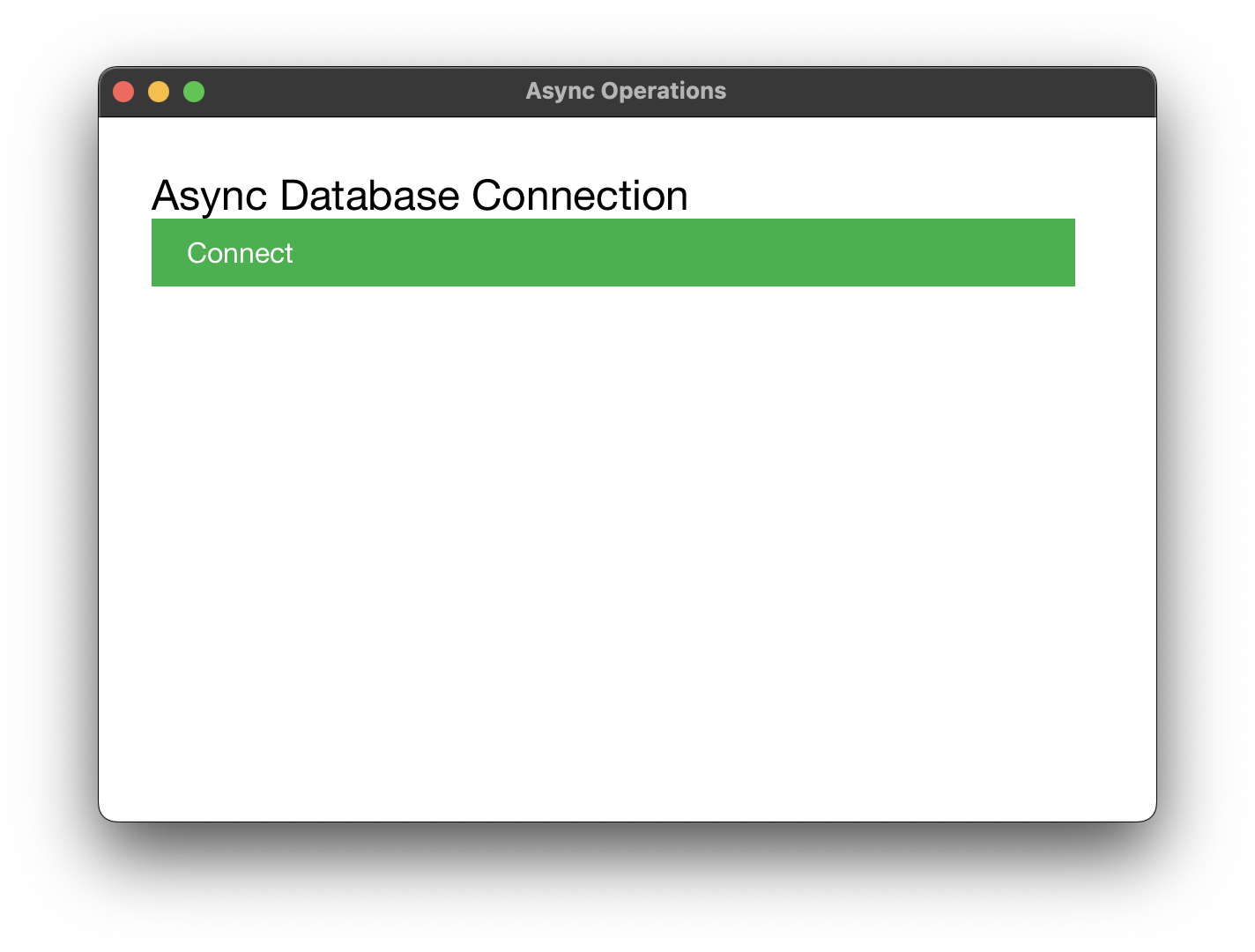
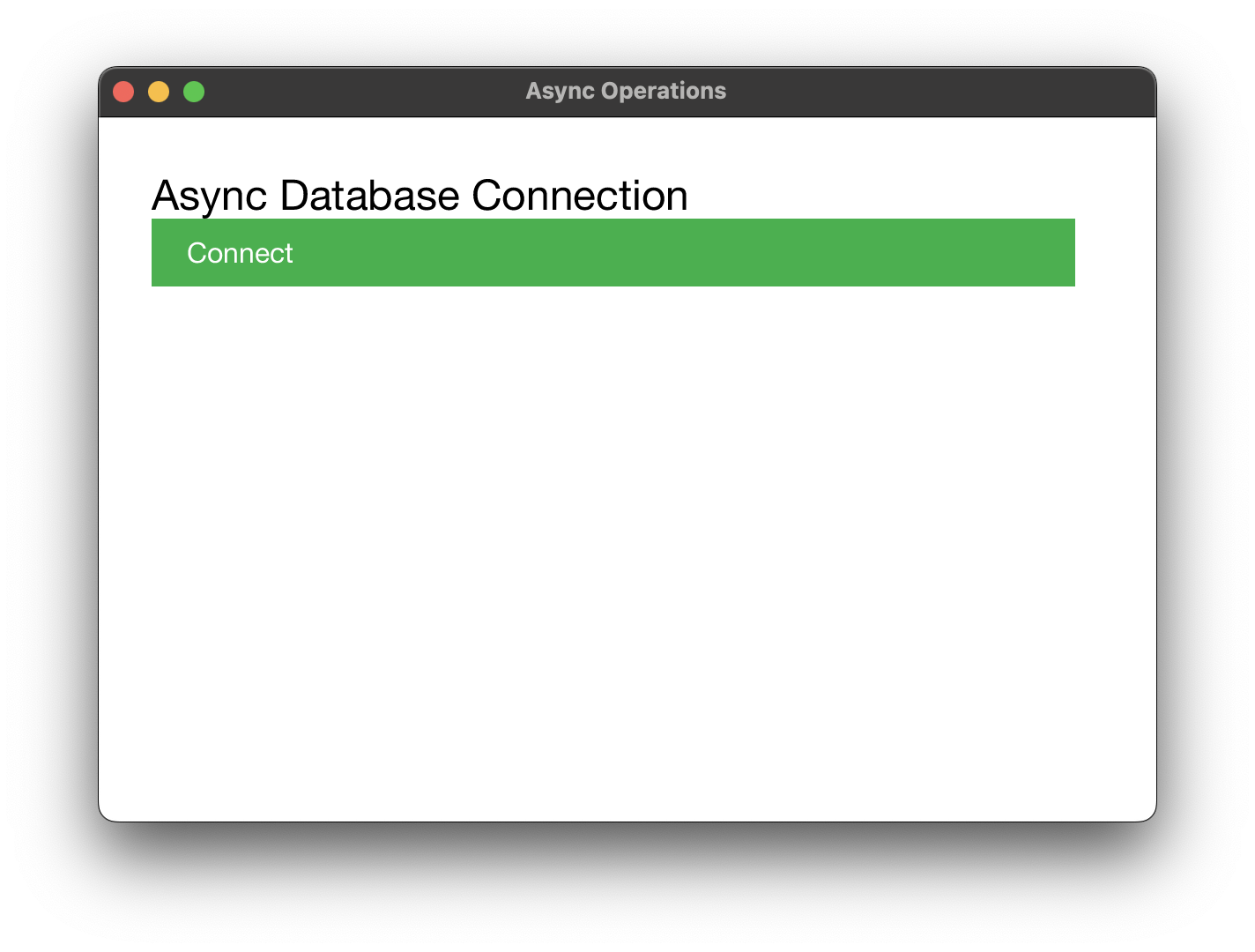
Real OS threads, not JavaScript promises. Background tasks with automatic UI updates. Spawn database queries, file operations, or network requests without freezing your app. Timers, thread pools, and progress callbacks built-in.
from azul import *

TILE_PX = 256
CELLS = 8
CELL_PX = TILE_PX // CELLS
COLS = 4
ROWS = 3

TERRAIN = ["#8fbcd4", "#aad3df", "#efe6c9", "#f2efe9",
           "#e3ddd5", "#cdebb0", "#a8d18d", "#ffffff"]

CLICK = EventFilter.Hover(HoverEventFilter.MouseUp)


class MapState:
    def __init__(self):
        self.tile_x = 21
        self.tile_y = 24
        self.zoom = 6


def lattice(x, y):
    h = (x * 374761393 + y * 668265263) & 0xFFFFFFFF
    h = ((h ^ (h >> 13)) * 1274126177) & 0xFFFFFFFF
    h ^= h >> 16
    return (h & 0xFFFFFF) / float(0xFFFFFF)


def value_noise(x, y):
    x0 = int(x // 1)
    y0 = int(y // 1)
    fx = x - x0
    fy = y - y0
    fx = fx * fx * (3.0 - 2.0 * fx)
    fy = fy * fy * (3.0 - 2.0 * fy)
    a = lattice(x0, y0)
    b = lattice(x0 + 1, y0)
    c = lattice(x0, y0 + 1)
    d = lattice(x0 + 1, y0 + 1)
    return (a * (1 - fx) + b * fx) * (1 - fy) + (c * (1 - fx) + d * fx) * fy


def terrain_at(u, v):
    t = (0.62 * value_noise(u * 0.18, v * 0.18)
         + 0.28 * value_noise(u * 0.55, v * 0.55)
         + 0.10 * value_noise(u * 1.70, v * 1.70))
    for limit, index in ((0.38, 0), (0.46, 1), (0.49, 2), (0.60, 3), (0.66, 4), (0.76, 5)):
        if t < limit:
            return index
    return 6


def cell_terrain(zoom, tile_x, tile_y, i, j):
    span = 64.0 / (1 << zoom)
    t = terrain_at((tile_x + i / float(CELLS)) * span, (tile_y + j / float(CELLS)) * span)
    if t <= 1:
        return t
    if (tile_x * CELLS + i) % 9 == 4 or (tile_y * CELLS + j) % 11 == 6:
        return 7
    return t


def tile_dom(zoom, tile_x, tile_y):
    tile = Dom.create_div().with_css(
        "width:%dpx;height:%dpx;overflow:hidden;" % (TILE_PX, TILE_PX))
    for j in range(CELLS):
        row = Dom.create_div().with_css(
            "display:flex;flex-direction:row;height:%dpx;" % CELL_PX)
        for i in range(CELLS):
            colour = TERRAIN[cell_terrain(zoom, tile_x, tile_y, i, j)]
            row = row.with_child(Dom.create_div().with_css(
                "width:%dpx;height:%dpx;background:%s;" % (CELL_PX, CELL_PX, colour)))
        tile = tile.with_child(row)
    return tile


def control(text, data, callback):
    return (Dom.create_div()
            .with_css("width:28px;height:28px;line-height:28px;text-align:center;"
                      "background:white;color:#333333;border:1px solid #b0b0b0;"
                      "margin-right:4px;font-size:16px;cursor:pointer;")
            .with_child(Dom.create_p_with_text(text))
            .with_callback(CLICK, data, callback))


def pan(data, dx, dy):
    count = 1 << data.zoom
    data.tile_x = (data.tile_x + dx) % count
    data.tile_y = max(0, min(count - ROWS, data.tile_y + dy))
    return Update.RefreshDom


def on_west(data, info):
    return pan(data, -1, 0)


def on_east(data, info):
    return pan(data, 1, 0)


def on_north(data, info):
    return pan(data, 0, -1)


def on_south(data, info):
    return pan(data, 0, 1)


def on_zoom_in(data, info):
    if data.zoom >= 12:
        return Update.DoNothing
    data.zoom += 1
    data.tile_x *= 2
    data.tile_y *= 2
    return Update.RefreshDom


def on_zoom_out(data, info):
    if data.zoom <= 1:
        return Update.DoNothing
    data.zoom -= 1
    data.tile_x //= 2
    data.tile_y //= 2
    return Update.RefreshDom


def layout(data, info):
    grid = Dom.create_div().with_css("display:flex;flex-direction:column;")
    count = 1 << data.zoom
    for row in range(ROWS):
        strip = Dom.create_div().with_css("display:flex;flex-direction:row;")
        for col in range(COLS):
            strip = strip.with_child(
                tile_dom(data.zoom, (data.tile_x + col) % count, data.tile_y + row))
        grid = grid.with_child(strip)

    controls = (Dom.create_div()
                .with_css("position:absolute;left:12px;top:12px;display:flex;flex-direction:row;")
                .with_child(control("+", data, on_zoom_in))
                .with_child(control("-", data, on_zoom_out))
                .with_child(control("<", data, on_west))
                .with_child(control(">", data, on_east))
                .with_child(control("^", data, on_north))
                .with_child(control("v", data, on_south)))

    stage = (Dom.create_div()
             .with_css("position:relative;flex-grow:1;overflow:hidden;background:#dfe6ec;")
             .with_child(grid)
             .with_child(controls))

    header = (Dom.create_div()
              .with_css("display:flex;flex-direction:row;align-items:center;height:44px;"
                        "padding-left:14px;background:#24303f;color:white;")
              .with_child(Dom.create_div()
                          .with_css("font-size:16px;font-weight:bold;margin-right:16px;")
                          .with_child(Dom.create_p_with_text(
                              "Azul Maps")))
              .with_child(Dom.create_div()
                          .with_css("font-size:12px;color:#9fb0c4;")
                          .with_child(Dom.create_p_with_text(
                              "zoom %d   tile %d/%d" % (data.zoom, data.tile_x, data.tile_y)))))

    footer = (Dom.create_div()
              .with_css("height:22px;line-height:22px;padding-left:14px;background:#f3f5f7;"
                        "color:#5b6875;font-size:11px;border-top:1px solid #d3d9df;")
              .with_child(Dom.create_p_with_text(
                  "tiles are generated procedurally - no network, no assets")))

    return (Dom.create_body()
            .with_css("display:flex;flex-direction:column;height:100%;margin:0;padding:0;"
                      "font-family:sans-serif;")
            .with_child(header)
            .with_child(stage)
            .with_child(footer))


state = MapState()
window = WindowCreateOptions.create(layout)
app = App.create(state, AppConfig.create())
app.run(window)
Built-in CSS
Styling Engine
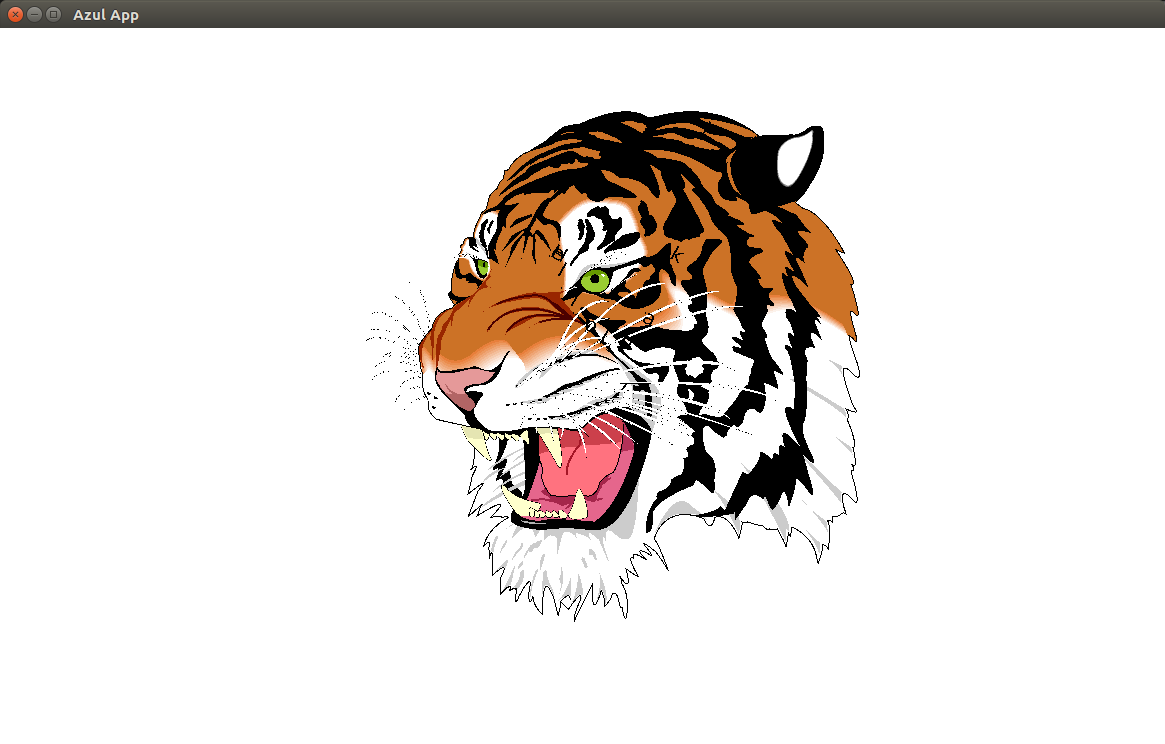
Block, inline, flexbox, grid - the same layout power as modern browsers, but without any bloat. Load XHTML from files or strings. Hot-reload your UI without recompiling. Perfect for designers: tweak styles in CSS, see changes instantly.
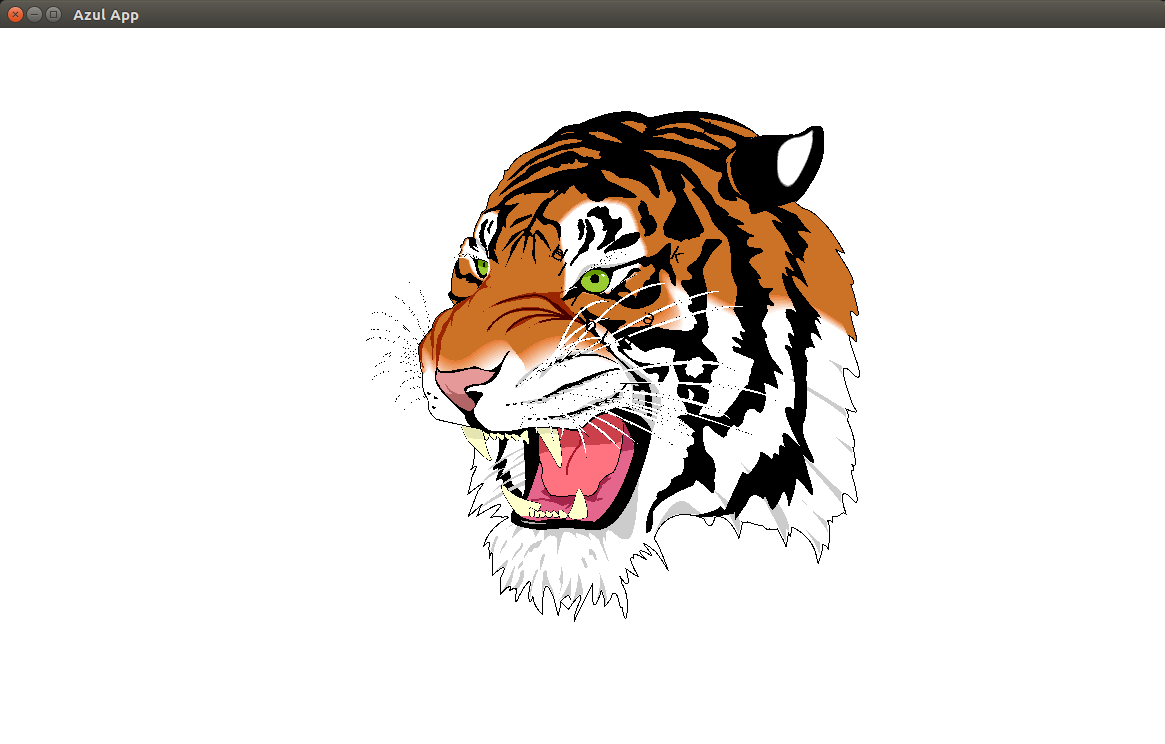
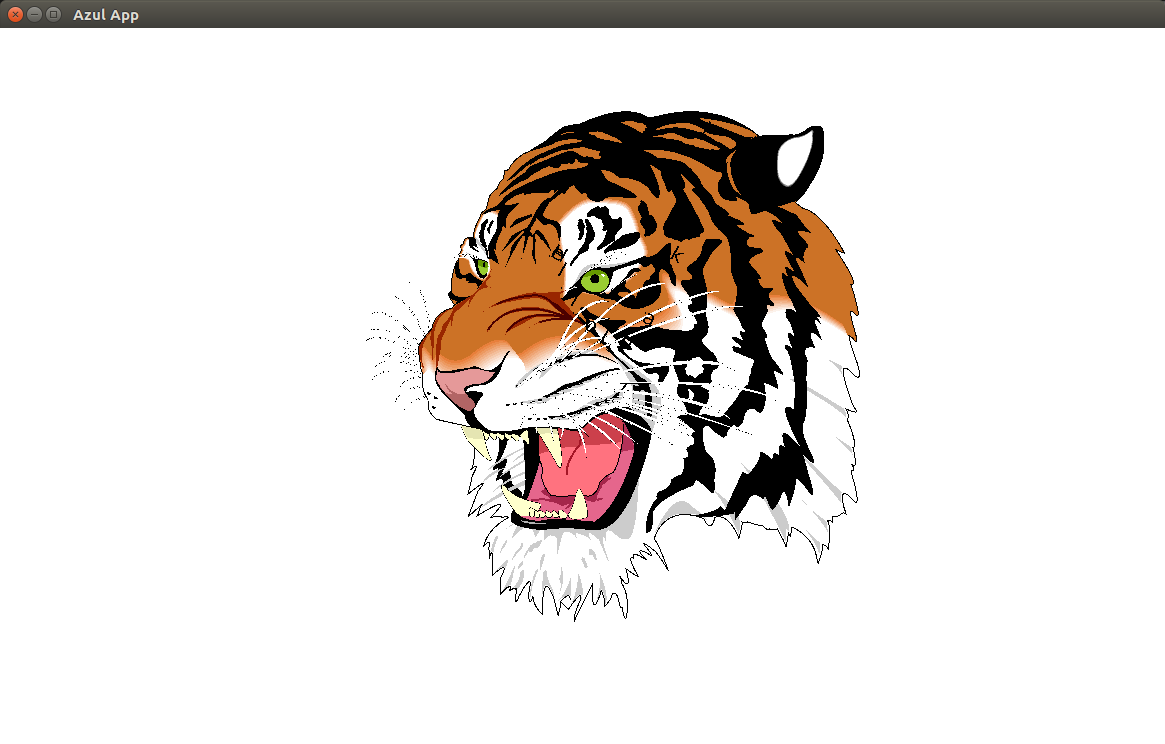
import os

from azul import *

DOC_PATH = os.path.join(os.path.dirname(os.path.abspath(__file__)), "..", "assets", "spreadsheet.xhtml")


def error_dom(message):
    heading = (Dom.create_div()
               .with_css("font-size:20px;font-weight:bold;color:#a61b1b;margin-bottom:8px;")
               .with_child(Dom.create_p_with_text("XHTML load failed")))
    detail = (Dom.create_div()
              .with_css("font-size:13px;color:#5f2120;")
              .with_child(Dom.create_p_with_text(message)))
    return (Dom.create_body()
            .with_css("display:flex;flex-direction:column;padding:24px;background:#fdf2f2;")
            .with_child(heading)
            .with_child(detail))


def layout(data, info):
    try:
        with open(DOC_PATH, encoding="utf-8") as handle:
            src = handle.read()
    except OSError as err:
        return error_dom(str(err))

    parsed = Xml.from_str(src)
    if parsed.is_ok():
        return Dom.create_from_parsed_xml(parsed.unwrap())
    return error_dom("the document is not well-formed XML")


app = App.create(None, AppConfig.create())
window = WindowCreateOptions.create(layout)
app.run(window)
Flexbox and
Grid Layouts
Modern CSS Grid and Flexbox layouts, powered by the Taffy engine. Build responsive, complex interfaces without learning yet another layout system. Just the same CSS you know from the web - without the browser baggage.
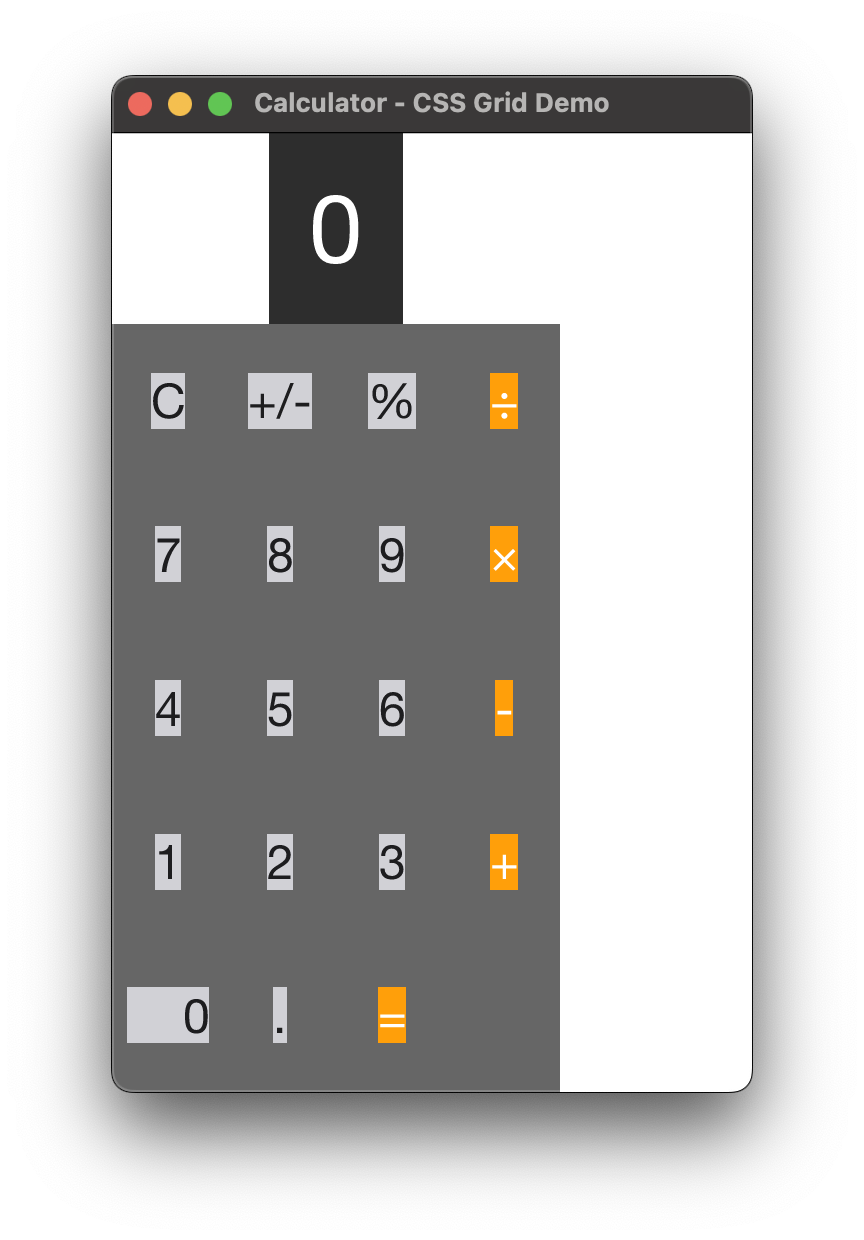
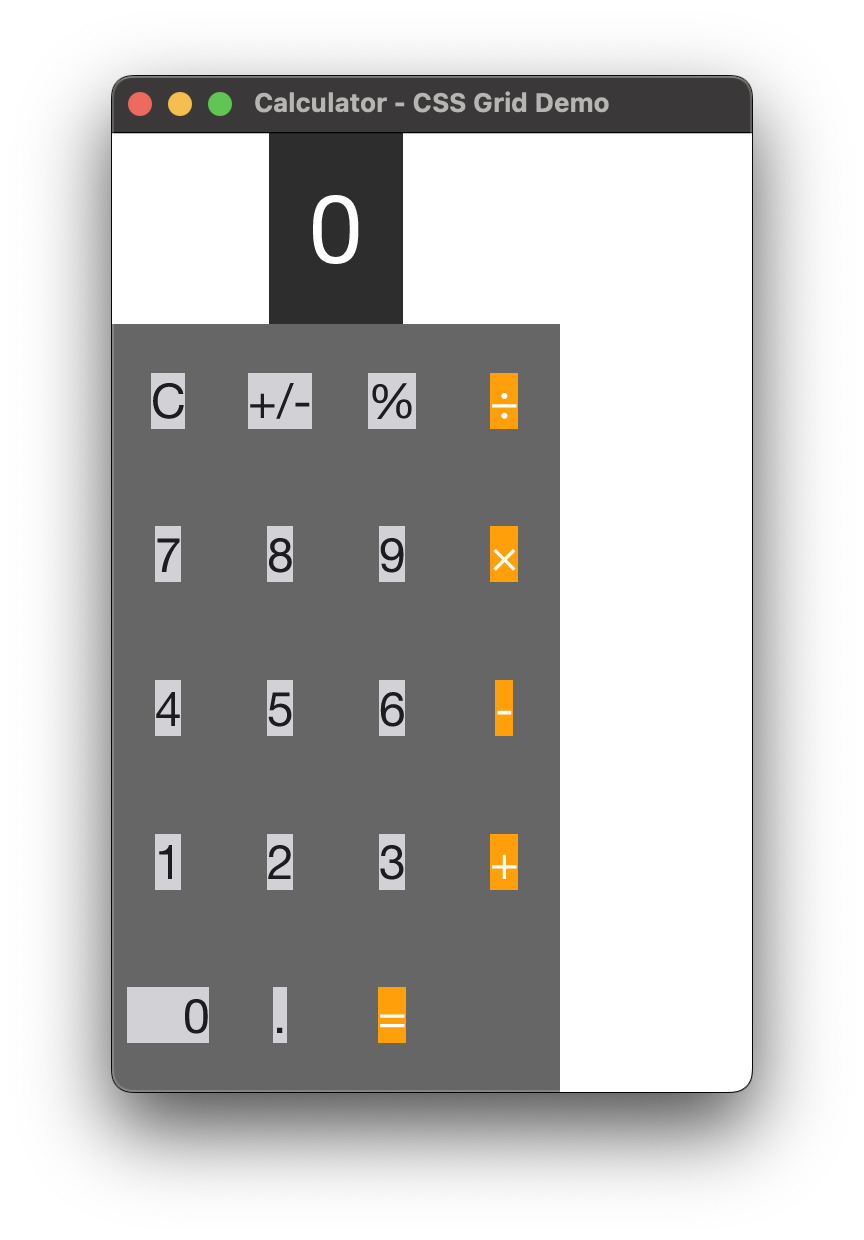
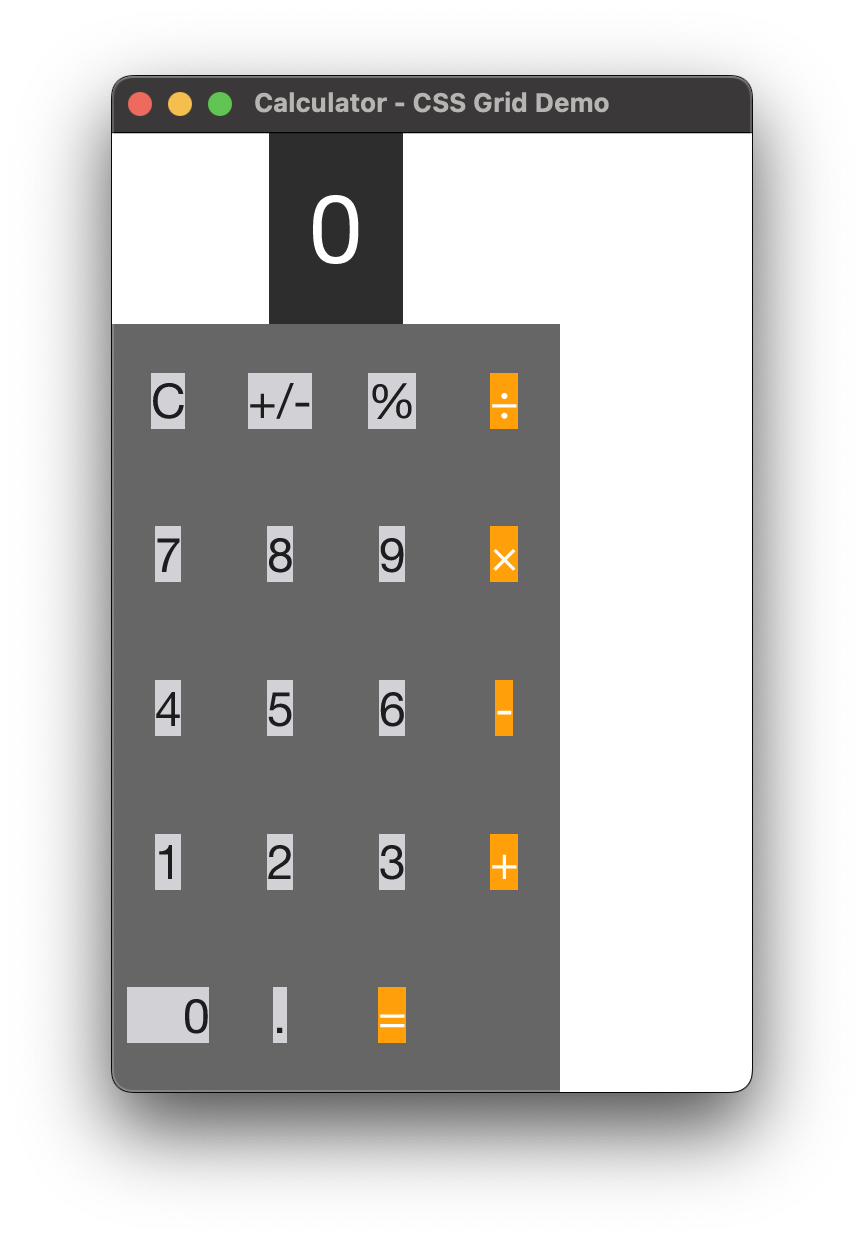
from azul import *


class Calculator:
    def __init__(self):
        self.display = "0"
        self.current_value = 0.0
        self.pending_operation = None
        self.pending_value = None
        self.clear_on_next_input = False

    def input_digit(self, digit):
        if self.clear_on_next_input:
            self.display = ""
            self.clear_on_next_input = False
        if self.display == "0" and digit != ".":
            self.display = digit
        elif digit == "." and "." in self.display:
            pass
        else:
            self.display += digit
        self.current_value = float(self.display) if self.display else 0.0

    def set_operation(self, op):
        self.calculate()
        self.pending_operation = op
        self.pending_value = self.current_value
        self.clear_on_next_input = True

    def calculate(self):
        if self.pending_operation is None or self.pending_value is None:
            return
        if self.pending_operation == "add":
            result = self.pending_value + self.current_value
        elif self.pending_operation == "subtract":
            result = self.pending_value - self.current_value
        elif self.pending_operation == "multiply":
            result = self.pending_value * self.current_value
        elif self.pending_operation == "divide":
            if self.current_value != 0:
                result = self.pending_value / self.current_value
            else:
                self.display = "Error"
                self.pending_operation = None
                self.pending_value = None
                return
        else:
            return
        self.current_value = result
        if result == int(result) and abs(result) < 1e15:
            self.display = str(int(result))
        else:
            self.display = str(result)
        self.pending_operation = None
        self.pending_value = None
        self.clear_on_next_input = True

    def clear(self):
        self.display = "0"
        self.current_value = 0.0
        self.pending_operation = None
        self.pending_value = None
        self.clear_on_next_input = False

    def invert_sign(self):
        self.current_value = -self.current_value
        self.display = (str(int(self.current_value))
                        if self.current_value == int(self.current_value)
                        else str(self.current_value))

    def percent(self):
        self.current_value /= 100.0
        self.display = str(self.current_value)


CALC_STYLE = ("height:100%;display:flex;flex-direction:column;"
              "font-family:sans-serif;")
DISPLAY_STYLE = ("background-color:#2d2d2d;color:white;font-size:48px;"
                 "text-align:right;padding:20px;display:flex;align-items:center;"
                 "justify-content:flex-end;min-height:80px;")
BUTTONS_STYLE = ("flex-grow:1;display:grid;"
                 "grid-template-columns:1fr 1fr 1fr 1fr;"
                 "grid-template-rows:1fr 1fr 1fr 1fr 1fr;gap:1px;"
                 "background-color:#666666;")
BTN_STYLE = ("background-color:#d1d1d6;color:#1d1d1f;font-size:24px;"
             "display:flex;align-items:center;justify-content:center;")
OP_STYLE = ("background-color:#ff9f0a;color:white;font-size:24px;"
            "display:flex;align-items:center;justify-content:center;")
ZERO_STYLE = ("background-color:#d1d1d6;color:#1d1d1f;font-size:24px;"
              "display:flex;align-items:center;justify-content:flex-start;"
              "padding-left:28px;grid-column:span 2;")


def make_callback(calc, event_type, event_data):
    def cb(data, info):
        if event_type == "digit":
            calc.input_digit(event_data)
        elif event_type == "operation":
            calc.set_operation(event_data)
        elif event_type == "equals":
            calc.calculate()
        elif event_type == "clear":
            calc.clear()
        elif event_type == "invert":
            calc.invert_sign()
        elif event_type == "percent":
            calc.percent()
        return Update.RefreshDom
    return cb


def button(calc, label, event_type, event_data, style):
    return (Dom.create_div()
            .with_css(style)
            .with_child(Dom.create_p_with_text(label))
            .with_callback(
                EventFilter.Hover(HoverEventFilter.MouseUp),
                calc,
                make_callback(calc, event_type, event_data)))


def layout(data, info):
    display = (Dom.create_div()
               .with_css(DISPLAY_STYLE)
               .with_child(Dom.create_p_with_text(data.display)))

    rows = [
        ("C", "clear", None, BTN_STYLE),
        ("+/-", "invert", None, BTN_STYLE),
        ("%", "percent", None, BTN_STYLE),
        ("÷", "operation", "divide", OP_STYLE),
        ("7", "digit", "7", BTN_STYLE),
        ("8", "digit", "8", BTN_STYLE),
        ("9", "digit", "9", BTN_STYLE),
        ("×", "operation", "multiply", OP_STYLE),
        ("4", "digit", "4", BTN_STYLE),
        ("5", "digit", "5", BTN_STYLE),
        ("6", "digit", "6", BTN_STYLE),
        ("-", "operation", "subtract", OP_STYLE),
        ("1", "digit", "1", BTN_STYLE),
        ("2", "digit", "2", BTN_STYLE),
        ("3", "digit", "3", BTN_STYLE),
        ("+", "operation", "add", OP_STYLE),
        ("0", "digit", "0", ZERO_STYLE),
        (".", "digit", ".", BTN_STYLE),
        ("=", "equals", None, OP_STYLE),
    ]

    buttons = Dom.create_div().with_css(BUTTONS_STYLE)
    for label, evt, evt_data, style in rows:
        buttons = buttons.with_child(button(data, label, evt, evt_data, style))

    body = (Dom.create_div()
            .with_css(CALC_STYLE)
            .with_child(display)
            .with_child(buttons))

    return body


def main():
    calc = Calculator()
    app = App.create(calc, AppConfig.create())
    window = WindowCreateOptions.create(layout)
    app.run(window)


if __name__ == "__main__":
    main()