The native GUI toolkit for every language.
Azul is a standalone GUI library working on six platforms (desktop, mobile, web), seventeen programming languages, two rendering modes (CPU / GPU) and zero external dependencies.
v0.2.0
2026-09-16
Hello, World.
Goodbye, JavaScript.
Your UI is a function of your data. Callbacks can be attached as simple function pointers with callback context, handing you small, unit-testable callback functions with a simple mental model
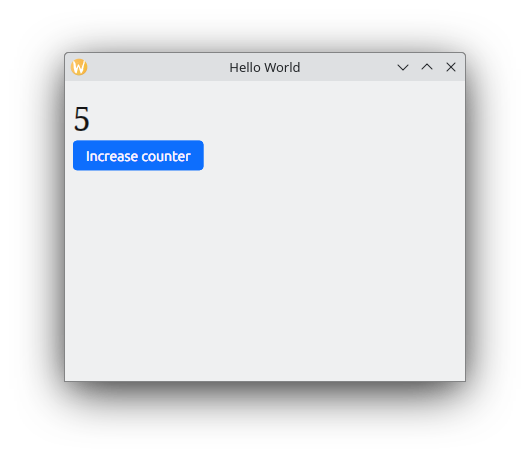
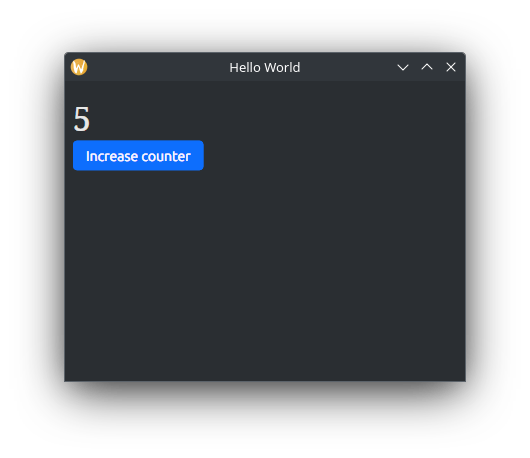
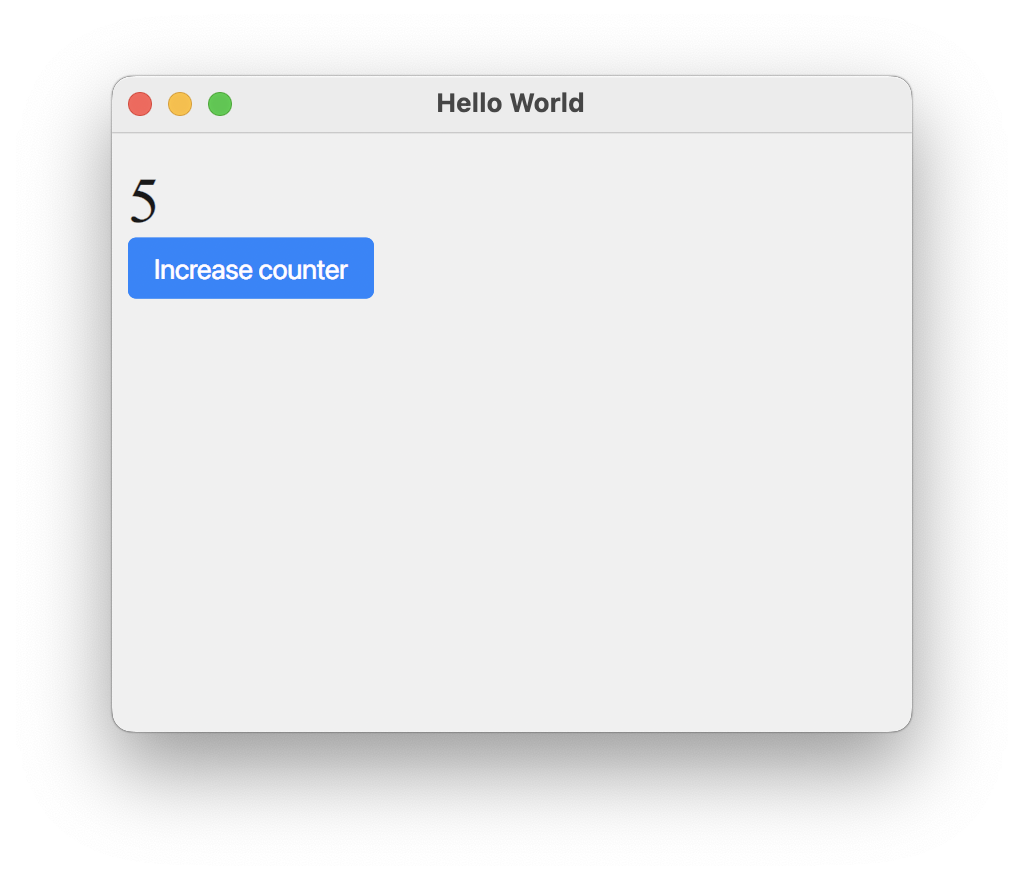
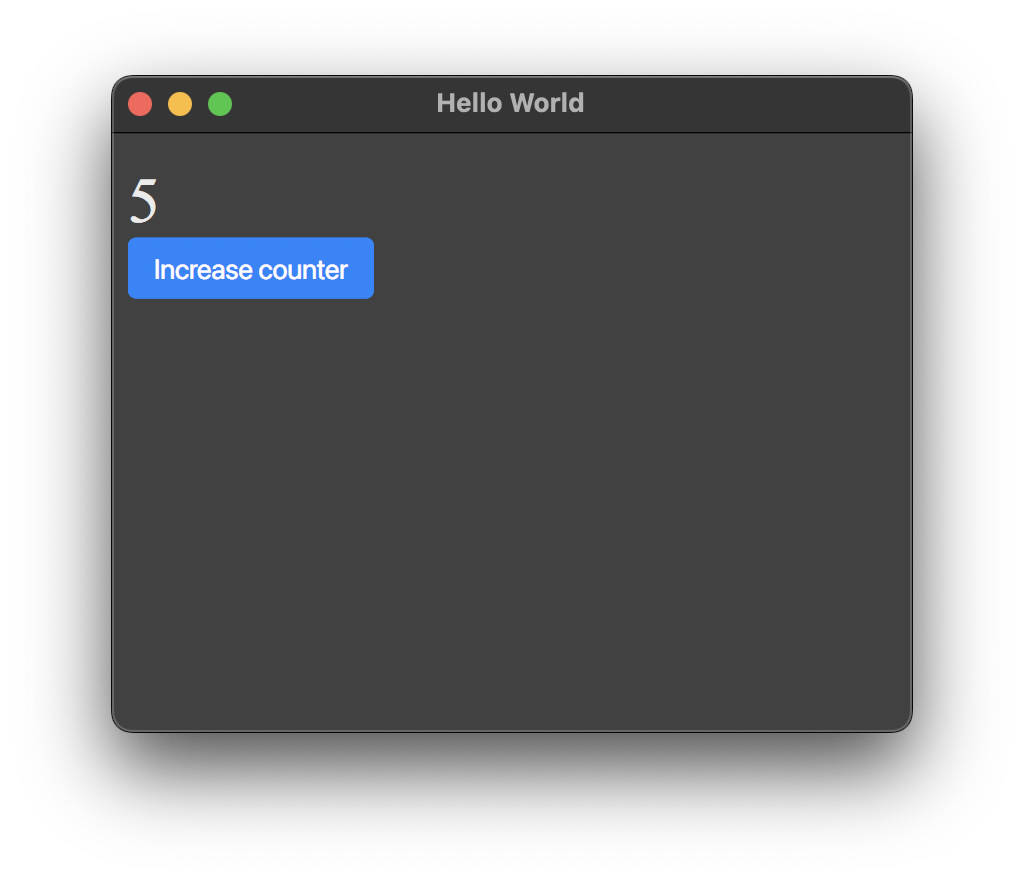
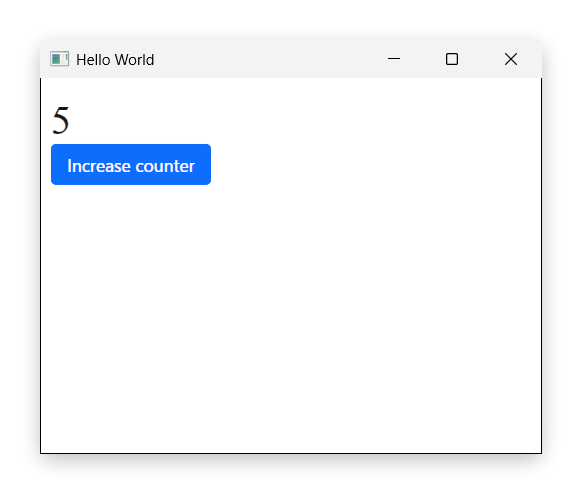
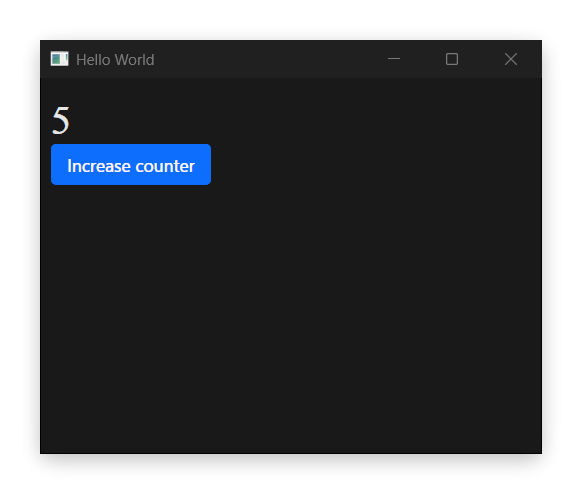
from azul import *

class DataModel:
    def __init__(self, counter):
        self.counter = counter

def layout(data, info):
    label = (Dom.create_p_with_text(str(data.counter))
             .with_css("font-size: 32px; margin: 0;"))

    button = (Button.create("Increase counter")
              .with_on_click(data, on_click)
              .dom()
              .with_css("flex-grow: 1;"))

    return (Dom.create_body()
            .with_child(label)
            .with_child(button))

def on_click(data, info):
    data.counter += 1
    return Update.RefreshDom

if __name__ == "__main__":
    model = DataModel(5)
    window = WindowCreateOptions.create(layout)
    app = App.create(model, AppConfig.create())
    app.run(window)
Built-in Widget
Library
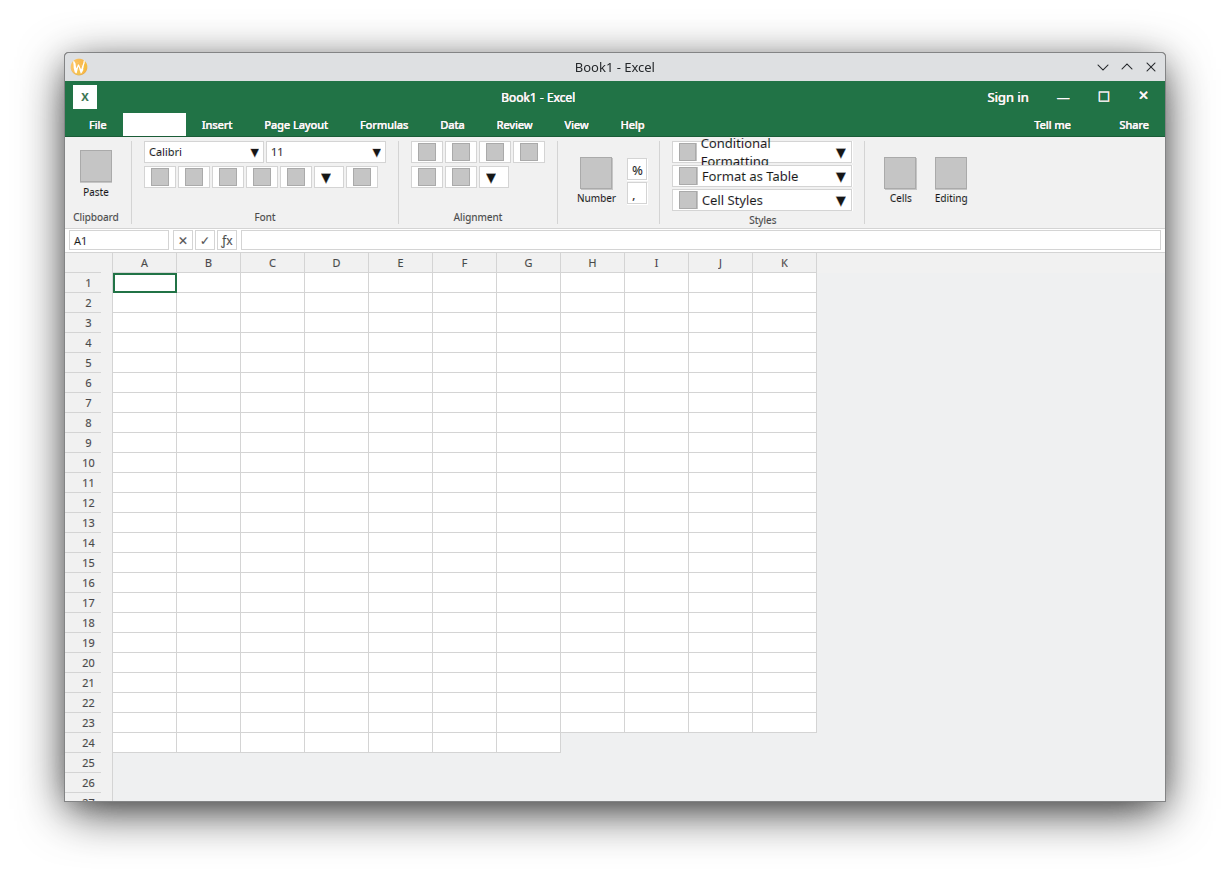
Create complex interfaces with a library of ready-made components: Ribbons, input fields, toggles, checkboxes, menus... - while keeping full control over the style of your application with scoped inline CSS styles
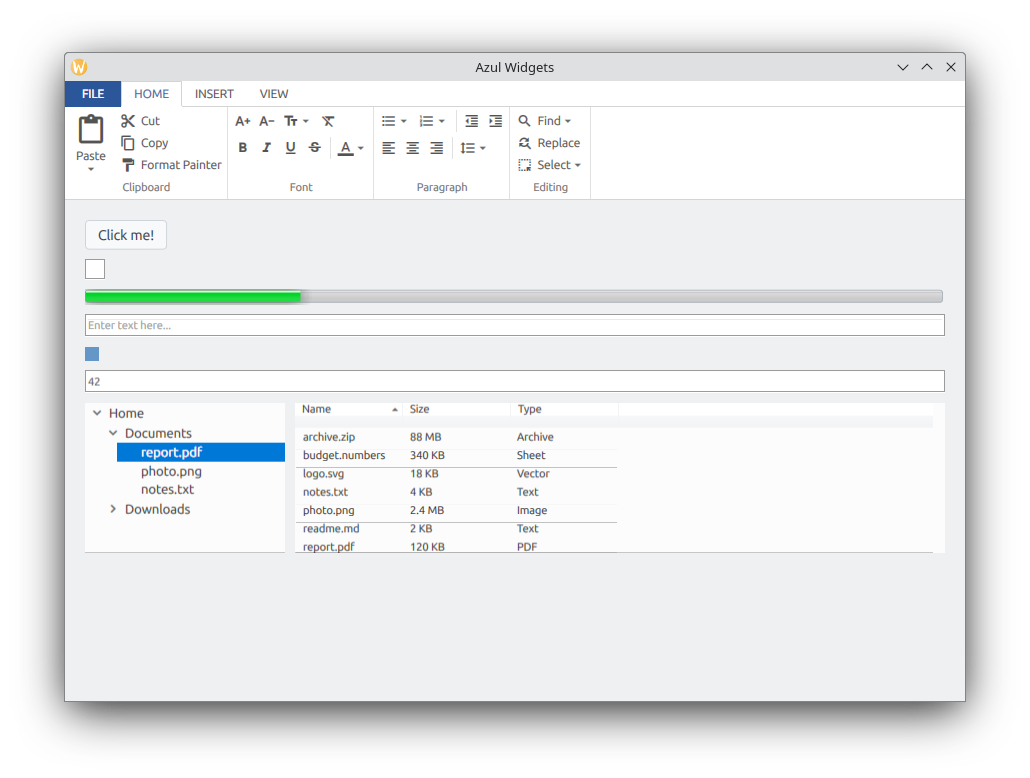
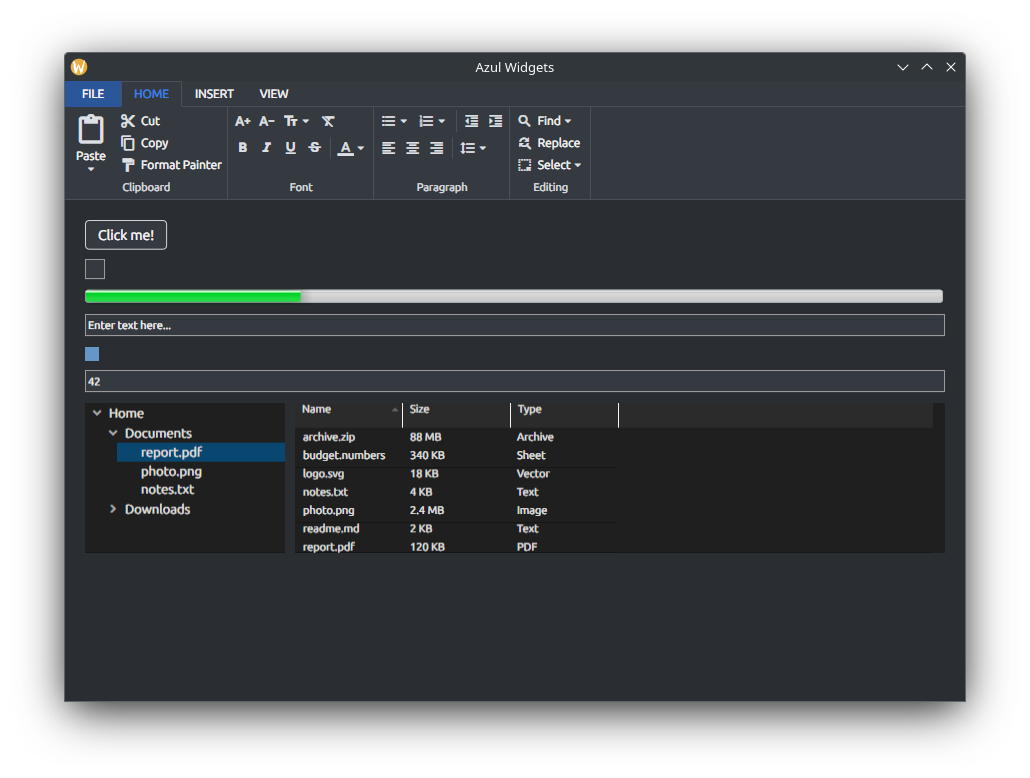
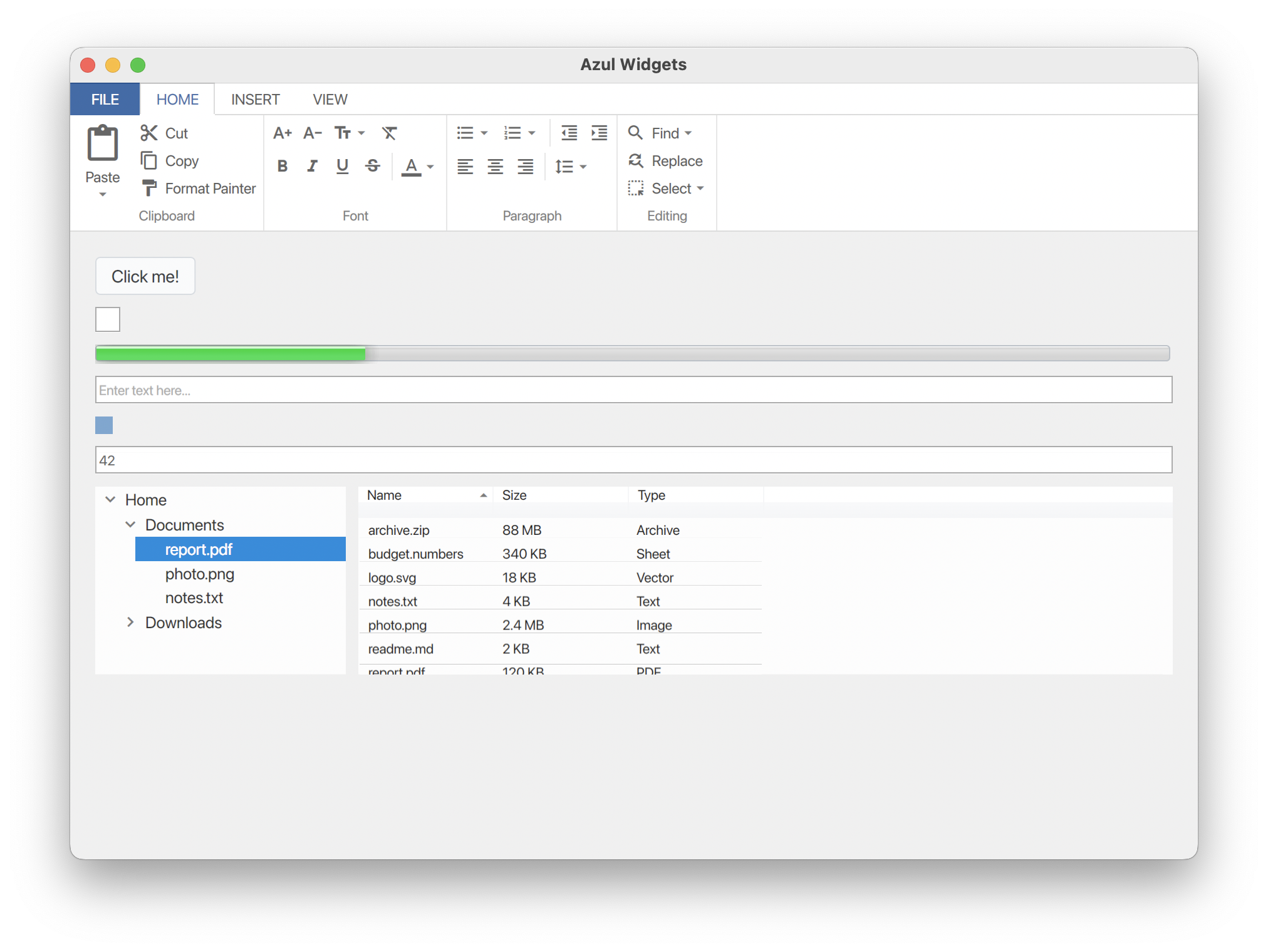
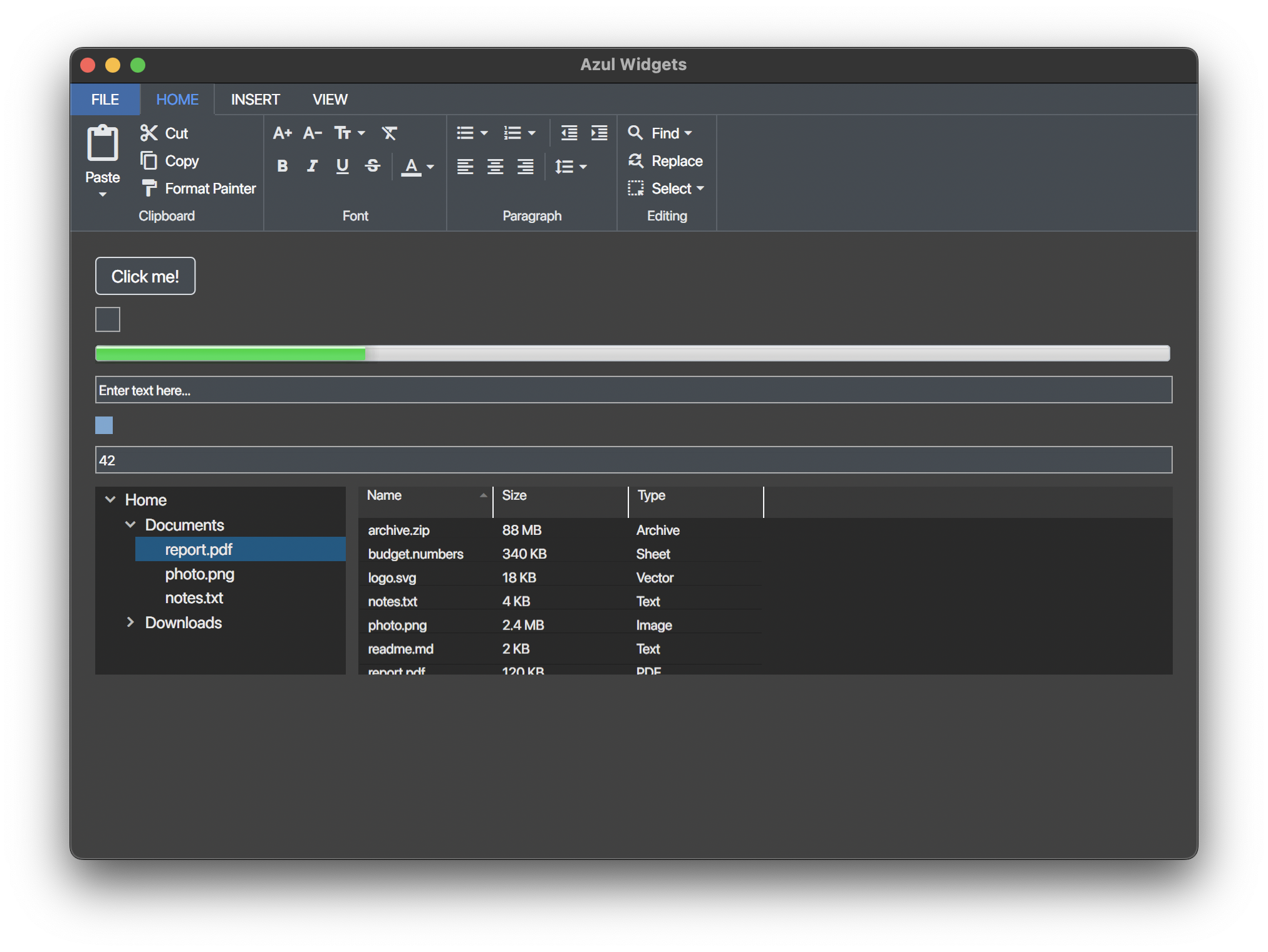
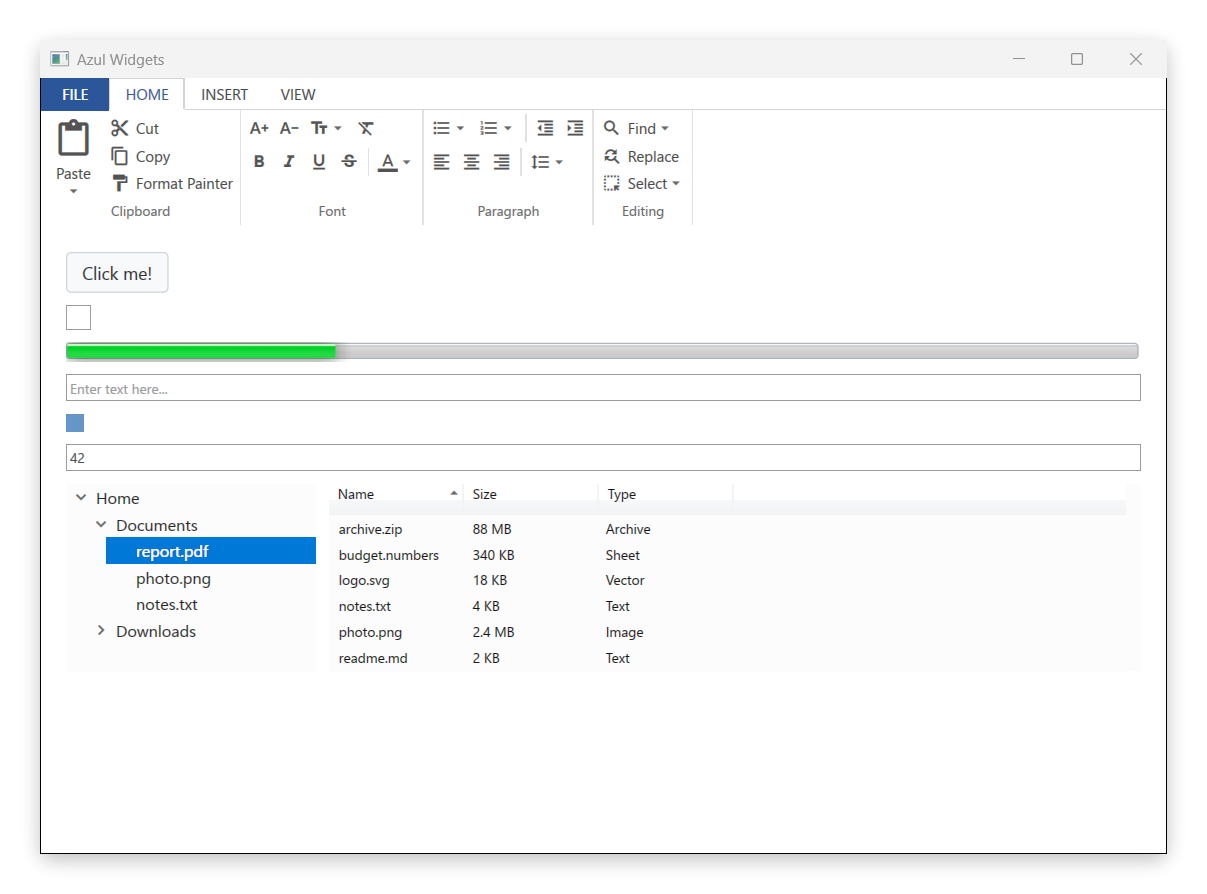
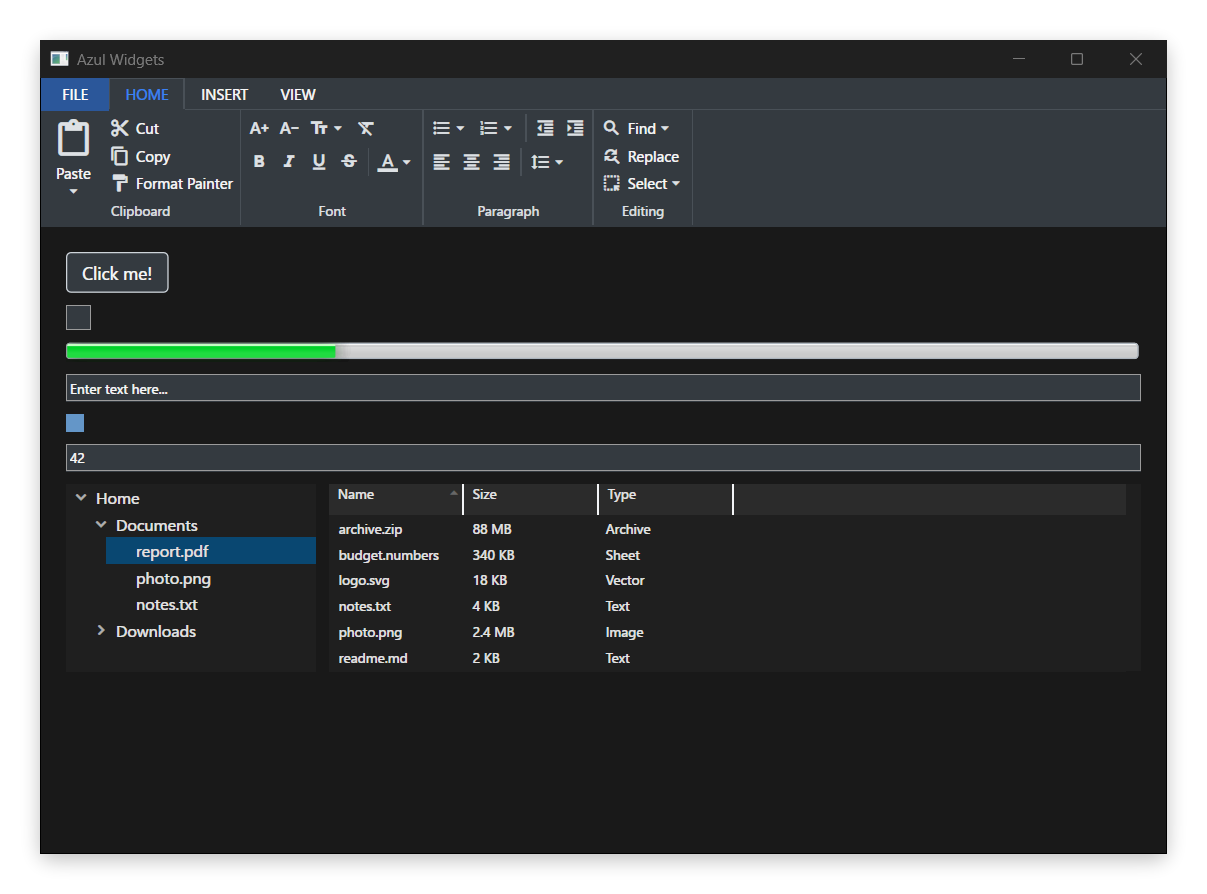
from azul import *

class WidgetShowcase:
    def __init__(self):
        self.enable_padding = True
        self.active_tab = 0
        self.progress_value = 25.0
        self.checkbox_checked = False
        self.text_input = ""

def small(icon, label):
    return RibbonItem.SmallButton(RibbonButton.create(icon, label))

def menu(icon, label):
    return RibbonItem.SmallButton(RibbonButton.create(icon, label).with_arrow(RibbonArrow.Menu))

def large(icon, label, arrow):
    return RibbonItem.LargeButton(RibbonButton.create(icon, label).with_arrow(arrow))

def stack(items, container):
    for item in items:
        container = container.with_item(item)
    return container

def home_tab():
    clipboard = (RibbonGroup.create("Clipboard")
                 .with_item(large("content_paste", "Paste", RibbonArrow.Split))
                 .with_item(RibbonItem.Column(stack([
                     small("content_cut", "Cut"),
                     small("content_copy", "Copy"),
                     small("format_paint", "Format Painter"),
                 ], RibbonColumn.create()))))

    font_top = RibbonItem.Row(stack([
        small("text_increase", ""),
        small("text_decrease", ""),
        menu("text_fields", ""),
        small("format_clear", ""),
    ], RibbonRow.create()))
    font_bottom = RibbonItem.Row(stack([
        small("format_bold", ""),
        small("format_italic", ""),
        small("format_underlined", ""),
        small("strikethrough_s", ""),
        RibbonItem.Separator(),
        menu("format_color_text", ""),
    ], RibbonRow.create()))
    font = RibbonGroup.create("Font").with_item(
        RibbonItem.Column(stack([font_top, font_bottom], RibbonColumn.create())))

    para_top = RibbonItem.Row(stack([
        menu("format_list_bulleted", ""),
        menu("format_list_numbered", ""),
        RibbonItem.Separator(),
        small("format_indent_decrease", ""),
        small("format_indent_increase", ""),
    ], RibbonRow.create()))
    para_bottom = RibbonItem.Row(stack([
        small("format_align_left", ""),
        small("format_align_center", ""),
        small("format_align_right", ""),
        RibbonItem.Separator(),
        menu("format_line_spacing", ""),
    ], RibbonRow.create()))
    paragraph = RibbonGroup.create("Paragraph").with_item(
        RibbonItem.Column(stack([para_top, para_bottom], RibbonColumn.create())))

    editing = RibbonGroup.create("Editing").with_item(RibbonItem.Column(stack([
        menu("search", "Find"),
        small("find_replace", "Replace"),
        menu("highlight_alt", "Select"),
    ], RibbonColumn.create())))

    return (RibbonTab.create("HOME")
            .with_group(clipboard)
            .with_group(font)
            .with_group(paragraph)
            .with_group(editing))

def ribbon(data):
    return (Ribbon.create(RibbonTabVec.from_item(home_tab()))
            .with_app_button(RibbonAppButton.create("FILE"))
            .with_active_tab(data.active_tab)
            .dom())

def layout(data, info):
    theme = UiTheme.Flora if data.checkbox_checked else UiTheme.Flat

    button = (Button.create("Click me!")
              .with_theme(theme)
              .with_on_click(data, on_button_click)
              .dom()
              .with_css("margin-bottom:10px;"))

    checkbox = (CheckBox.create(data.checkbox_checked)
                .with_theme(theme)
                .with_on_toggle(data, on_checkbox_toggle)
                .dom()
                .with_css("margin-bottom:10px;"))

    progress = (ProgressBar.create(data.progress_value)
                .with_theme(theme)
                .dom()
                .with_css("margin-bottom:10px;"))

    text_input = (TextInput.create()
                  .with_placeholder("Enter text here...")
                  .with_theme(theme)
                  .dom()
                  .with_css("margin-bottom:10px;"))

    color_input = (ColorInput.create(ColorU.create(100, 150, 200, 255))
                   .dom()
                   .with_css("margin-bottom:10px;"))

    number_input = (NumberInput.create(42.0)
                    .dom()
                    .with_css("margin-bottom:10px;"))

    content = (Dom.create_div()
               .with_css("flex-grow:1;overflow:auto;padding:20px;background:white;")
               .with_child(button)
               .with_child(checkbox)
               .with_child(progress)
               .with_child(text_input)
               .with_child(color_input)
               .with_child(number_input))

    return (Dom.create_body()
            .with_css("display:flex;flex-direction:column;height:100%;margin:0;padding:0;"
                      "font-family:sans-serif;")
            .with_child(ribbon(data))
            .with_child(content))

def on_button_click(data, info):
    data.progress_value += 10.0
    if data.progress_value > 100.0:
        data.progress_value = 0.0
    return Update.RefreshDom

def on_checkbox_toggle(data, info, state):
    data.checkbox_checked = state.checked
    return Update.RefreshDom

model = WidgetShowcase()
window = WindowCreateOptions.create(layout)
app = App.create(model, AppConfig.create())
app.run(window)
OpenGL
Integration
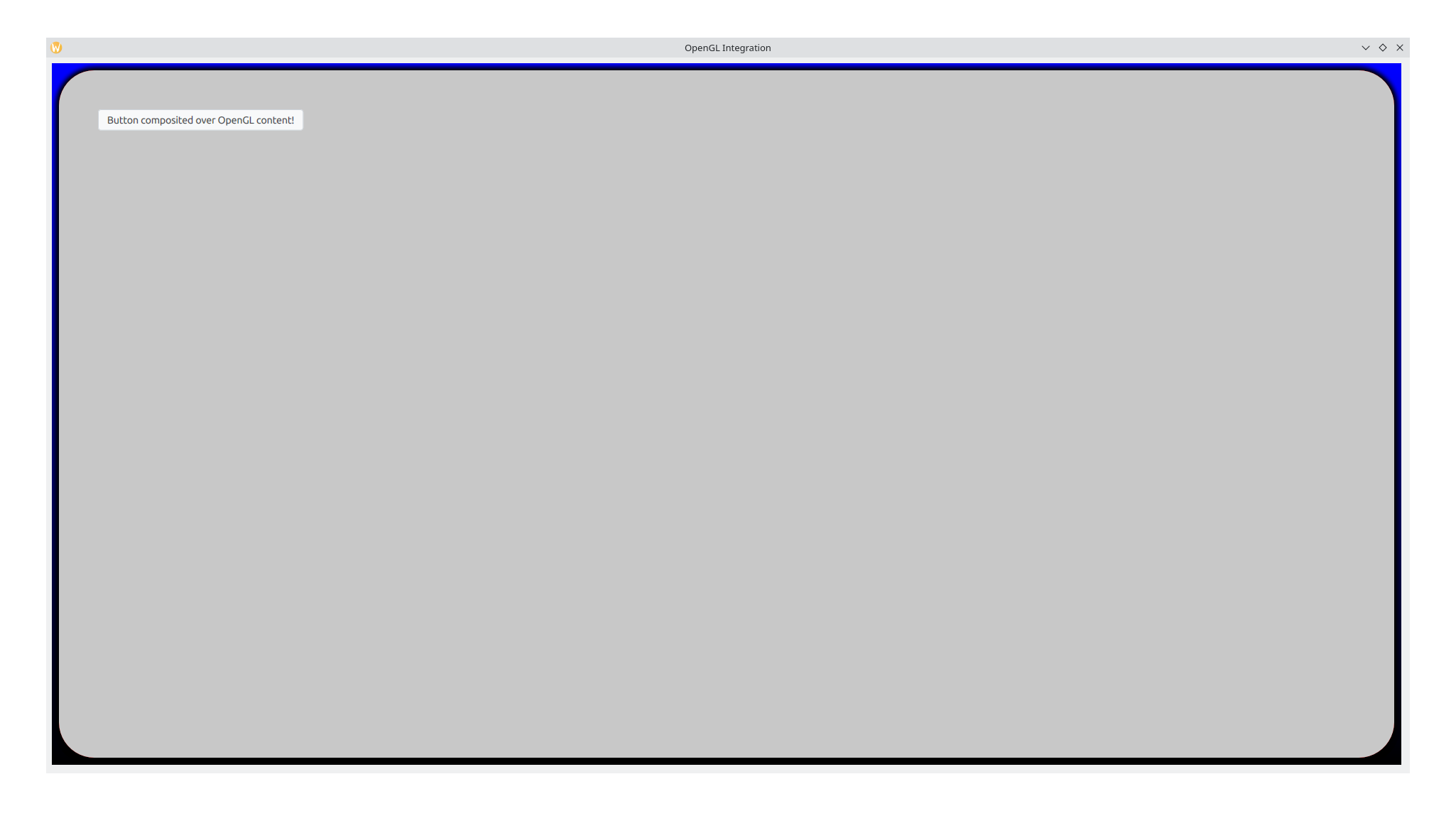
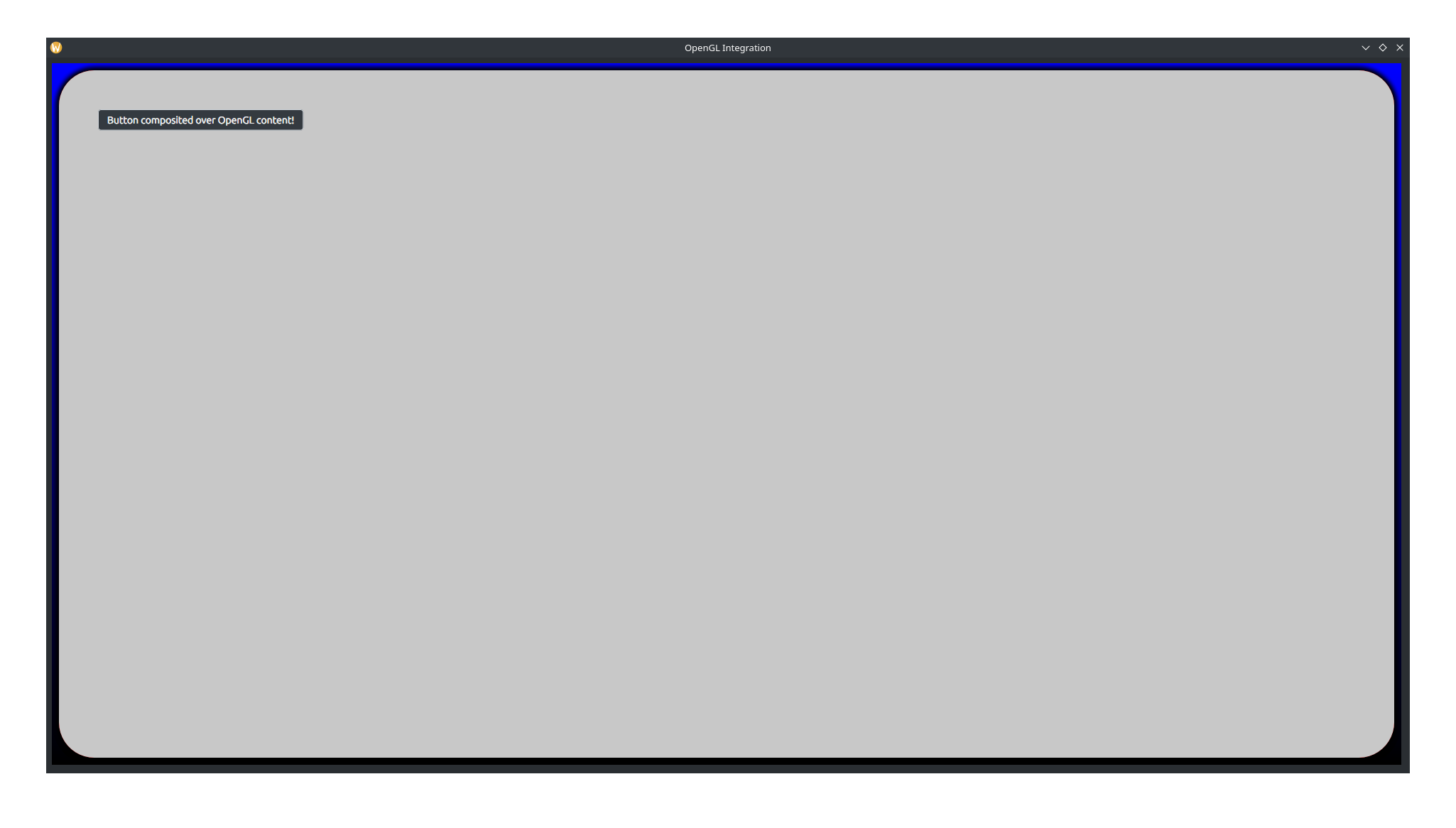
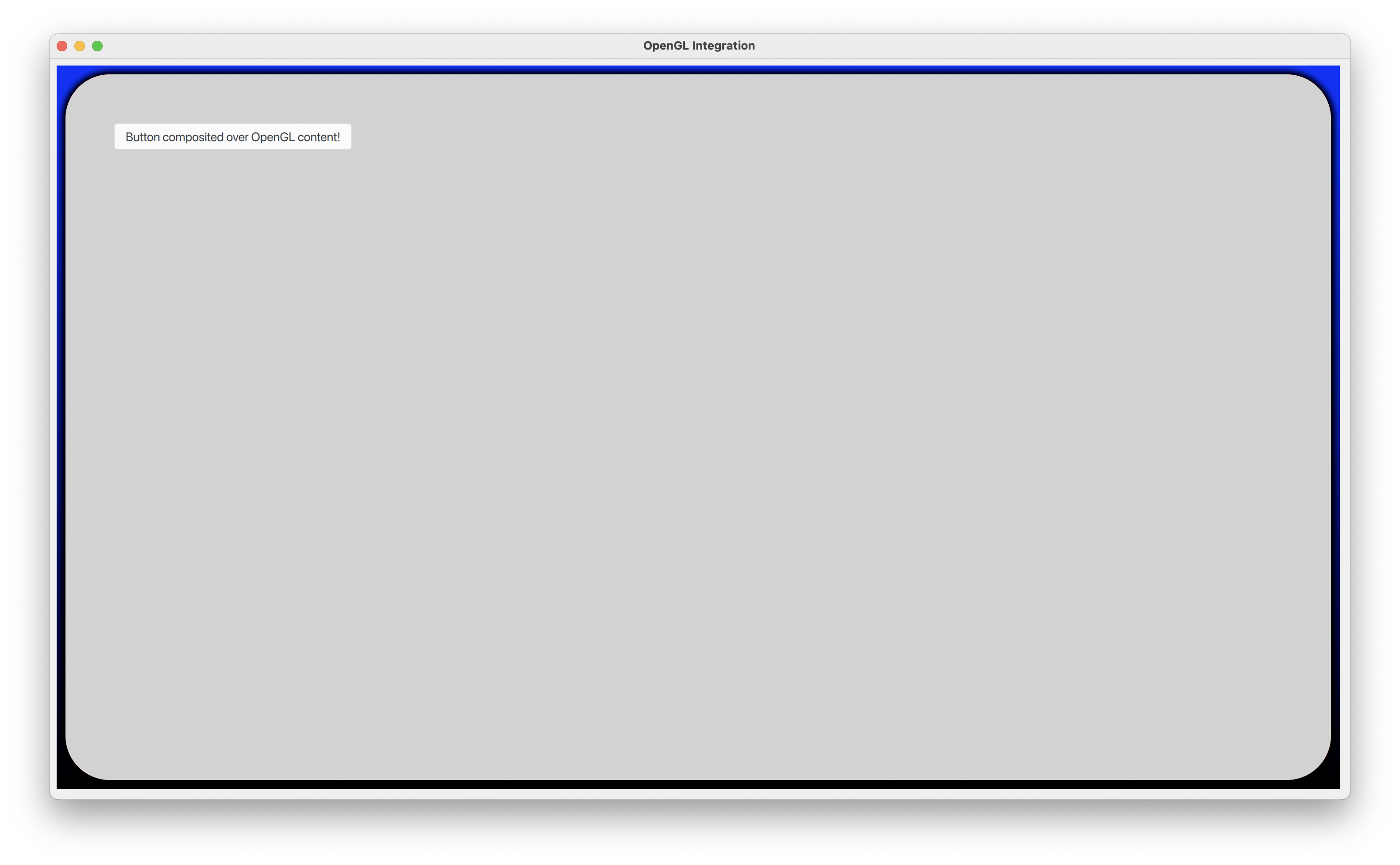
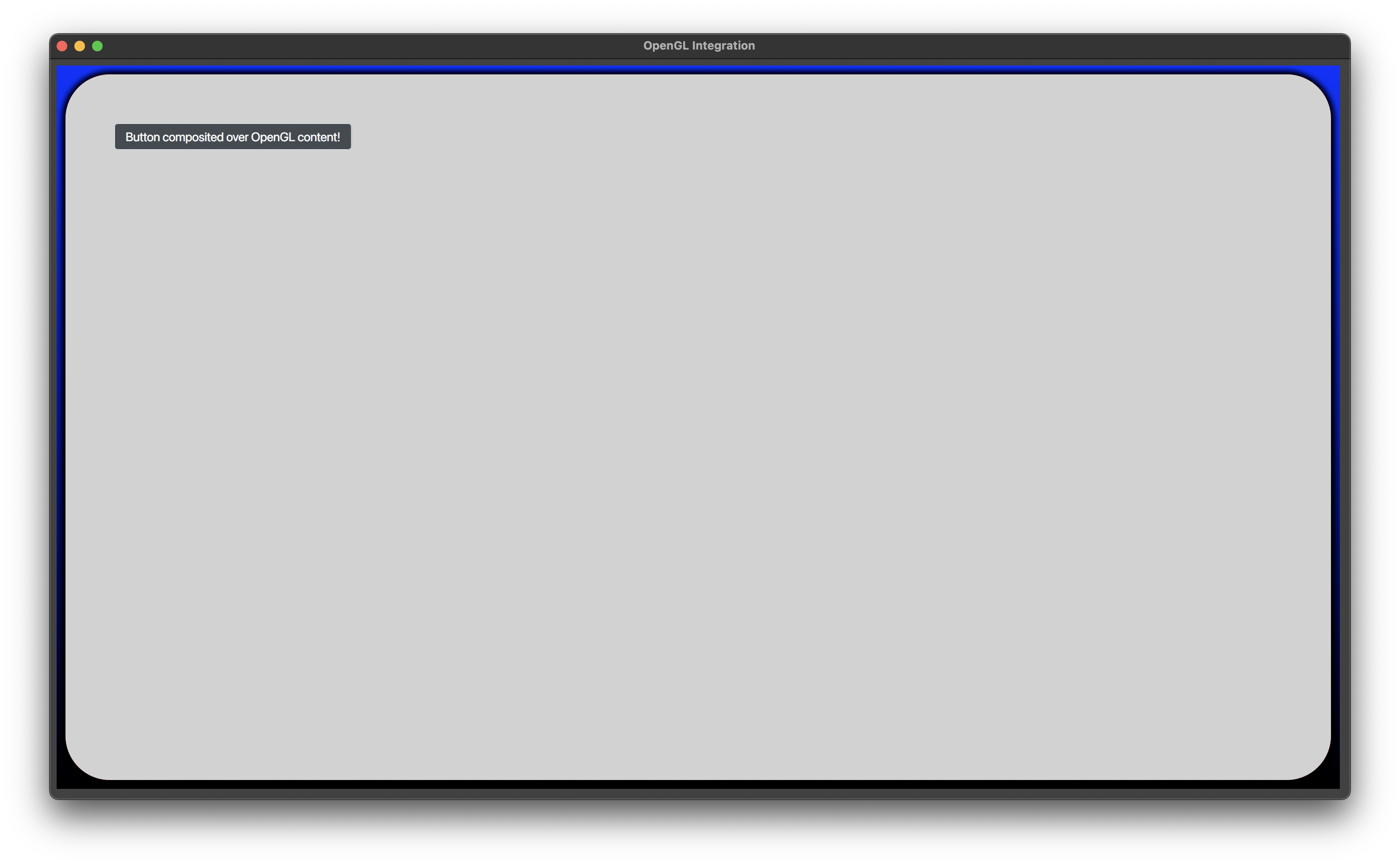
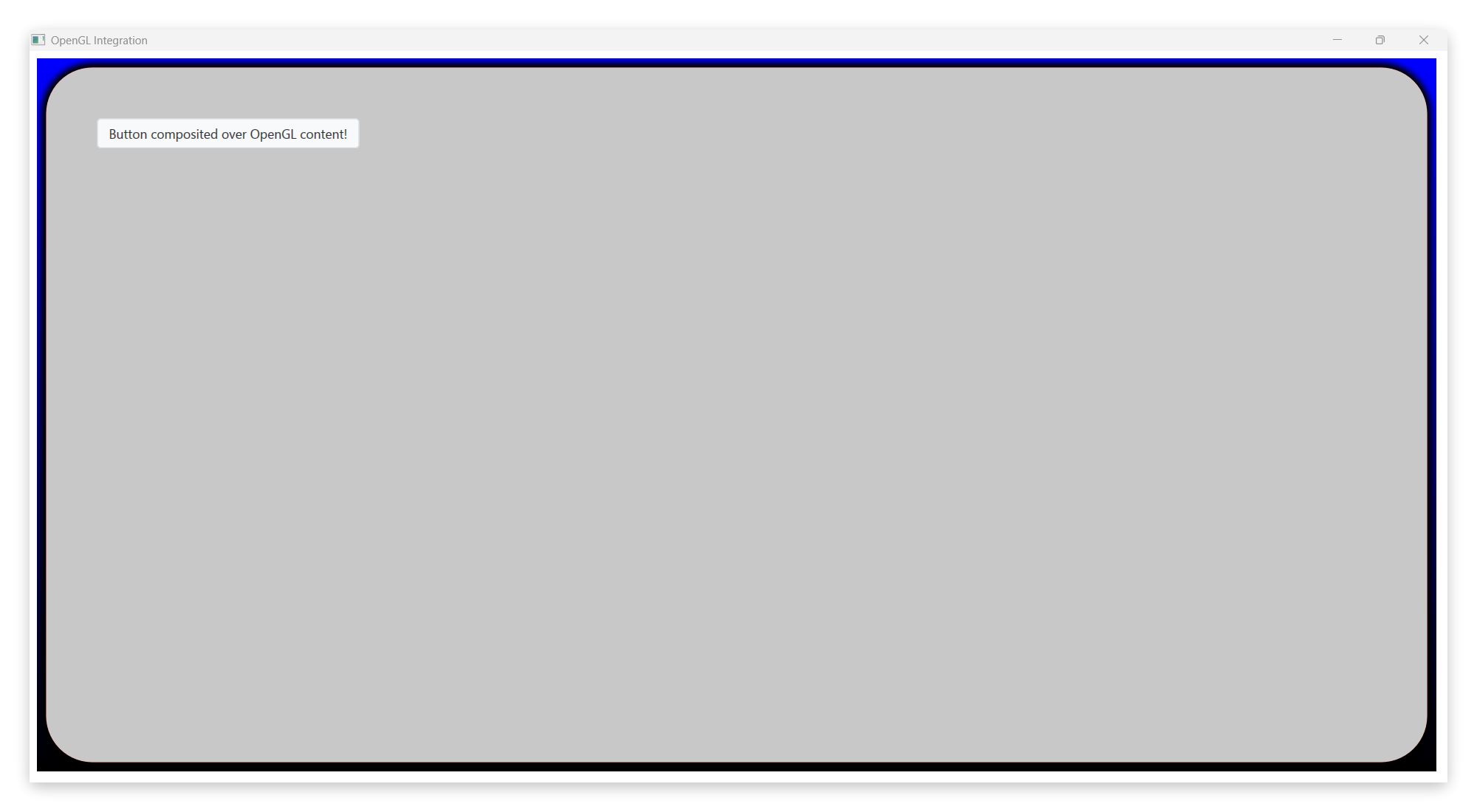
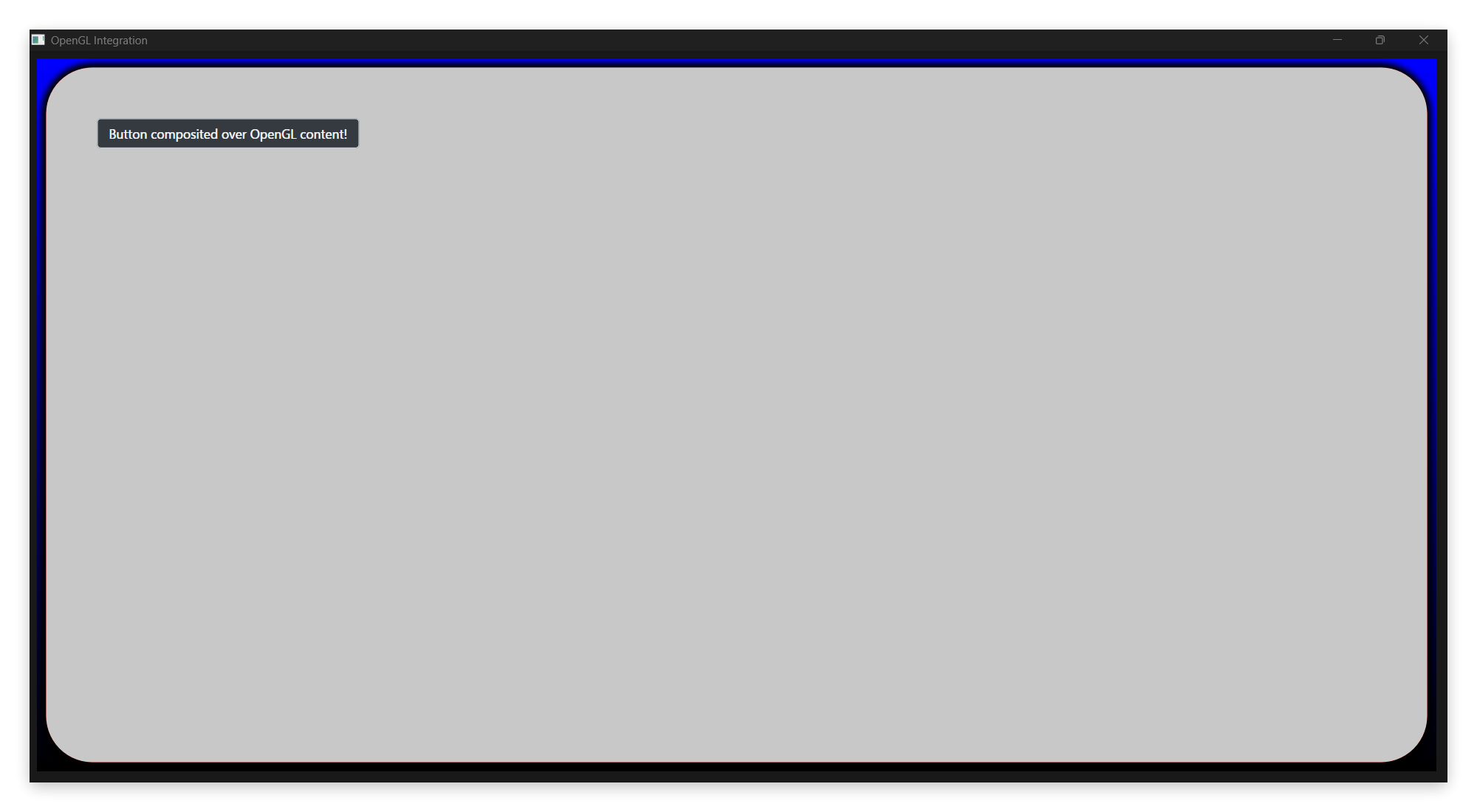
If running in GPU mode, you can embed OpenGL textures directly composited into your UI. Azul includes helpers for tesselation, creating texture masks as well as keeping heavy resources loaded in between layout() calls, so you don't recreate the world on every call
from azul import *

CLICK = EventFilter.Hover(HoverEventFilter.MouseUp)

class OpenGlState:
    def __init__(self):
        self.rotation_deg = 0.0
        self.step_deg = 15.0

def button(text, data, callback):
    return (Dom.create_div()
            .with_css("padding:6px 14px;margin-right:8px;background:#2d3f5e;color:white;"
                      "border:1px solid #4a6a9e;font-size:12px;cursor:pointer;")
            .with_child(Dom.create_p_with_text(text))
            .with_callback(CLICK, data, callback))

def on_rotate(data, info):
    data.rotation_deg = (data.rotation_deg + data.step_deg) % 360.0
    return Update.RefreshDom

def on_faster(data, info):
    data.step_deg = min(90.0, data.step_deg + 5.0)
    return Update.RefreshDom

def on_slower(data, info):
    data.step_deg = max(5.0, data.step_deg - 5.0)
    return Update.RefreshDom

def layout(data, info):
    title = (Dom.create_div()
             .with_css("color:white;font-size:22px;margin-bottom:16px;")
             .with_child(Dom.create_p_with_text(
                 "OpenGL Integration Demo")))

    quad = (Dom.create_div()
            .with_css("width:160px;height:160px;background:#39c0ed;border-radius:12px;"
                      "box-shadow:0px 0px 24px rgba(0,0,0,0.6);"
                      "transform:rotate(%.0fdeg);" % data.rotation_deg))

    stage = (Dom.create_div()
             .with_css("flex-grow:1;min-height:280px;border-radius:10px;background:#222222;"
                       "display:flex;align-items:center;justify-content:center;"
                       "margin-bottom:16px;")
             .with_child(quad))

    controls = (Dom.create_div()
                .with_css("display:flex;flex-direction:row;align-items:center;")
                .with_child(button("Rotate", data, on_rotate))
                .with_child(button("Faster", data, on_faster))
                .with_child(button("Slower", data, on_slower))
                .with_child(Dom.create_div()
                            .with_css("color:#9fb0c4;font-size:12px;")
                            .with_child(Dom.create_p_with_text(
                                "%.0f deg   step %.0f deg" % (data.rotation_deg, data.step_deg)))))

    return (Dom.create_body()
            .with_css("display:flex;flex-direction:column;height:100%;padding:20px;"
                      "background:#16213e;font-family:sans-serif;")
            .with_child(title)
            .with_child(stage)
            .with_child(controls))

state = OpenGlState()
window = WindowCreateOptions.create(layout)
app = App.create(state, AppConfig.create())
app.run(window)
Infinite
Scrolling
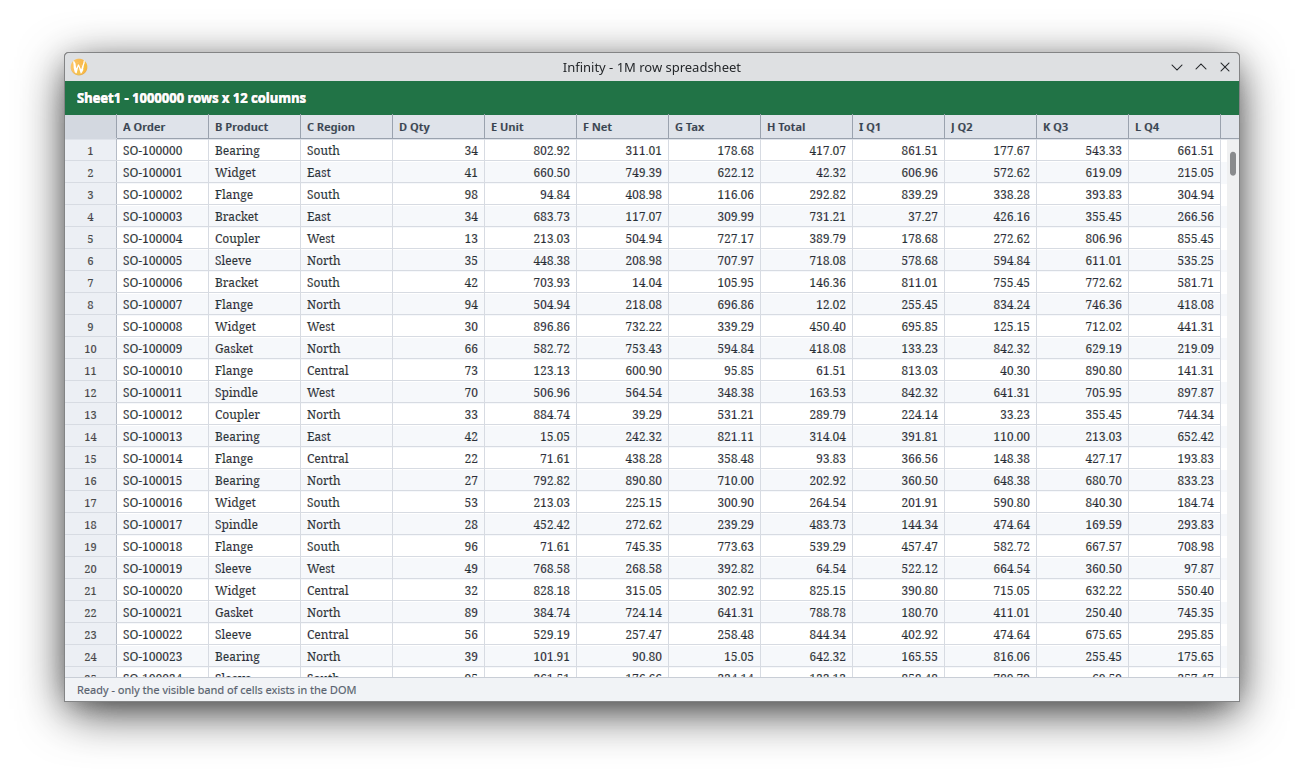
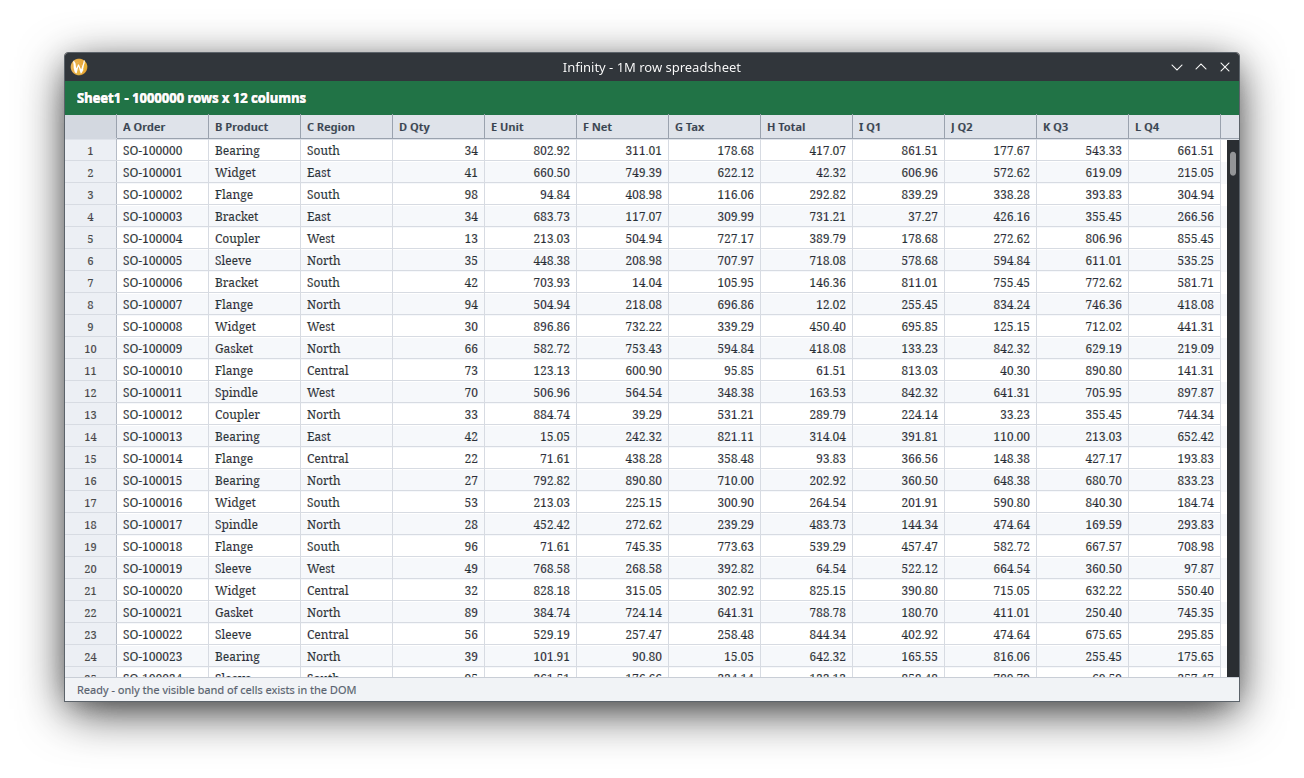
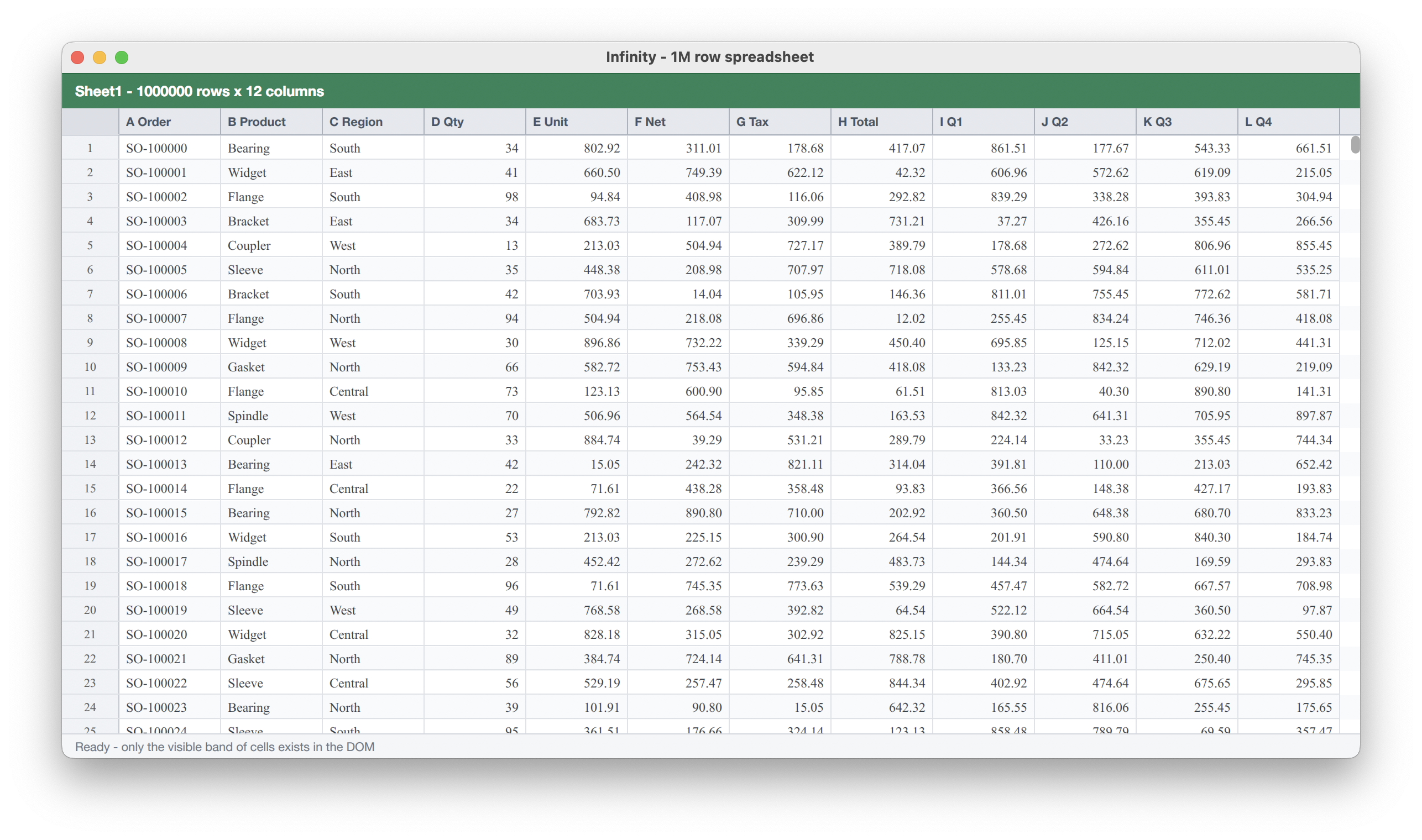
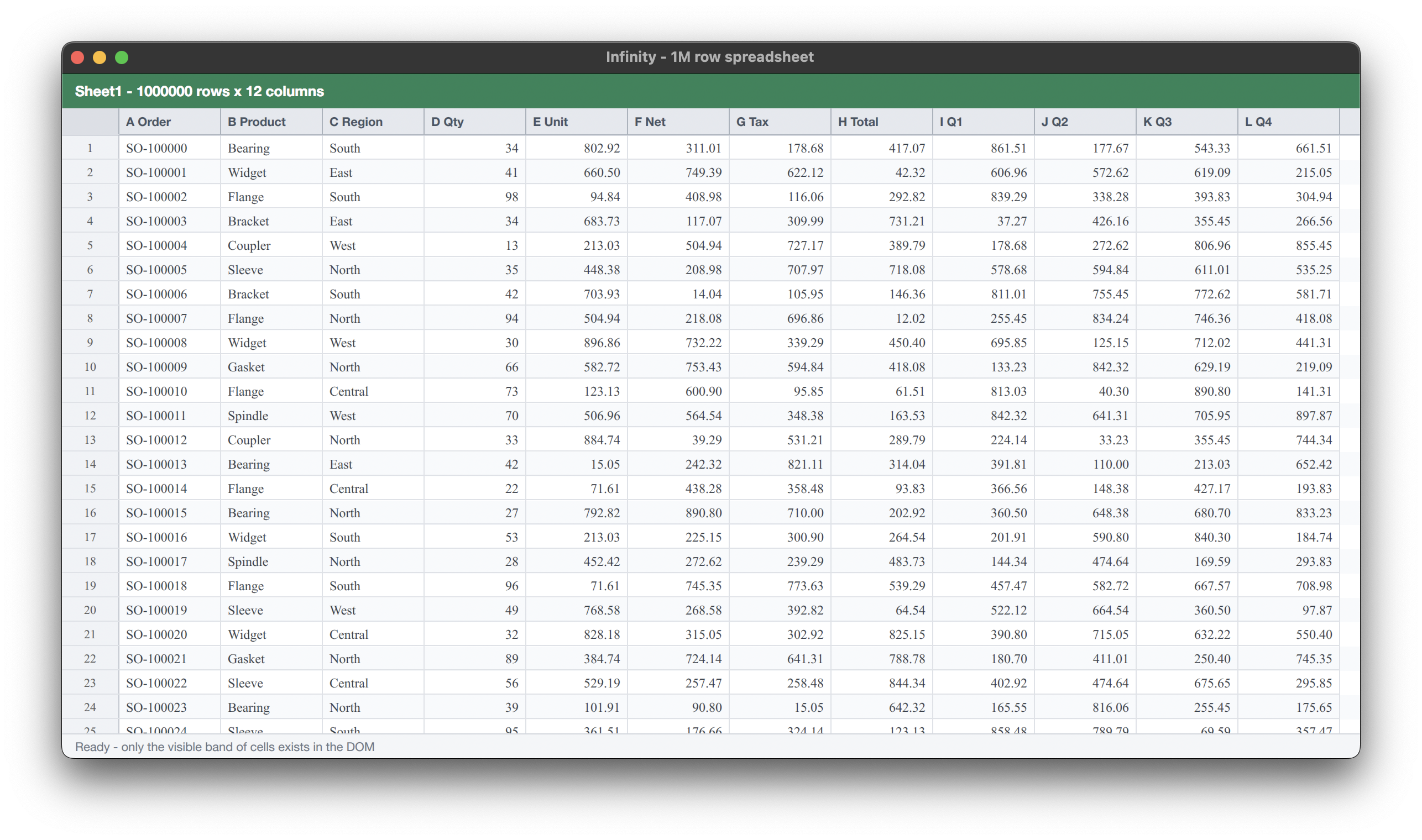
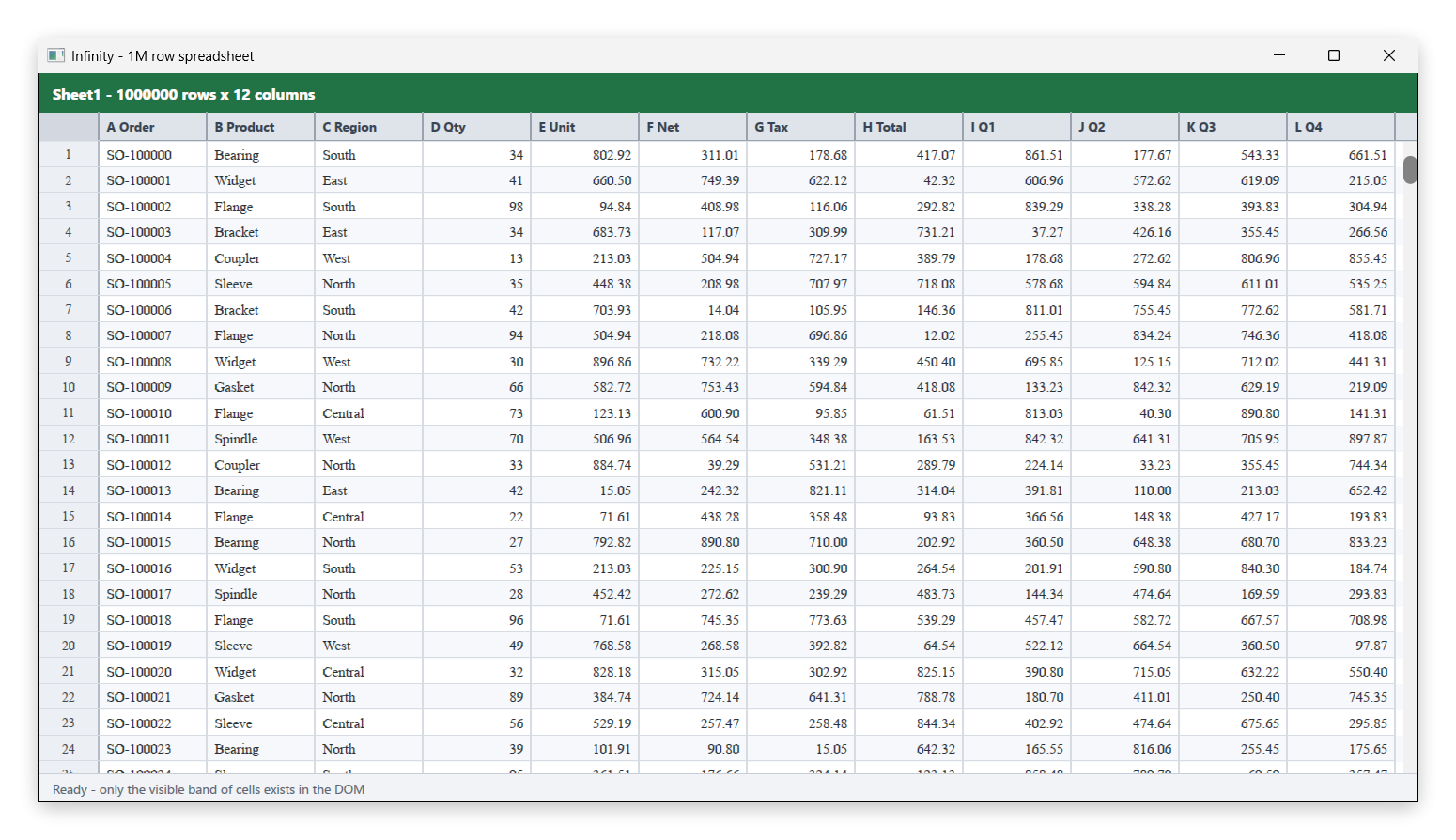
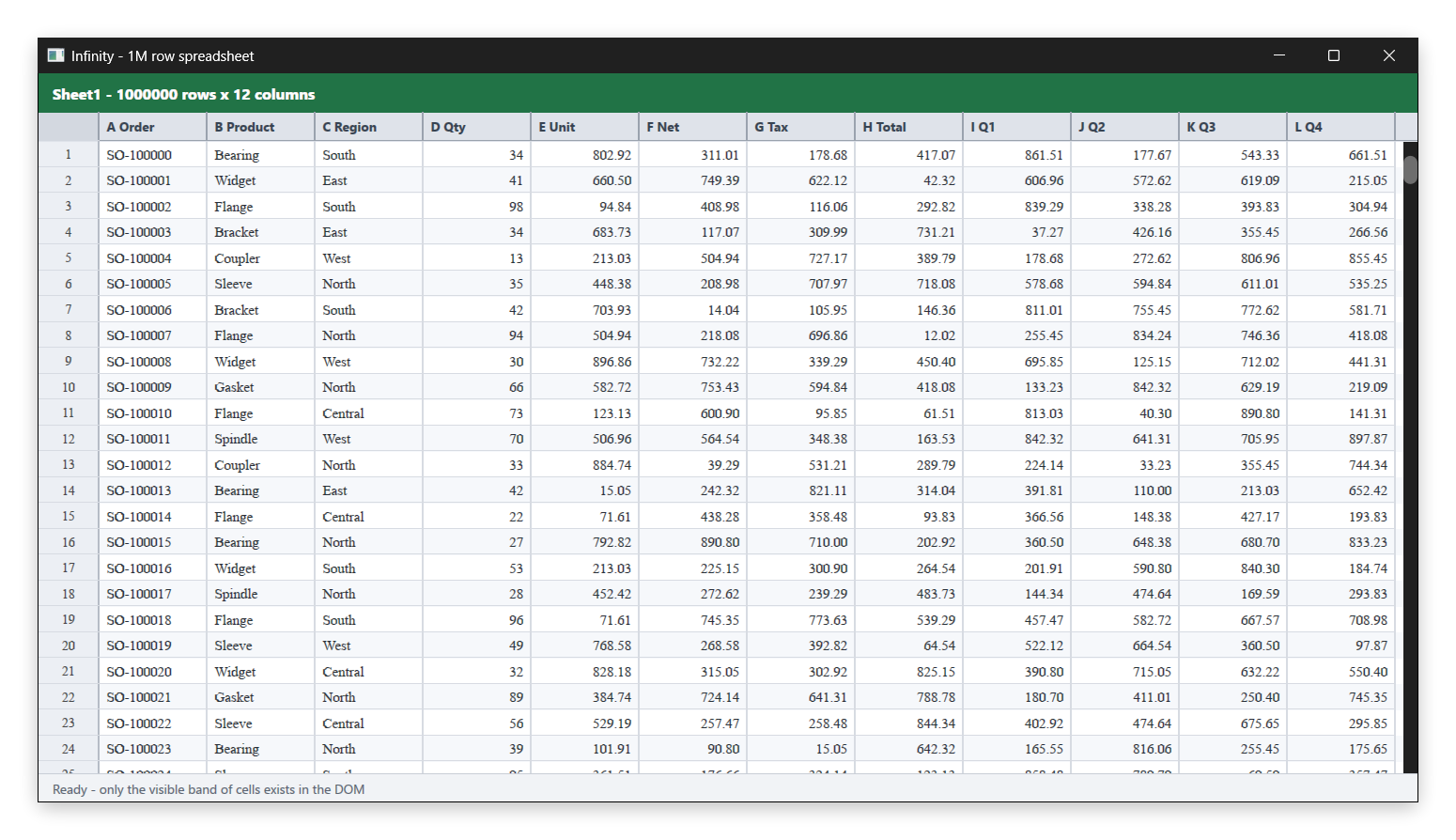
Azul has built-in VirtualView DOM nodes and content-measuring functions to help you virtualize
large lists or datasets - so the DOM never contains more than it needs to.
from azul import *

TOTAL_ROWS = 1000000
ROW_HEIGHT = 22.0
VISIBLE_ROWS = 60

COL_LABELS = ["A", "B", "C", "D", "E", "F", "G", "H", "I", "J", "K", "L"]
COL_TITLES = ["Order", "Product", "Region", "Qty", "Unit", "Net",
              "Tax", "Total", "Q1", "Q2", "Q3", "Q4"]
PRODUCTS = ["Widget", "Gasket", "Flange", "Bearing",
            "Bracket", "Spindle", "Coupler", "Sleeve"]
REGIONS = ["North", "South", "East", "West", "Central"]

COL_WIDTH = 92
ROW_HEAD_WIDTH = 52

SCROLL = EventFilter.Hover(HoverEventFilter.Scroll)
CLICK = EventFilter.Hover(HoverEventFilter.MouseUp)
PAGE = 25

class SheetState:
    def __init__(self):
        self.total_rows = TOTAL_ROWS
        self.first_row = 0

def hash2(row, col):
    h = (row * 2654435761 ^ col * 40503) & 0xFFFFFFFF
    h ^= h >> 13
    h = (h * 1274126177) & 0xFFFFFFFF
    return h ^ (h >> 16)

def cell_text(row, col):
    h = hash2(row, col)
    if col == 0:
        return "SO-%06d" % (100000 + row)
    if col == 1:
        return PRODUCTS[h % len(PRODUCTS)]
    if col == 2:
        return REGIONS[h % len(REGIONS)]
    if col == 3:
        return str(h % 90 + 10)
    return "%d.%02d" % (h % 900 + 10, h % 100)

def cell(text, css):
    return (Dom.create_div()
            .with_css(css)
            .with_child(Dom.create_p_with_text(text)))

def column_header():
    header = (Dom.create_div()
              .with_css("display:flex;flex-direction:row;background:#dfe3ea;"
                        "border-bottom:1px solid #9aa2ae;"))
    header = header.with_child(cell("", (
        "width:%dpx;min-width:%dpx;height:24px;line-height:24px;"
        "border-right:1px solid #9aa2ae;background:#d3d8e0;" % (ROW_HEAD_WIDTH, ROW_HEAD_WIDTH))))
    for label, title in zip(COL_LABELS, COL_TITLES):
        header = header.with_child(cell("%s   %s" % (label, title), (
            "width:%dpx;min-width:%dpx;height:24px;line-height:24px;padding-left:6px;"
            "font-size:11px;font-weight:bold;color:#33404f;overflow:hidden;"
            "border-right:1px solid #9aa2ae;" % (COL_WIDTH, COL_WIDTH))))
    return header

def sheet_rows(data):
    grid = Dom.create_div()
    end = min(data.first_row + VISIBLE_ROWS, data.total_rows)
    for row_idx in range(data.first_row, end):
        band = "#ffffff" if row_idx % 2 == 0 else "#f6f8fb"
        row = Dom.create_div().with_css(
            "display:flex;flex-direction:row;height:%dpx;background:%s;" % (ROW_HEIGHT, band))
        row = row.with_child(cell(str(row_idx + 1), (
            "width:%dpx;min-width:%dpx;height:%dpx;line-height:%dpx;text-align:center;"
            "font-size:11px;color:#444444;background:#eceff4;"
            "border-right:1px solid #b6bcc6;border-bottom:1px solid #d7dbe2;"
            % (ROW_HEAD_WIDTH, ROW_HEAD_WIDTH, ROW_HEIGHT, ROW_HEIGHT))))
        for col in range(len(COL_LABELS)):
            align = "right" if col >= 3 else "left"
            row = row.with_child(cell(cell_text(row_idx, col), (
                "width:%dpx;min-width:%dpx;height:%dpx;line-height:%dpx;padding-left:6px;"
                "padding-right:6px;font-size:12px;color:#1f2933;text-align:%s;overflow:hidden;"
                "border-right:1px solid #d7dbe2;border-bottom:1px solid #d7dbe2;"
                % (COL_WIDTH, COL_WIDTH, ROW_HEIGHT, ROW_HEIGHT, align))))
        grid = grid.with_child(row)
    return grid

def scroll_by(data, rows):
    new_first = max(0, min(data.total_rows - VISIBLE_ROWS, data.first_row + rows))
    if new_first == data.first_row:
        return Update.DoNothing
    data.first_row = new_first
    return Update.RefreshDom

def on_scroll(data, info):
    return scroll_by(data, PAGE)

def on_page_down(data, info):
    return scroll_by(data, PAGE)

def on_page_up(data, info):
    return scroll_by(data, -PAGE)

def pager_button(text, data, callback):
    return (Dom.create_div()
            .with_css("padding:2px 10px;margin-right:6px;background:#ffffff;color:#33404f;"
                      "border:1px solid #b6bcc6;font-size:11px;cursor:pointer;")
            .with_child(Dom.create_p_with_text(text))
            .with_callback(CLICK, data, callback))

def layout(data, info):
    title = (Dom.create_div()
             .with_css("padding:8px 12px;background:#217346;color:white;"
                       "font-size:13px;font-weight:bold;")
             .with_child(Dom.create_p_with_text(
                 "Sheet1  -  %d rows x %d columns" % (data.total_rows, len(COL_LABELS)))))

    viewport = (Dom.create_div()
                .with_css("flex-grow:1;overflow-y:auto;overflow-x:hidden;background:#ffffff;")
                .with_callback(SCROLL, data, on_scroll)
                .with_child(sheet_rows(data)))

    status = (Dom.create_div()
              .with_css("display:flex;flex-direction:row;align-items:center;padding:4px 12px;"
                        "background:#f1f3f6;border-top:1px solid #c9ced6;color:#55606e;"
                        "font-size:11px;")
              .with_child(pager_button("Prev", data, on_page_up))
              .with_child(pager_button("Next", data, on_page_down))
              .with_child(Dom.create_p_with_text(
                  "rows %d - %d of %d" % (data.first_row + 1,
                                          data.first_row + VISIBLE_ROWS,
                                          data.total_rows))))

    return (Dom.create_body()
            .with_css("display:flex;flex-direction:column;height:100%;margin:0;padding:0;"
                      "font-family:sans-serif;background:#ffffff;")
            .with_child(title)
            .with_child(column_header())
            .with_child(viewport)
            .with_child(status))

state = SheetState()
window = WindowCreateOptions.create(layout)
app = App.create(state, AppConfig.create())
app.run(window)
Native
Multithreading
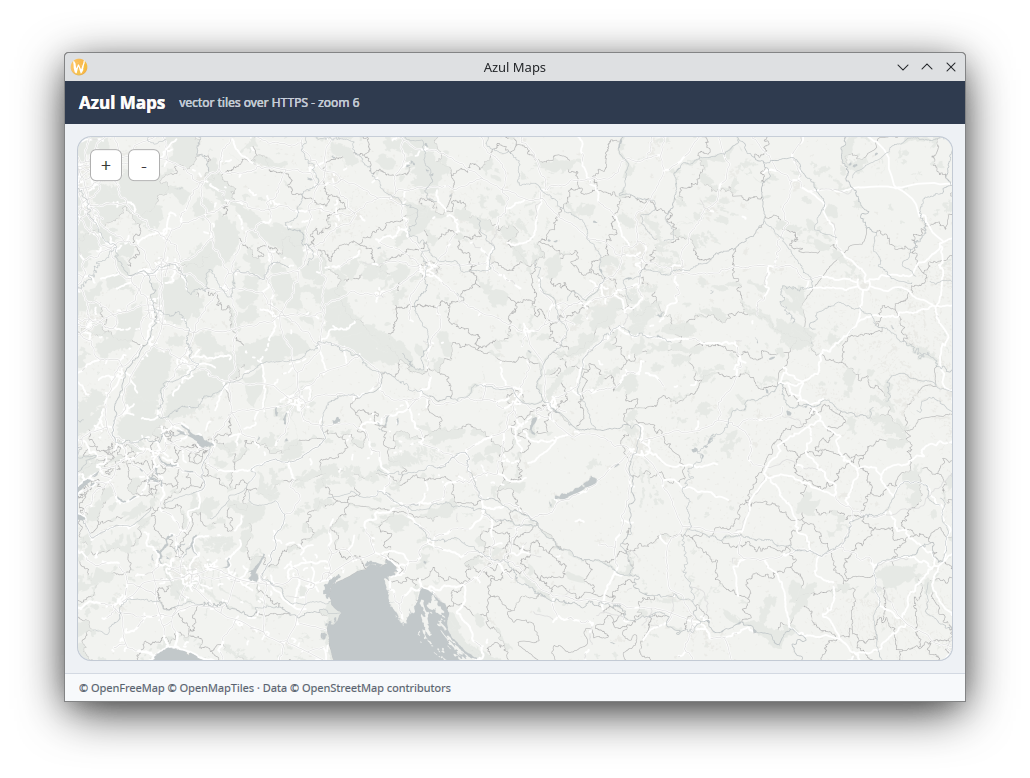
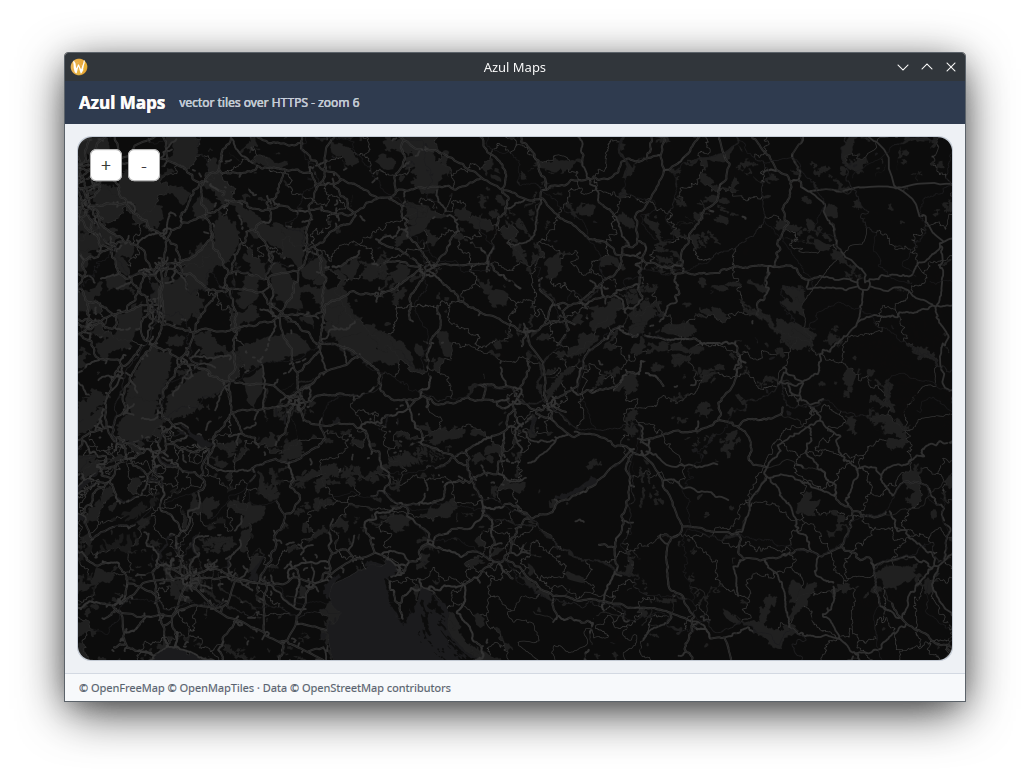
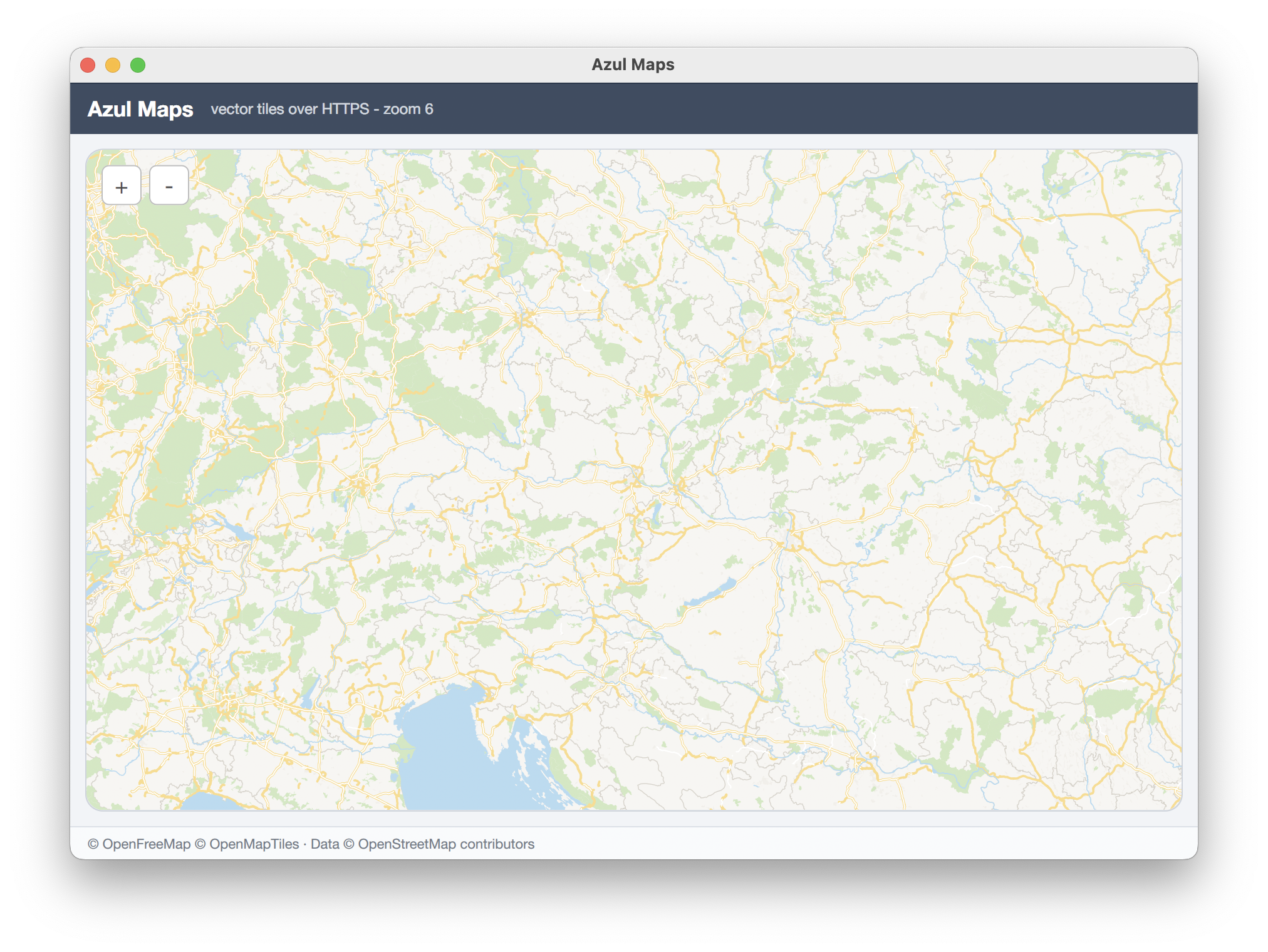
Heavy background tasks can run on OS-native threads without blocking the main thread - Azul keeps track of threads and progress is submitted via message-passing.
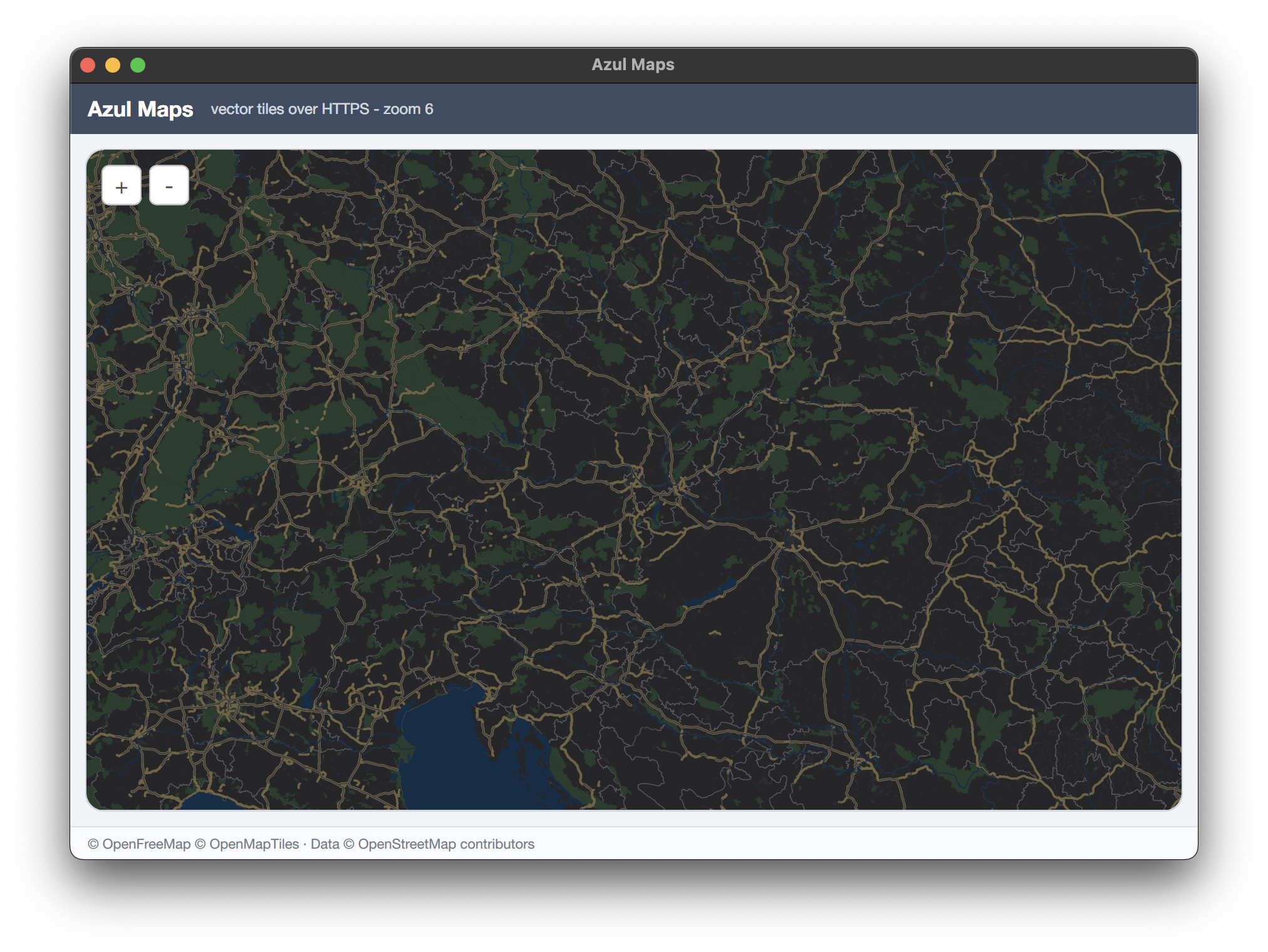
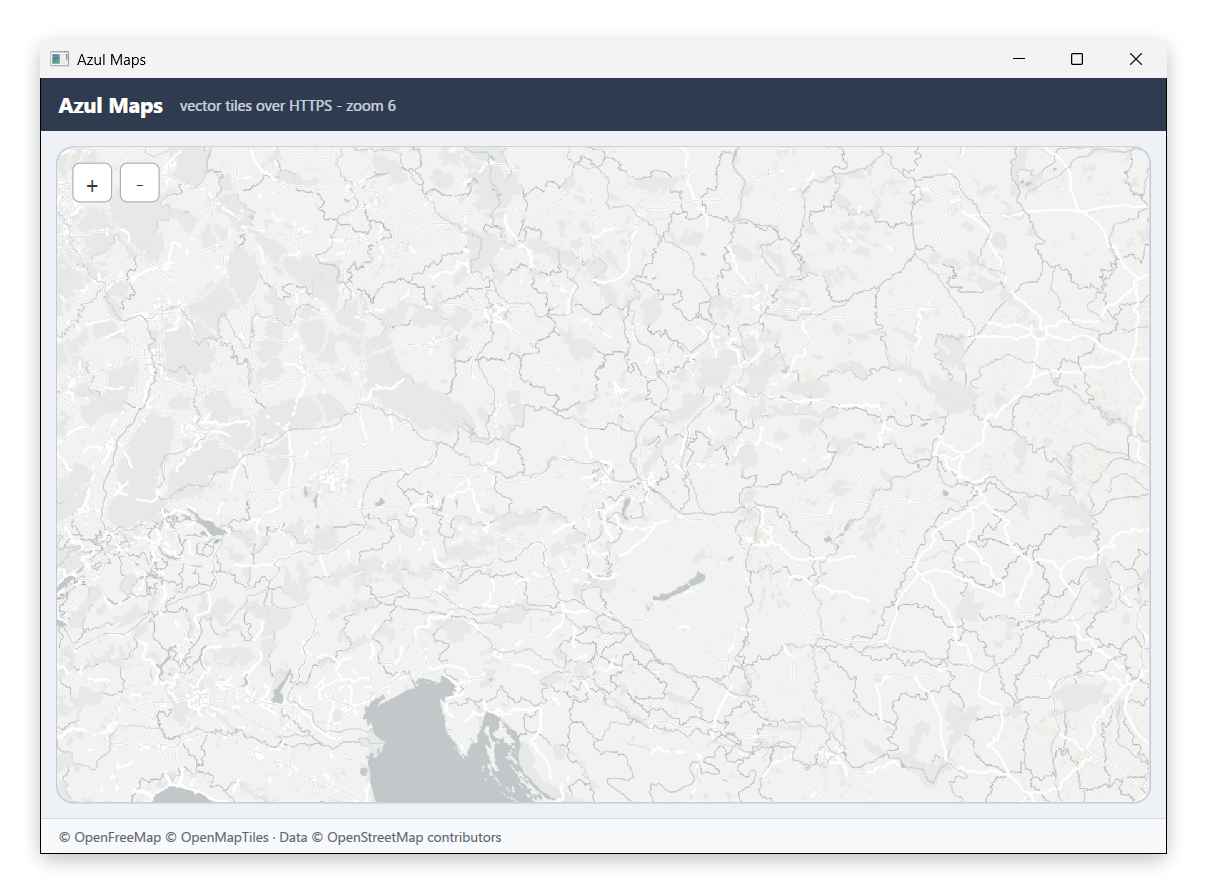
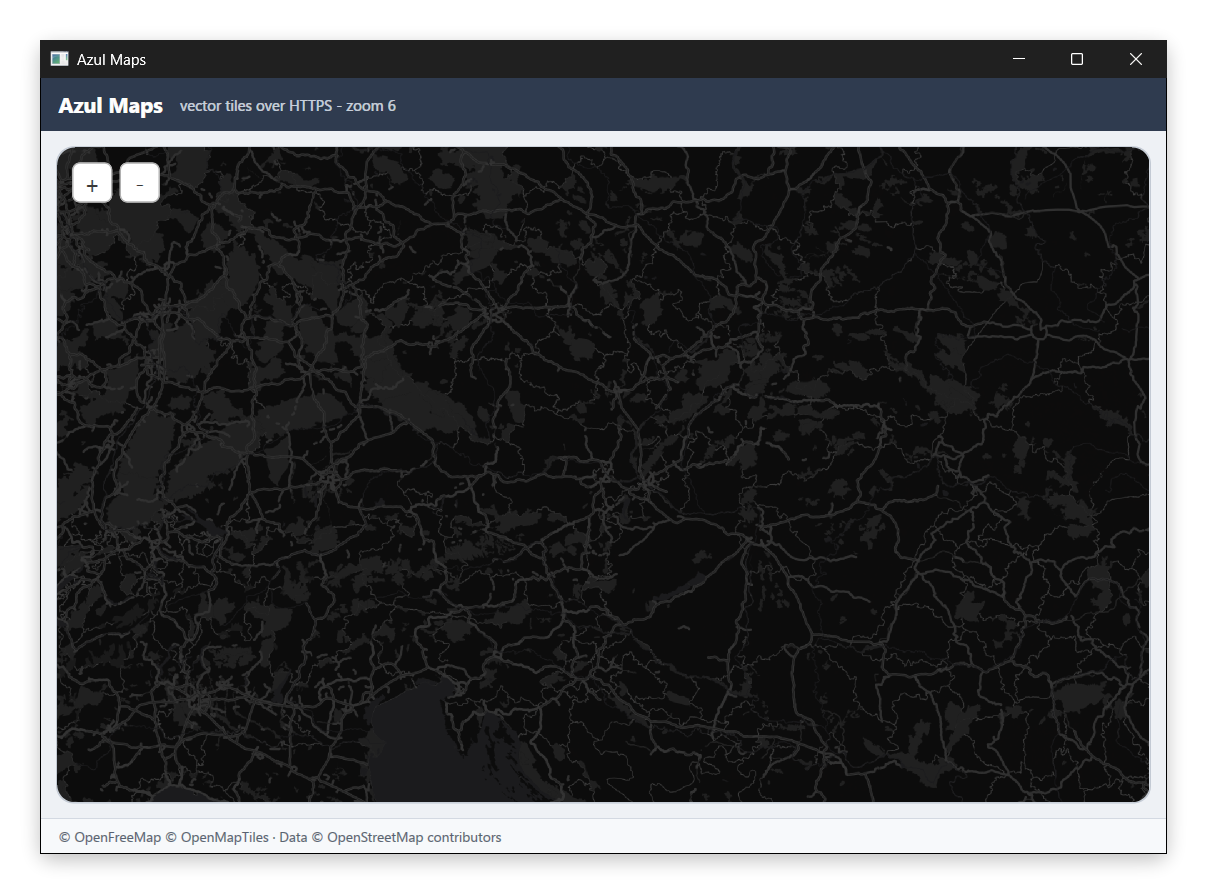
from azul import *

ZOOM_BUTTON = ("width: 30px; height: 30px; line-height: 30px; text-align: center; "
               "background: white; color: #333333; border: 1px solid #b0b0b0; "
               "border-radius: 6px; margin-right: 6px; font-size: 18px; cursor: pointer;")


class MapState:
    def __init__(self):
        self.viewport = MapViewport.default()
        self.viewport.centre_lat_deg = 48.2082
        self.viewport.centre_lon_deg = 16.3738
        self.viewport.zoom = 6.0
        self.viewport.bearing_deg = 0.0
        self.viewport.pitch_deg = 0.0
        self.tiles = HttpClient.create(HttpClientConfig.create())
        self.workers = ThreadPool.create(4)


def label(text, css):
    return Dom.create_span_with_text(text).with_css(css)


def zoom_button(glyph, name, data, callback):
    return (label(glyph, ZOOM_BUTTON)
            .with_callback(EventFilter.Hover(HoverEventFilter.MouseUp), data, callback)
            .with_accessibility_info(AccessibilityInfo.named(name, AccessibilityRole.PushButton)))


def change_zoom(data, delta):
    data.viewport.zoom = max(1.0, min(14.0, data.viewport.zoom + delta))
    return Update.RefreshDom


def on_zoom_in(data, info):
    return change_zoom(data, 1.0)


def on_zoom_out(data, info):
    return change_zoom(data, -1.0)


def on_map_mount(data, info, setup):
    return (setup.with_http_client(data.tiles)
                 .with_thread_pool(data.workers)
                 .with_max_in_flight(8))


def layout(data, info):
    layer = MapTileLayer.default()
    credit = layer.attribution

    map_dom = (MapWidget.create(layer)
               .with_theme(MapTheme.System)
               .with_viewport(data.viewport)
               .with_on_mount(data, on_map_mount)
               .dom()
               .with_css("width: 100%; height: 100%;"))

    header = (Dom.create_div()
              .with_css("display: flex; flex-direction: row; align-items: center; "
                        "padding: 10px 14px; background: #2f3b4f; color: white;")
              .with_child(label("Azul Maps", "font-size: 17px; font-weight: bold; margin-right: 14px;"))
              .with_child(label("vector tiles over HTTPS   -   zoom %.0f" % data.viewport.zoom,
                                "font-size: 12px; color: #c7d0dc;")))

    controls = (Dom.create_div()
                .with_css("position: absolute; left: 12px; top: 12px; display: flex; flex-direction: row;")
                .with_child(zoom_button("+", "Zoom in", data, on_zoom_in))
                .with_child(zoom_button("-", "Zoom out", data, on_zoom_out)))

    frame = (Dom.create_div()
             .with_css("flex-grow: 1; margin: 12px; border-radius: 14px; overflow: hidden; "
                       "border: 1px solid #c3cad4; background: #dfe5ec; position: relative;")
             .with_child(map_dom)
             .with_child(controls))

    footer = label(credit, "padding: 6px 14px; background: #f7f9fb; border-top: 1px solid #d3d9e2; "
                           "color: #55606e; font-size: 11px;")

    return (Dom.create_body()
            .with_css("display: flex; flex-direction: column; height: 100%; margin: 0; padding: 0; "
                      "background: #eef1f5; font-family: sans-serif;")
            .with_child(header)
            .with_child(frame)
            .with_child(footer))


if __name__ == "__main__":
    window = WindowCreateOptions.create(layout)
    state = window.window_state
    state.title = "Azul Maps"
    size = state.size
    dimensions = size.dimensions
    dimensions.width = 900.0
    dimensions.height = 620.0
    size.dimensions = dimensions
    state.size = size
    window.window_state = state

    app = App.create(MapState(), AppConfig.create())
    app.run(window)
Built-in CSS
Styling Engine
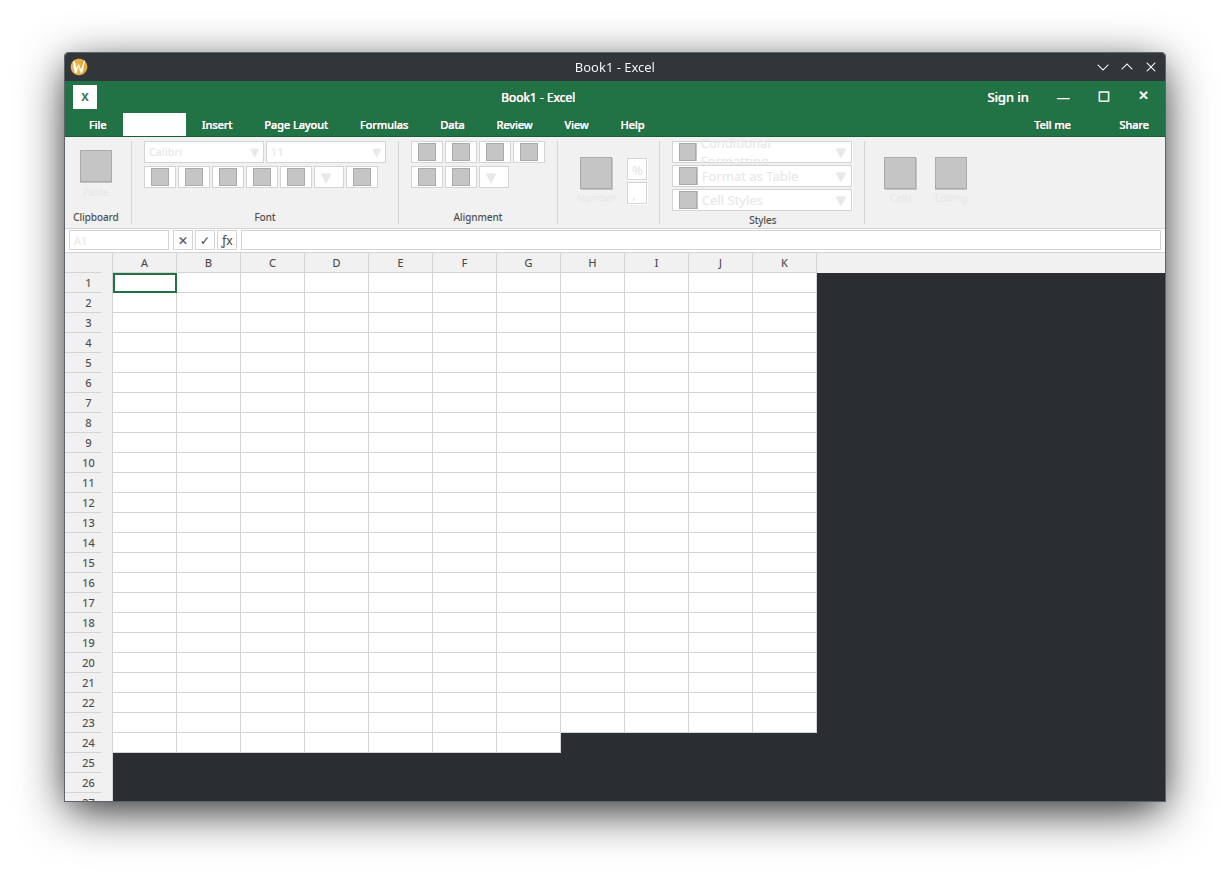
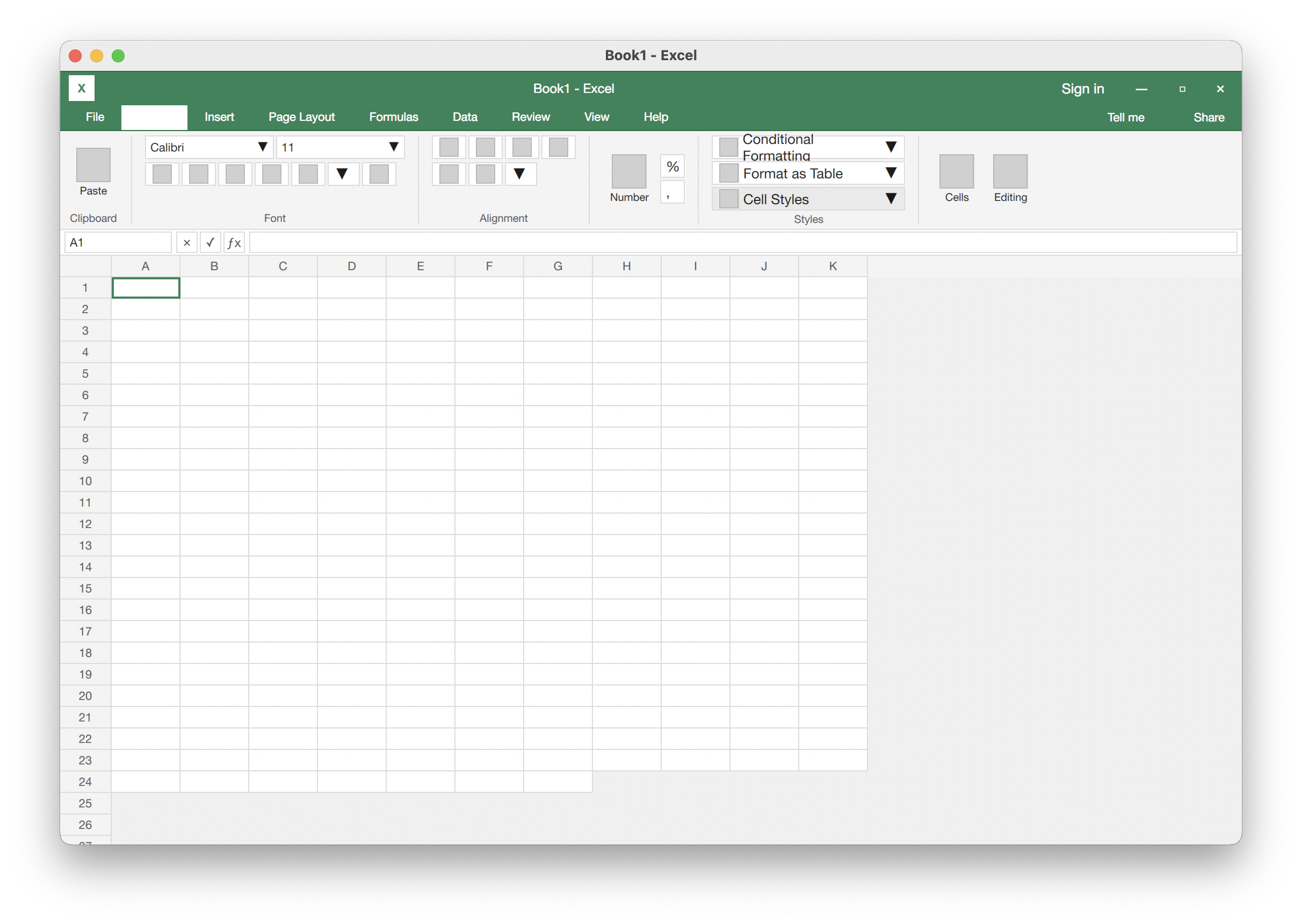
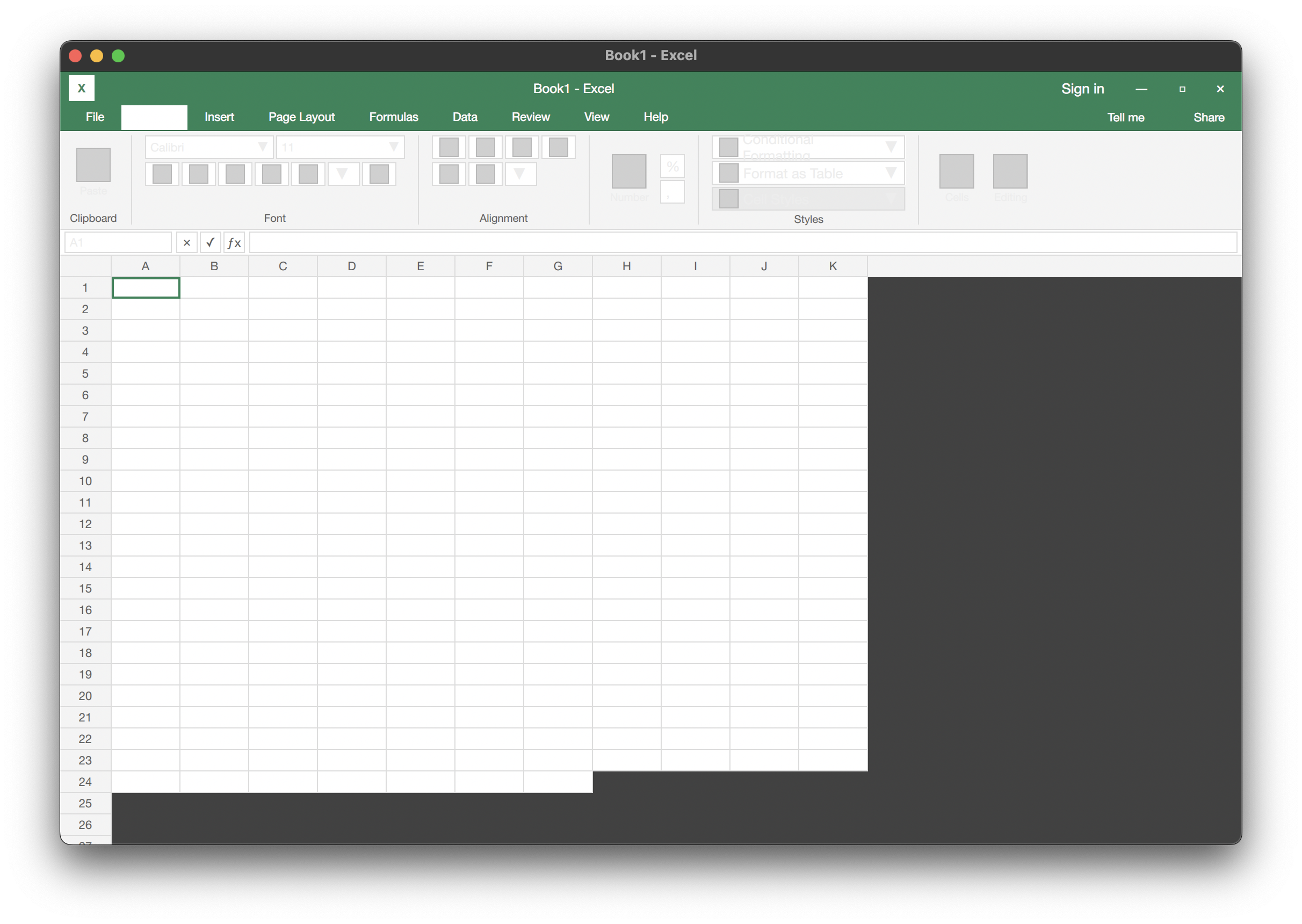
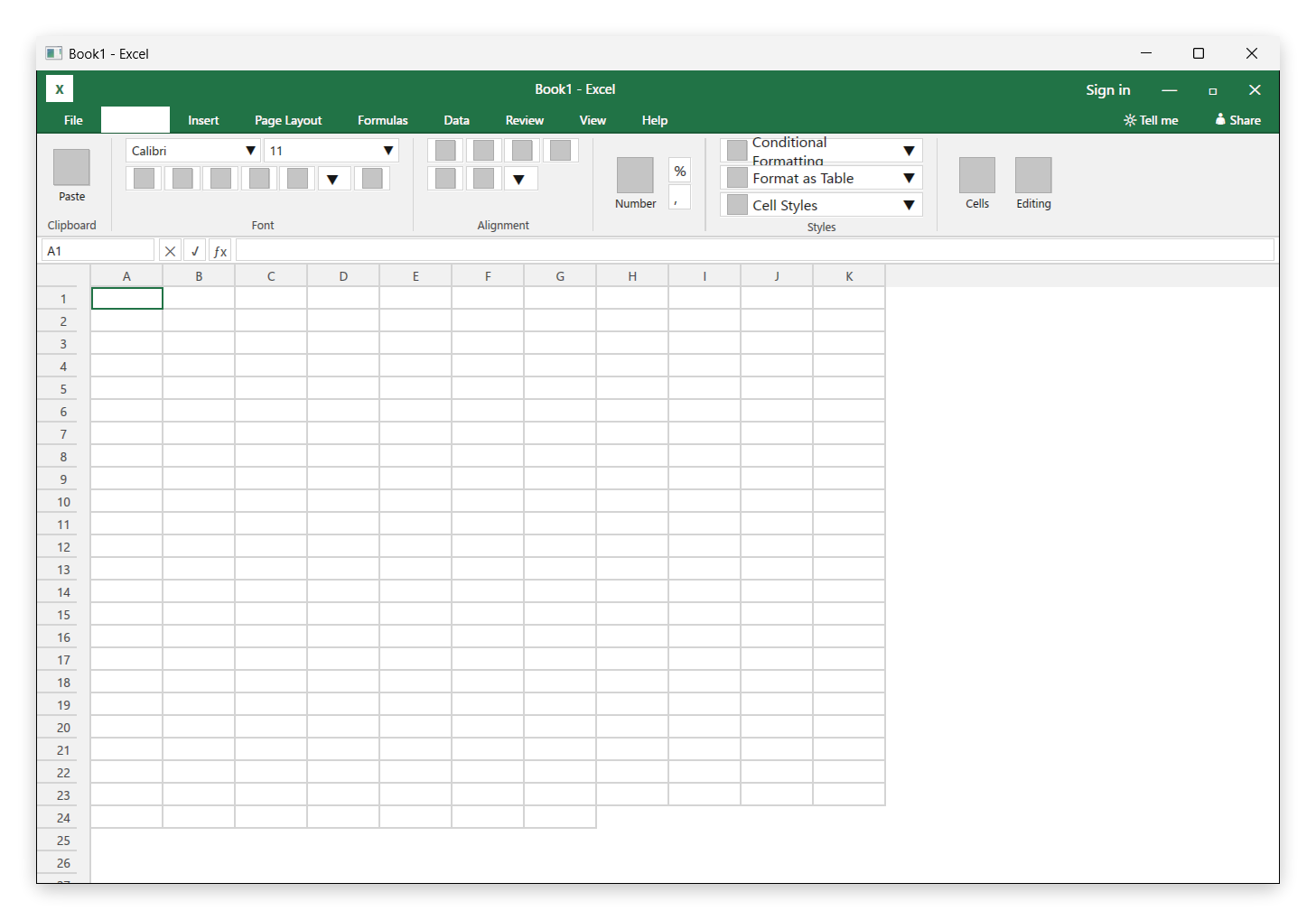
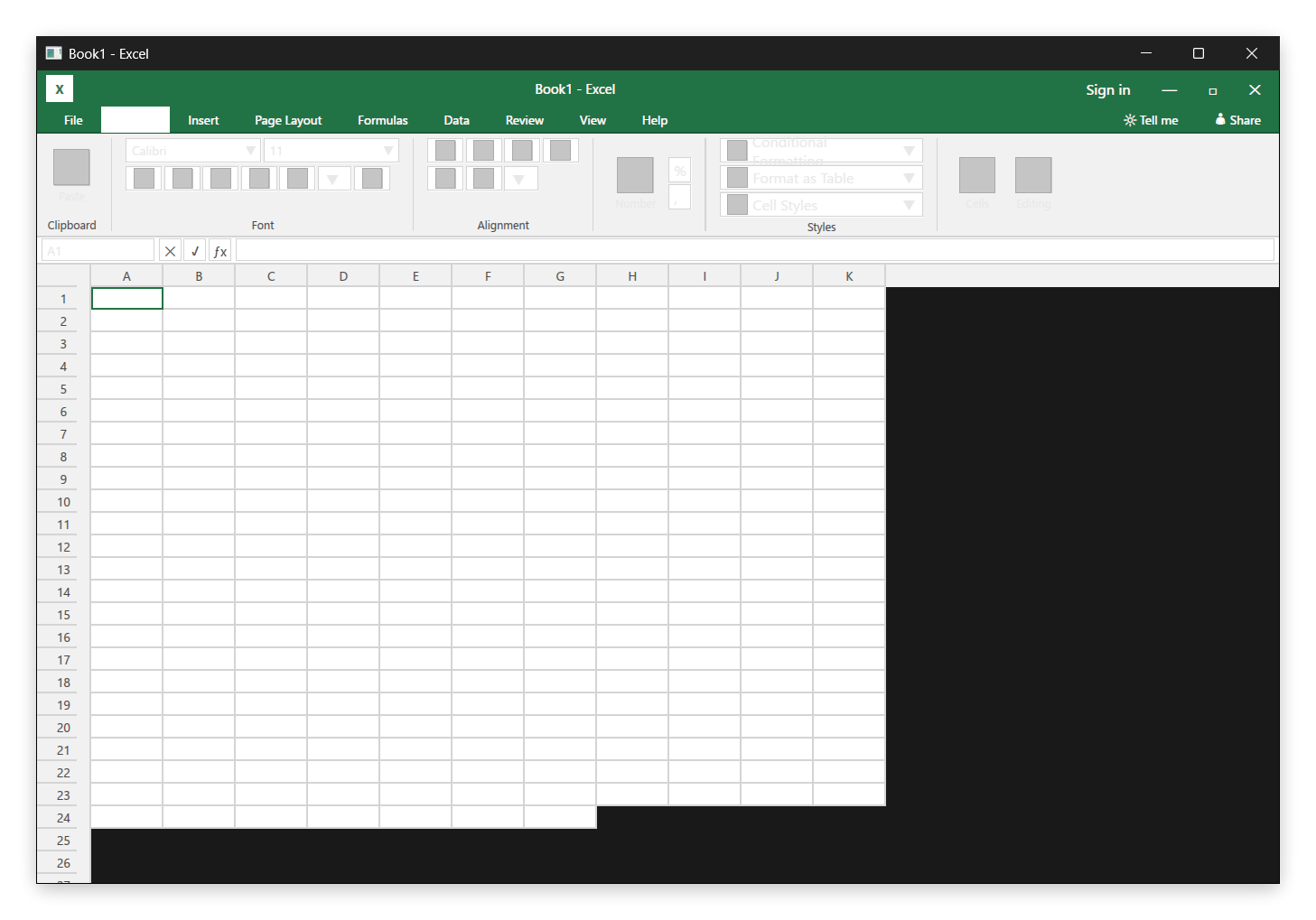
Azul contains a simplified XHTML parser to load UIs from external files / tools, in addition to an end-to-end testing pipeline to make sure your UI works the way you want it to.
import os

from azul import *

DOC_PATH = os.path.join(os.path.dirname(os.path.abspath(__file__)), "..", "assets", "spreadsheet.xhtml")

def error_dom(message):
    heading = (Dom.create_div()
               .with_css("font-size:20px;font-weight:bold;color:#a61b1b;margin-bottom:8px;")
               .with_child(Dom.create_p_with_text("XHTML load failed")))
    detail = (Dom.create_div()
              .with_css("font-size:13px;color:#5f2120;")
              .with_child(Dom.create_p_with_text(message)))
    return (Dom.create_body()
            .with_css("display:flex;flex-direction:column;padding:24px;background:#fdf2f2;")
            .with_child(heading)
            .with_child(detail))

def layout(data, info):
    try:
        with open(DOC_PATH, encoding="utf-8") as handle:
            src = handle.read()
    except OSError as err:
        return error_dom(str(err))

    parsed = Xml.from_str(src)
    if parsed.is_ok():
        return Dom.create_from_parsed_xml(parsed.as_ok())
    return error_dom(str(parsed.as_err()))

app = App.create(None, AppConfig.create())
window = WindowCreateOptions.create(layout)
app.run(window)
Flexbox and
Grid Layouts
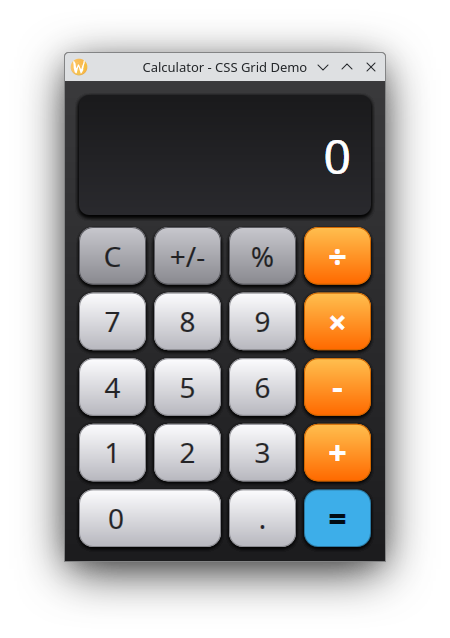
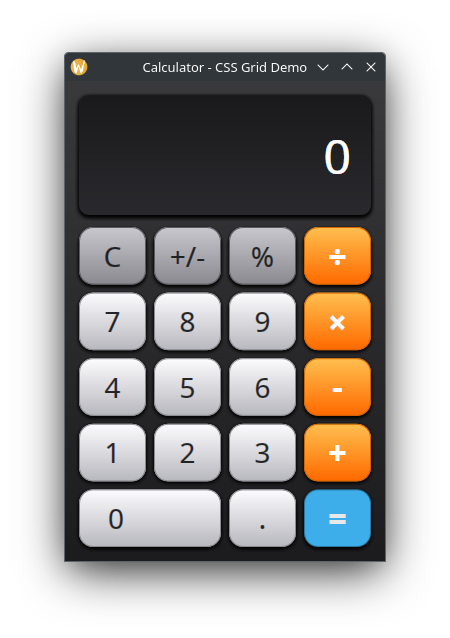
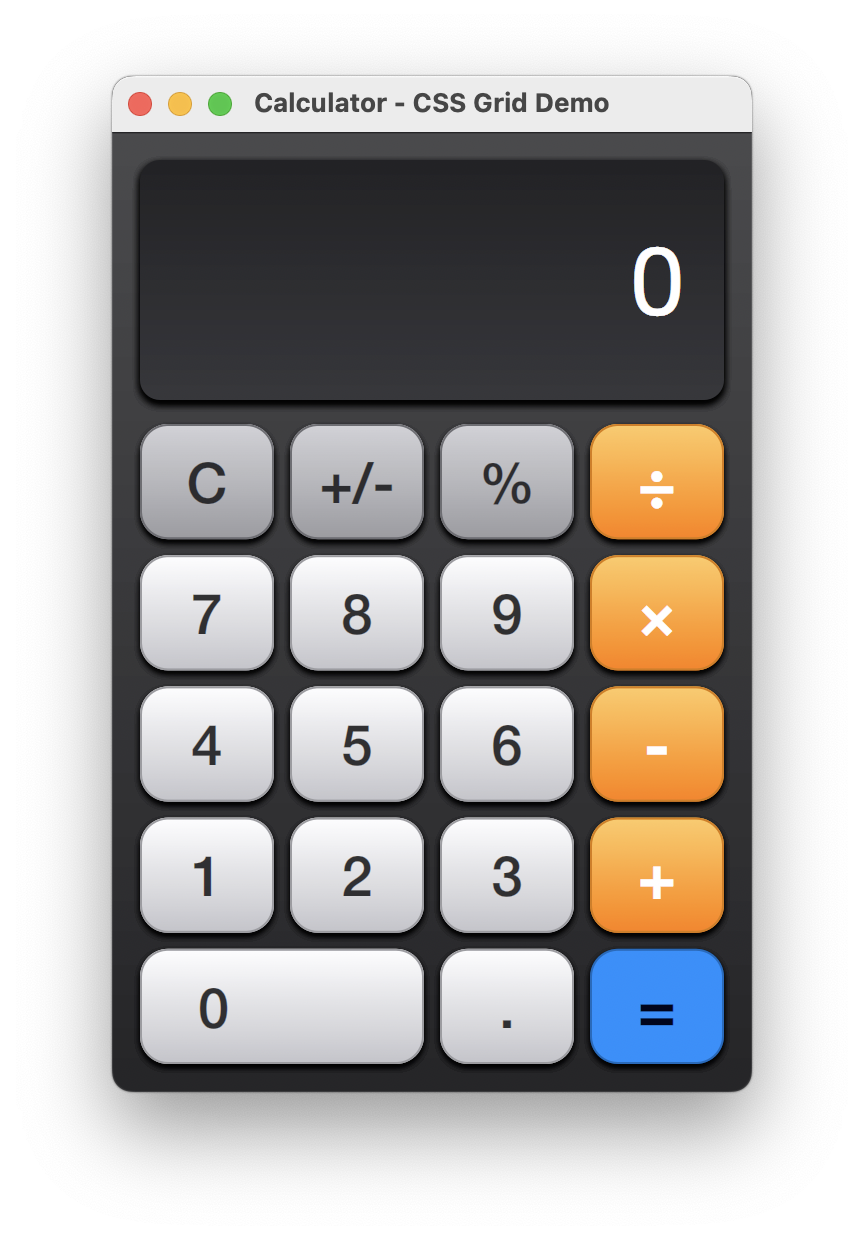
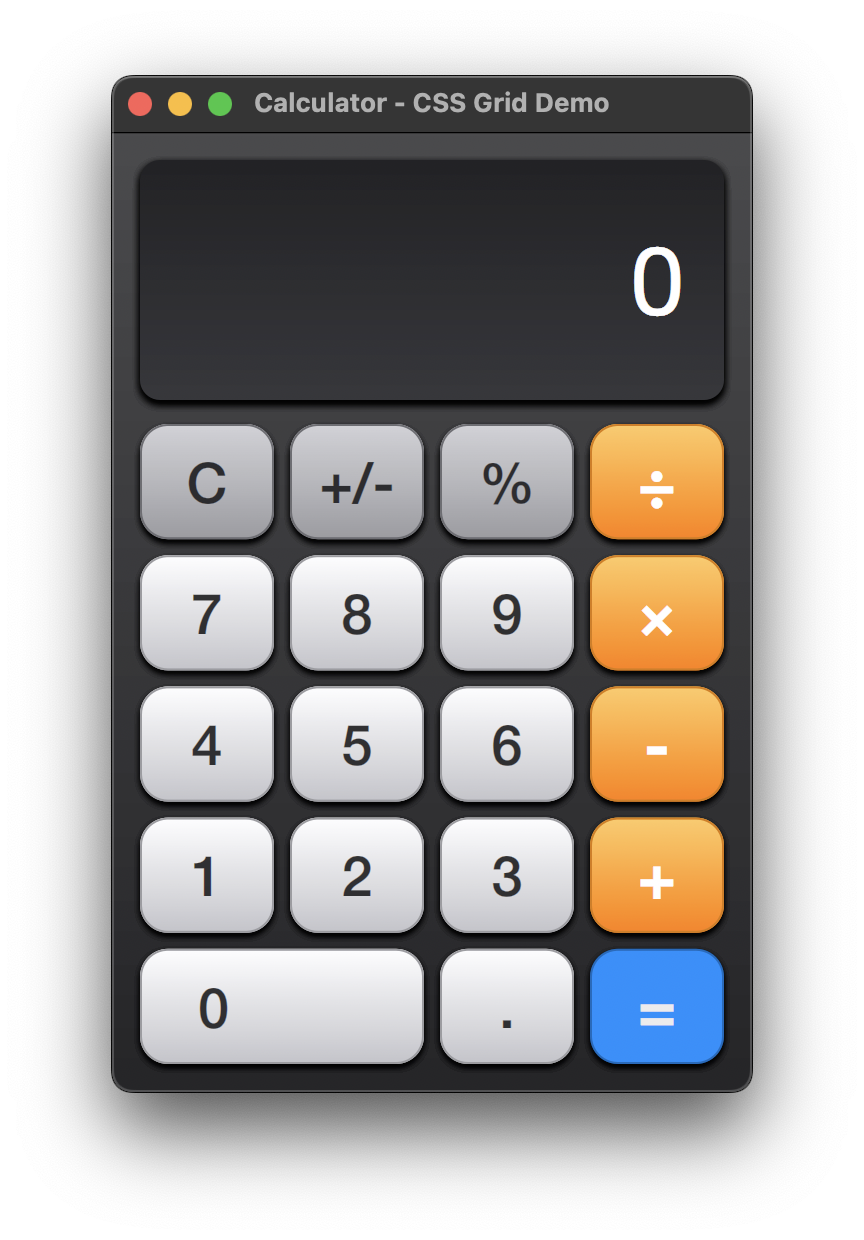
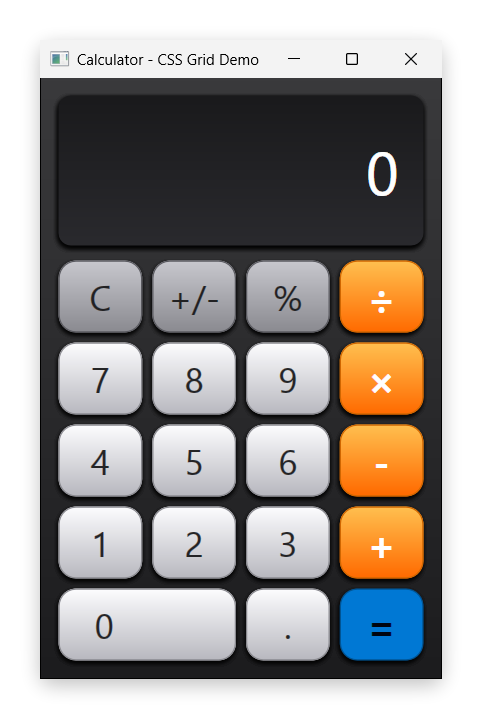
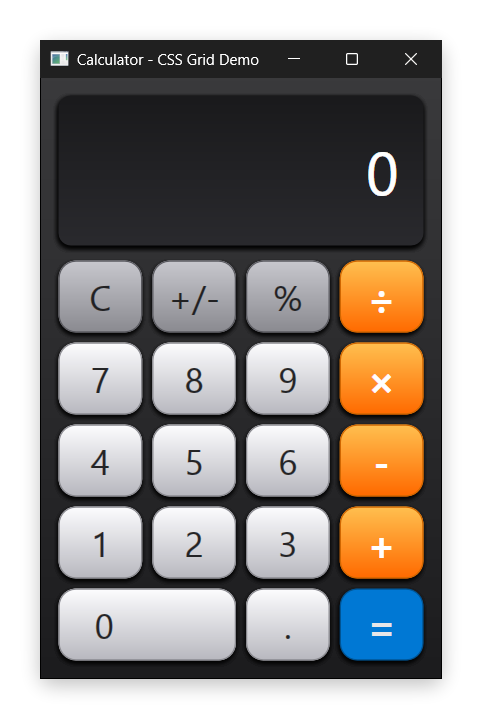
Azul includes support for flex and grid layouts via the taffy engine and runs reference tests against Google Chrome to make sure the UI looks like in a browser - only without the heavy memory penalty
from azul import *

class Calculator:
    def __init__(self):
        self.display = "0"
        self.current_value = 0.0
        self.pending_operation = None
        self.pending_value = None
        self.clear_on_next_input = False

    def input_digit(self, digit):
        if self.clear_on_next_input:
            self.display = ""
            self.clear_on_next_input = False
        if self.display == "0" and digit != ".":
            self.display = digit
        elif digit == "." and "." in self.display:
            pass
        else:
            self.display += digit
        self.current_value = float(self.display) if self.display else 0.0

    def set_operation(self, op):
        self.calculate()
        self.pending_operation = op
        self.pending_value = self.current_value
        self.clear_on_next_input = True

    def calculate(self):
        if self.pending_operation is None or self.pending_value is None:
            return
        if self.pending_operation == "add":
            result = self.pending_value + self.current_value
        elif self.pending_operation == "subtract":
            result = self.pending_value - self.current_value
        elif self.pending_operation == "multiply":
            result = self.pending_value * self.current_value
        elif self.pending_operation == "divide":
            if self.current_value != 0:
                result = self.pending_value / self.current_value
            else:
                self.display = "Error"
                self.pending_operation = None
                self.pending_value = None
                return
        else:
            return
        self.current_value = result
        if result == int(result) and abs(result) < 1e15:
            self.display = str(int(result))
        else:
            self.display = str(result)
        self.pending_operation = None
        self.pending_value = None
        self.clear_on_next_input = True

    def clear(self):
        self.display = "0"
        self.current_value = 0.0
        self.pending_operation = None
        self.pending_value = None
        self.clear_on_next_input = False

    def invert_sign(self):
        self.current_value = -self.current_value
        self.display = (str(int(self.current_value))
                        if self.current_value == int(self.current_value)
                        else str(self.current_value))

    def percent(self):
        self.current_value /= 100.0
        self.display = str(self.current_value)

CALC_STYLE = ("height:100%;display:flex;flex-direction:column;"
              "font-family:sans-serif;")
DISPLAY_STYLE = ("background-color:#2d2d2d;color:white;font-size:48px;"
                 "text-align:right;padding:20px;display:flex;align-items:center;"
                 "justify-content:flex-end;min-height:80px;")
BUTTONS_STYLE = ("flex-grow:1;display:grid;"
                 "grid-template-columns:1fr 1fr 1fr 1fr;"
                 "grid-template-rows:1fr 1fr 1fr 1fr 1fr;gap:1px;"
                 "background-color:#666666;")
BTN_STYLE = ("background-color:#d1d1d6;color:#1d1d1f;font-size:24px;"
             "display:flex;align-items:center;justify-content:center;")
OP_STYLE = ("background-color:#ff9f0a;color:white;font-size:24px;"
            "display:flex;align-items:center;justify-content:center;")
ZERO_STYLE = ("background-color:#d1d1d6;color:#1d1d1f;font-size:24px;"
              "display:flex;align-items:center;justify-content:flex-start;"
              "padding-left:28px;grid-column:span 2;")

def make_callback(calc, event_type, event_data):
    def cb(data, info):
        if event_type == "digit":
            calc.input_digit(event_data)
        elif event_type == "operation":
            calc.set_operation(event_data)
        elif event_type == "equals":
            calc.calculate()
        elif event_type == "clear":
            calc.clear()
        elif event_type == "invert":
            calc.invert_sign()
        elif event_type == "percent":
            calc.percent()
        return Update.RefreshDom
    return cb

def button(calc, label, event_type, event_data, style):
    return (Dom.create_div()
            .with_css(style)
            .with_child(Dom.create_p_with_text(label))
            .with_callback(
                EventFilter.Hover(HoverEventFilter.MouseUp),
                calc,
                make_callback(calc, event_type, event_data)))

def layout(data, info):
    display = (Dom.create_div()
               .with_css(DISPLAY_STYLE)
               .with_child(Dom.create_p_with_text(data.display)))

    rows = [
        ("C", "clear", None, BTN_STYLE),
        ("+/-", "invert", None, BTN_STYLE),
        ("%", "percent", None, BTN_STYLE),
        ("÷", "operation", "divide", OP_STYLE),
        ("7", "digit", "7", BTN_STYLE),
        ("8", "digit", "8", BTN_STYLE),
        ("9", "digit", "9", BTN_STYLE),
        ("×", "operation", "multiply", OP_STYLE),
        ("4", "digit", "4", BTN_STYLE),
        ("5", "digit", "5", BTN_STYLE),
        ("6", "digit", "6", BTN_STYLE),
        ("-", "operation", "subtract", OP_STYLE),
        ("1", "digit", "1", BTN_STYLE),
        ("2", "digit", "2", BTN_STYLE),
        ("3", "digit", "3", BTN_STYLE),
        ("+", "operation", "add", OP_STYLE),
        ("0", "digit", "0", ZERO_STYLE),
        (".", "digit", ".", BTN_STYLE),
        ("=", "equals", None, OP_STYLE),
    ]

    buttons = Dom.create_div().with_css(BUTTONS_STYLE)
    for label, evt, evt_data, style in rows:
        buttons = buttons.with_child(button(data, label, evt, evt_data, style))

    body = (Dom.create_div()
            .with_css(CALC_STYLE)
            .with_child(display)
            .with_child(buttons))

    return body

def main():
    calc = Calculator()
    app = App.create(calc, AppConfig.create())
    window = WindowCreateOptions.create(layout)
    app.run(window)

if __name__ == "__main__":
    main()