Flexbox
Overview
display: flex and display: inline-flex lay out children along one axis and align them on the other. The axis is set by flex-direction. The remaining properties decide how free space is distributed and where items align.
<div style='display: flex; gap: 8px; padding: 8px;'>
   <div>one</div>
   <div>two</div>
   <div>three</div>
 </div>
Container properties
These apply to the element with display: flex or display: inline-flex.
flex-direction
row(default). Main axis is horizontal. Items run first to last.row-reverse. Main axis is horizontal. Items run last to first.column. Main axis is vertical. Items run first to last.column-reverse. Main axis is vertical. Items run last to first.
row makes the inline axis the main axis. column makes the block axis the main axis.
flex-wrap
nowrap(default). Forces a single line for all children - items shrink to fit.wrap. Overflowing children wrap to a new line.wrap-reverse. Wraps in reverse cross-axis order.
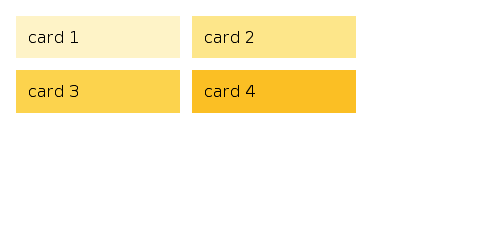
<div style='display: flex; flex-wrap: wrap; gap: 8px;'>
   <div style='width: 120px;'>one</div>
   <div style='width: 120px;'>two</div>
   <div style='width: 120px;'>three</div>
 </div>
justify-content: main-axis alignment
justify-content distributes free space along the main axis.
start(default). Items pack to the absolute start of the axis.end. Items pack to the absolute end of the axis.flex-start. Items pack to the flex-relative start.- Under
row-reverseorcolumn-reverse, this equalsend.
- Under
flex-end. Items pack to the flex-relative end.- Under
row-reverseorcolumn-reverse, this equalsstart.
- Under
center. Free space splits equally on both ends.space-between. Space between items, none at ends.space-around. Half-space at ends, full between.space-evenly. Equal space everywhere.
start and flex-start are distinct variants and do not behave the same in reversed directions, i.e. in RTL contexts. The same applies to end and flex-end.
align-items: cross-axis alignment for every line
stretch(default). Fills the cross axis.start/flex-start. Aligns to cross-start.end/flex-end. Aligns to cross-end.center. Centres on cross axis.baseline. Aligns text baselines.
Unlike justify-content, the align-items property aliases start to flex-start and end to flex-end.
align-content: cross-axis alignment between lines
Takes effect when flex-wrap: wrap produces multiple lines. align-content accepts:
stretch(default).center.start/flex-start.end/flex-end.space-between.space-around.
Item properties
These apply to children of a flex container.
flex-grow and flex-shrink
flex-grow is a non-negative number, default 0. flex-shrink is its mirror, default 1.
When the container has free space on the main axis, items split it in proportion to flex-grow. When the container overflows, items shrink in proportion to flex-shrink.
<div style='display: flex;'>
   <div style='flex-grow: 1;'>fills available</div>
   <div style='flex-grow: 2;'>fills twice as much</div>
   <div>auto-sized</div>
 </div>
flex-basis
auto(default). Useswidthorheight.<length>. Fixed size before grow/shrink applies.
flex-basis defines the initial size of the item before space distribution. It accepts px, percentages, em, rem, and pt. Setting a non-auto basis completely overrides the item's width property.
flex shorthand
The flex property combines flex-grow, flex-shrink, and flex-basis.
flex: nonesets grow to0, shrink to0, and basis toauto.flex: <number>sets grow. Shrink defaults to1and basis becomes0px.flex: <basis>sets basis.flex: <grow> <shrink>sets grow and shrink. Basis becomes0px.flex: <grow> <basis>sets grow and basis. Shrink defaults to1.flex: <grow> <shrink> <basis>sets all three.
Setting flex: 1 computes to flex-basis: 0px. This overrides the default auto basis and removes the element's natural width from the distribution calculation.
align-self: override align-items for one item
align-self overrides the container's align-items for a specific item. It accepts:
auto(default). Inherits the container'salign-items.stretch,center,start/flex-start,end/flex-end,baseline.
<div style='display: flex; align-items: stretch;'>
   <div>stretches</div>
   <div style='align-self: center;'>centred only</div>
 </div>
Recipes
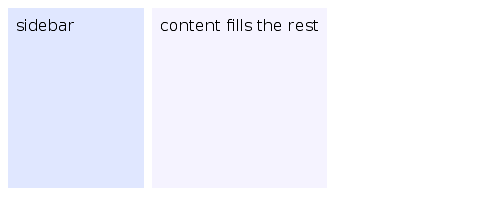
Sidebar + content
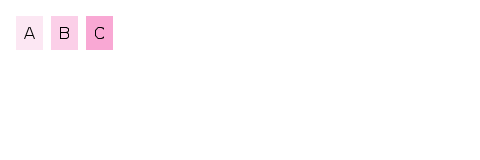
Equal columns
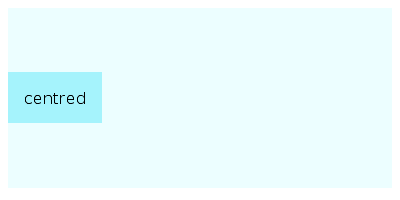
Centred content
Wrapping cards
Default values at a glance
flex-directiondefaults torow.flex-wrapdefaults tonowrap.justify-contentdefaults tostart.align-itemsdefaults tostretch.align-contentdefaults tostretch.flex-growdefaults to0.flex-shrinkdefaults to1.flex-basisdefaults toauto.align-selfdefaults toauto.gapdefaults to0.